T
his
action cannot
be
completed
becal..Jse
the
other
progr.9m
is
busy.
Choose
'S
....
·Jitch
To'
to
activate
the
busy
program
and
correct
the
problem.
o Proper operation when connecting to a computer or printer cannot be
guaranteed if the disc inserted into the camcorder was recorded or used
in
a
non-Canon digital device.
o Observe the following precautions when the camcorder's access indicator is
flashing. Failure to do so may cause disc or memory card data to become
corrupted.
- Do not open the disc or memory card cover, remove the disc or memory
card or detach the USB cable.
- Do not turn off the camcorder or the computer.
- Do not change the position
of
the power switch
or
the
.~
/0
switch.
o Images recorded onto the disc, memory card or downloaded to the hard disk
are important original data files. Create a copy
of
the file first before working
on it on your computer.
o
For
Windows
XP Users:
- Do not rotate the image
in
the [Windows Picture and Fax Viewer] or
in
the
explorer view. The data for the original image will be changed and the
image can no longer be displayed in ZoomBrowser EX
or
on the
camcorder.
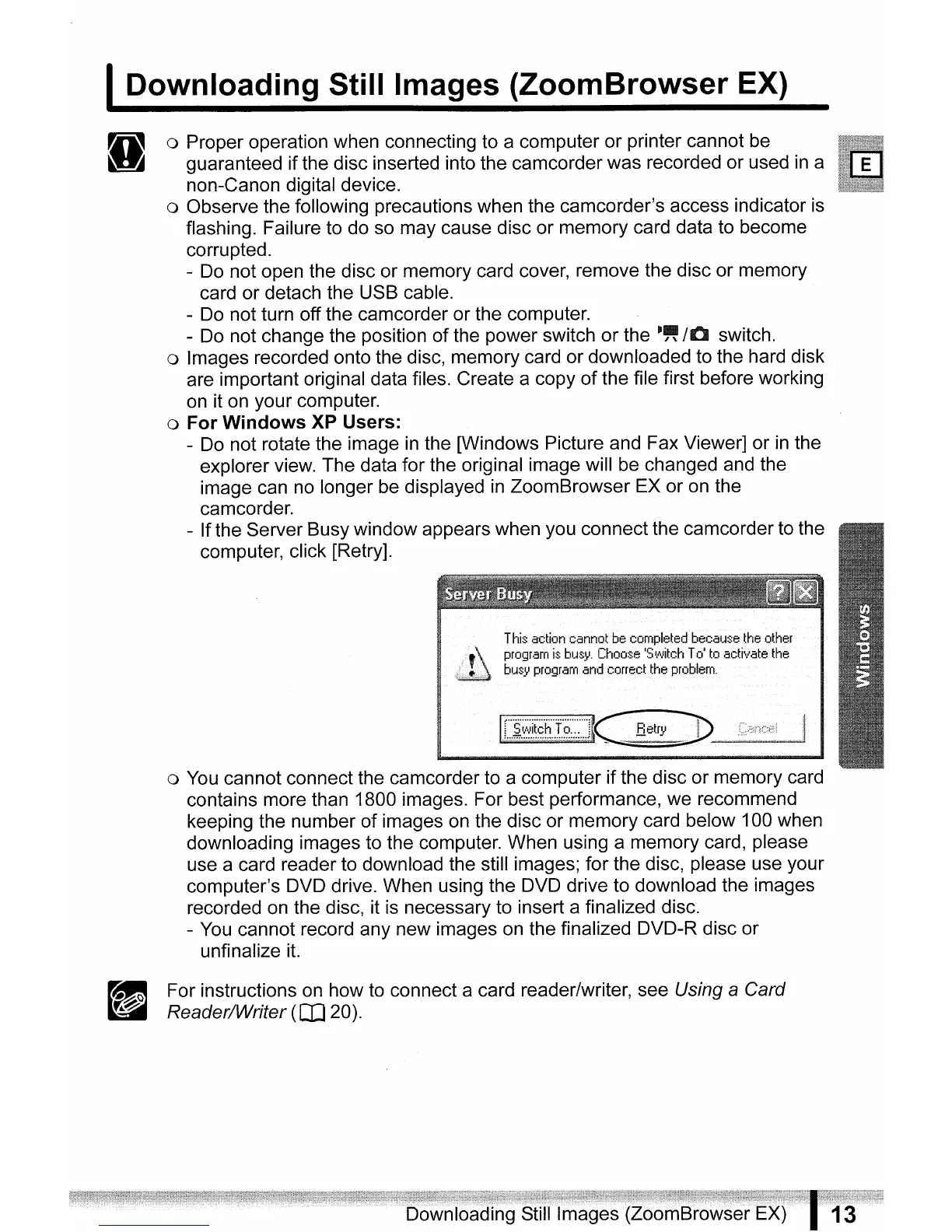
- Ifthe Server Busy window appears when you connect the camcorder to the
computer, click [Retry].
o You cannot connect the camcorder to a computer if the disc
or
memory card
contains more than 1800 images. For best performance, we recommend
keeping the number
of
images on the disc or memory card below 100 when
downloading images to the computer. When using a memory card, please
use a card reader to download the still images; for the disc, please use your
computer's DVD drive. When using the DVD drive to download the images
recorded on the disc, it is necessary to insert a finalized disc.
-
You
cannot record any new images on the finalized DVD-R disc
or
unfinalize
it.
I
Downloading
Still Images
(ZoomBrowser
EX)
g
For instructions on how to connect a card reader/writer, see Using a Card
Reader/Writer
(OJ
20).



 To Next Page