Initializing
the
Memory
Card
Initialize a new memory card when first inserting it into the camcorder.
You
may have to
initialize a card if you get the "CARD ERROR" message or you may choose to do so to
IE
erase all data recorded on it.
~
~R;
0 Initializing the card will permanently erase all the recorded still images, even the
protected ones
o Once the card is initialized, the original images cannot be recovered.
o Initialize all memory cards before using them with this camcorder.
~~~)
~
STILL
IMG
OPER.
I~I
CARD
INITIALIZE
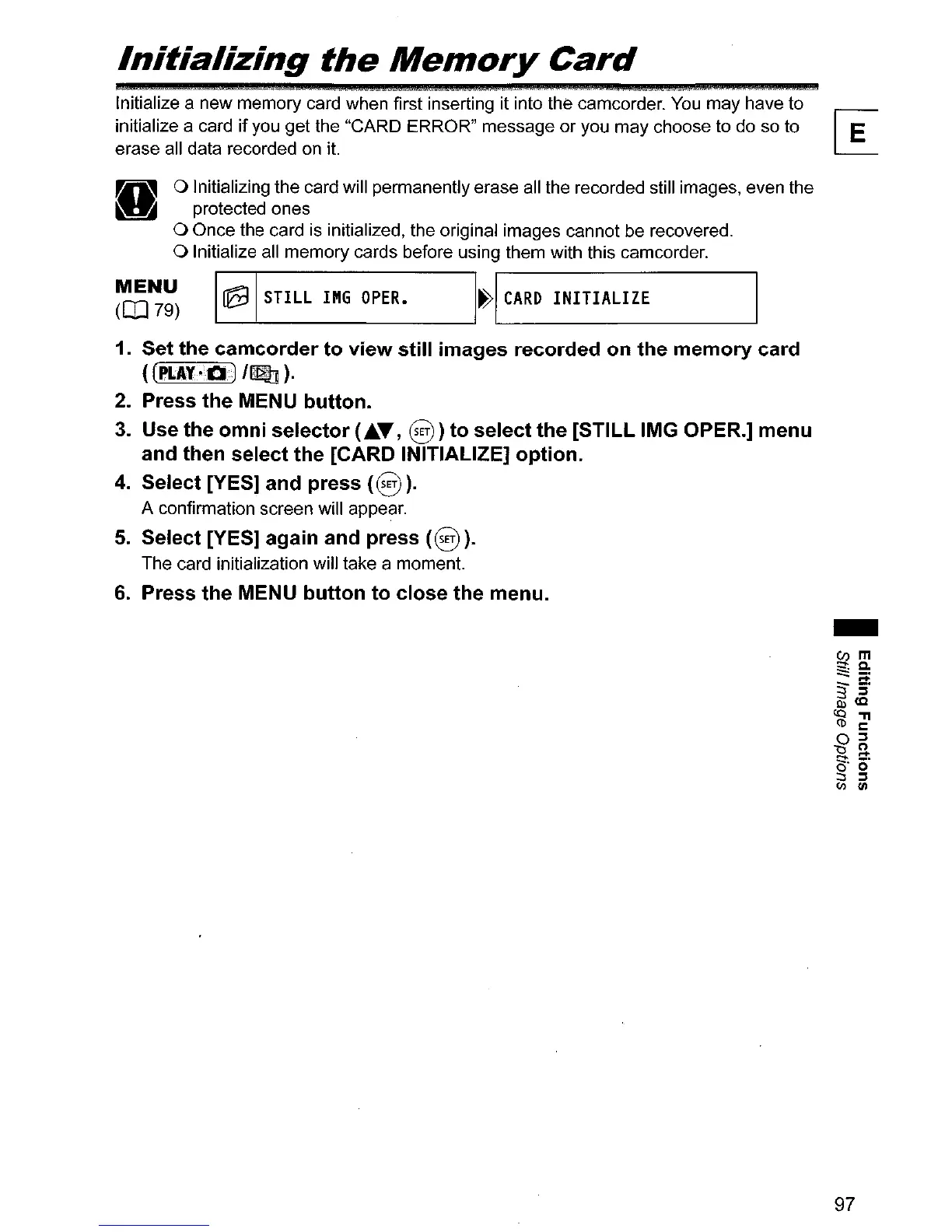
1. Set the camcorder to view still images recorded on the memory card
(
(PLAY·Q·1/~
).
2. Press the MENU button.
3.
Use the omni selector (•
.."
§)
to select the [STILL IMG OPER.] menu
and then select the [CARD INITIALIZE] option.
4.
Select [YES] and press
(§
).
A confirmation screen will appear.
5.
Select [YES] again and press
(§).
The card initialization will take a moment.
6.
Press the MENU button to close the menu.
-
97



 To Next Page