P
filllID
SeN
L...-
•••
~
ell)
Selecting
the
Recording
Program
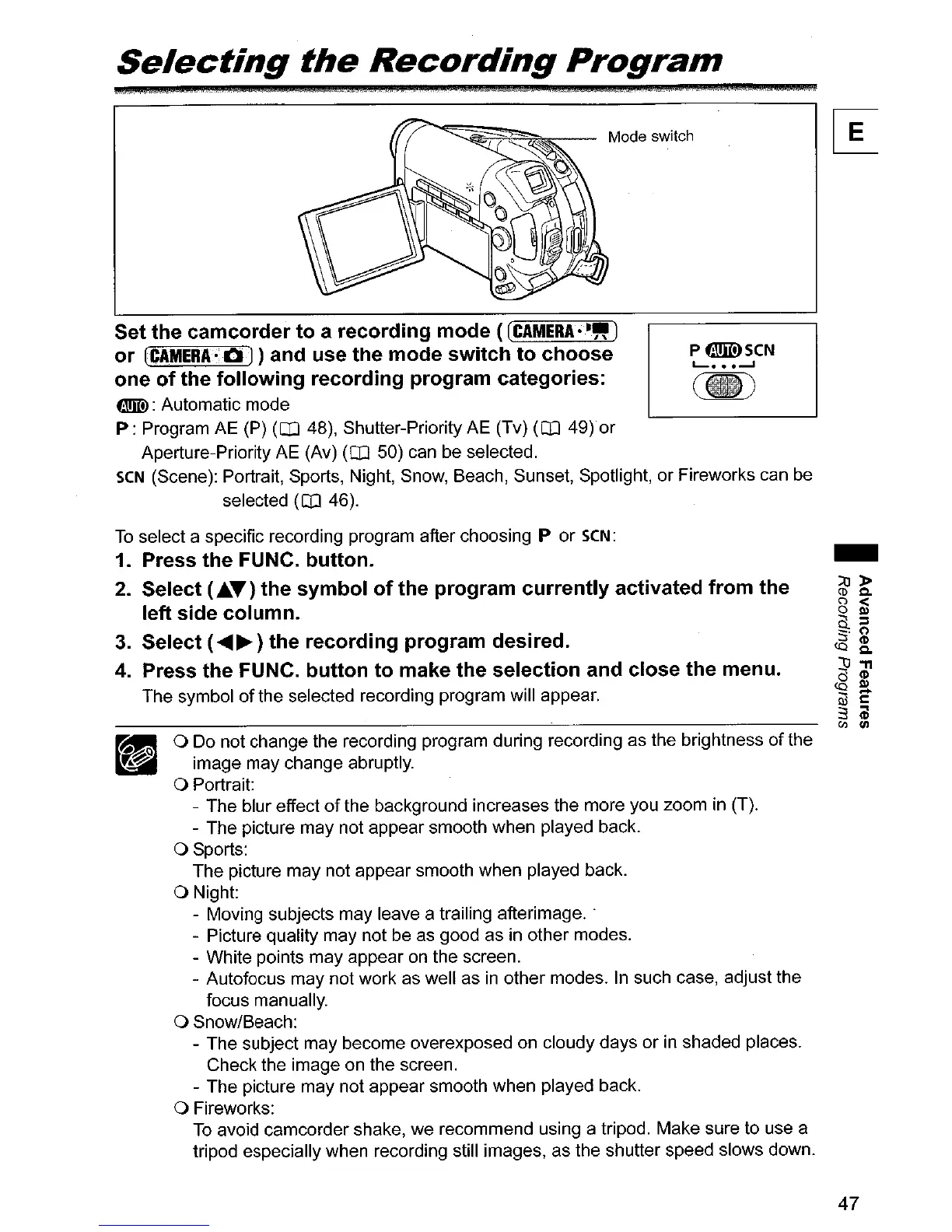
Set the
camcorder
to
a
recording
mode ([CAMERA'·")
or
[CAMERA'
OJ
) and use the
mode
switch
to
choose
one
of
the
following
recording program categories:
tmID:
Automatic mode
P:
Program AE (P)
(OJ
48), Shutter-Priority AE (Tv)
(OJ
49)or
Aperture-Priority AE (Av)
(CO
50) can be selected.
seN
(Scene): Portrait, Sports, Night, Snow, Beach, Sunset, Spotlight, or Fireworks can be
selected
(OJ
46).
To
select a specific recording program after choosing P or
seN:
1.
Press the FUNC. button.
2.
Select (Ja.T) the
symbol
of
the program
currently
activated
from
the
left side
column.
3.
Select (
.........
) the recording program desired.
4.
Press the FUNC.
button
to
make the selection and close the menu.
The symbol
of
the selected recording program will appear.
o Do not change the recording program during recording as the brightness
of
the
image may change abruptly.
o Portrait:
- The blur effect
of
the background increases the more you zoom in (T).
- The picture may not appear smooth when played back.
o Sports:
The picture may not appear smooth when played back.
o Night:
- Moving subjects may leave a trailing afterimage
..
- Picture quality may not be as good as in other modes.
- White points may appear on the screen.
- Autofocus may not work as well as
in
other modes. In such case, adjust the
focus manually.
o Snow/Beach:
- The subject may become overexposed on cloudy days
or
in
shaded places.
Check the image on the screen.
- The picture may not appear smooth when played back.
o Fireworks:
To
avoid camcorder shake, we recommend using a tripod. Make sure to use a
tripod especially when recording still images, as the shutter speed slows down.
47



 To Next Page