Changing
Settings
with
the
MENU
Button
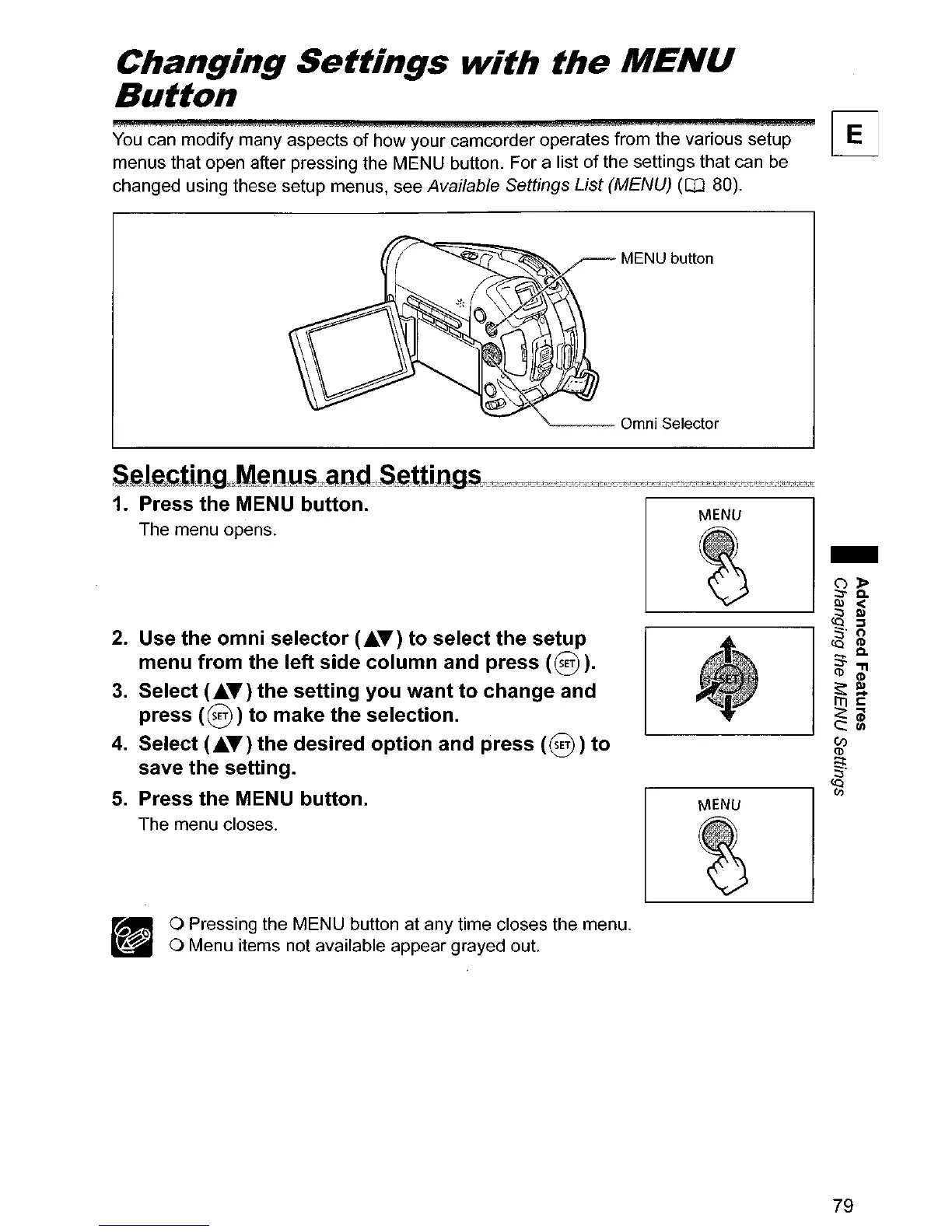
You
can modify many aspects
of
how your camcorder operates from the various setup
~
menus that open after pressing the MENU button. For a list
of
the settings that can
be
changed using these setup menus, see Available Settings List (MENU)
(CD
80).
MENU
MENU
o Pressing the MENU button at any time closes the menu.
o Menu items not available appear grayed out.
2. Use the omni selector
(AT)
to select the setup
menu from the left side column and press
(0
).
3.
Select
(AT)
the setting you want to change and
press
(0)
to make the selection.
4.
Select
(£T)
the desired option and press
(0)
to
save the setting.
5.
Press the MENU button.
The menu closes.
S~leJ\,Gti!lg"M~;ttY:S;r~an'I:,:S~;ttjD~c't?:;,~c'tY:;",,;,'!:~ct3ttt:.~ZE?::tctt:!~""~'!:"'t?L~'"'!:tt'"tt,,"tt~~"
1.
Press the MENU button.
The menu opens.
79



 To Next Page