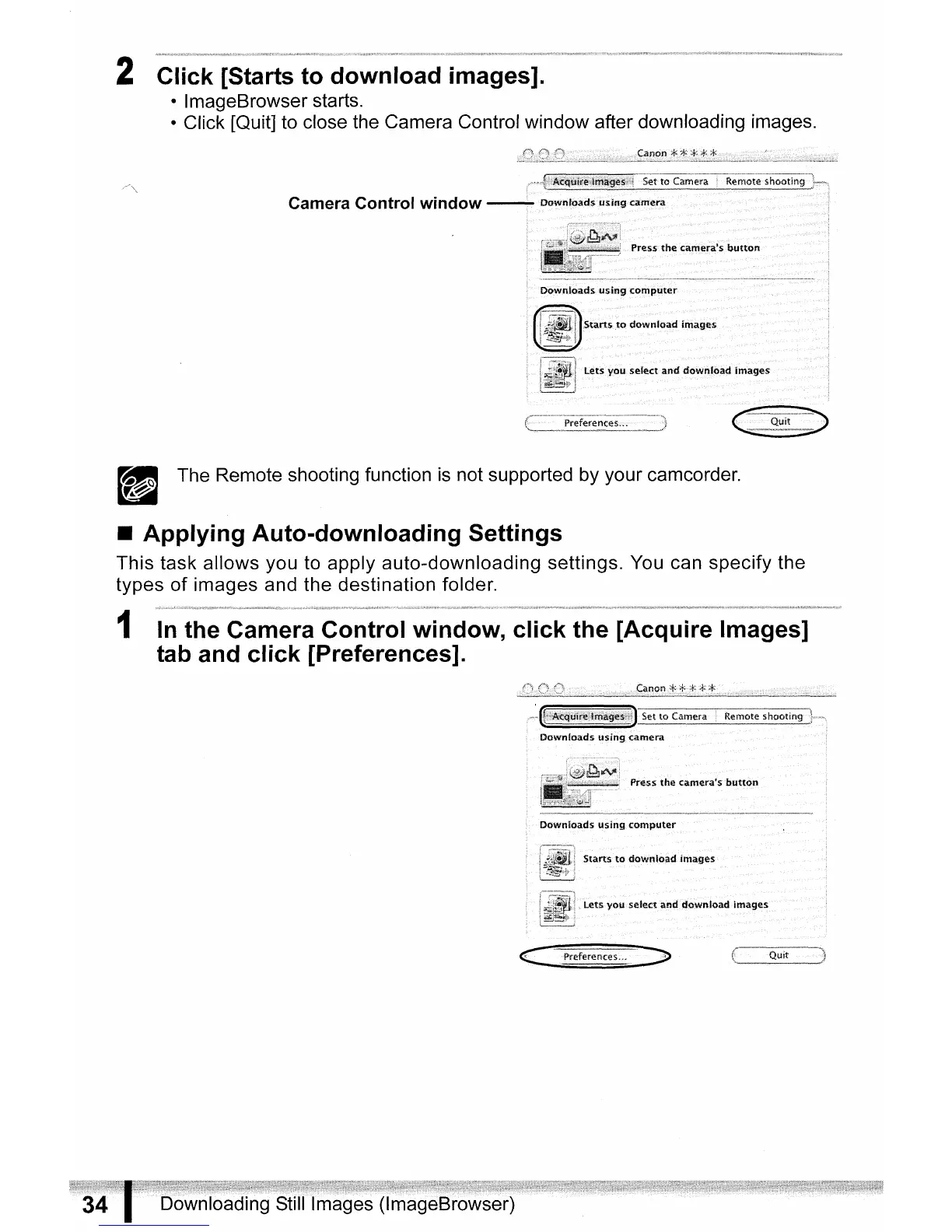
2 Click [Starts to download images].
• ImageBrowser starts.
• Click [Quit] to close the Camera Control window after downloading images.
Camera Control window
• The Remote shooting function
is
not supported by your camcorder.
a
• Applying Auto-downloading Settings
This task allows you to apply auto-downloading settings. You can specify the
types
of
images and the destination folder.
1
In
the Camera Control window, click the [Acquire Images]
tab and click [Preferences].
c::
Preferences." J



 To Next Page