24
Step
2:
Preparing
the
Camcorder
Mju,a1itl~lb+e,~Yiewfjnrdttet'Wtt(,0j,QJ),tti&'4Adj,u,~ita:Ui~J1tl#'~"'i'7i~'f)ttw:!Cs",,,,or'£~
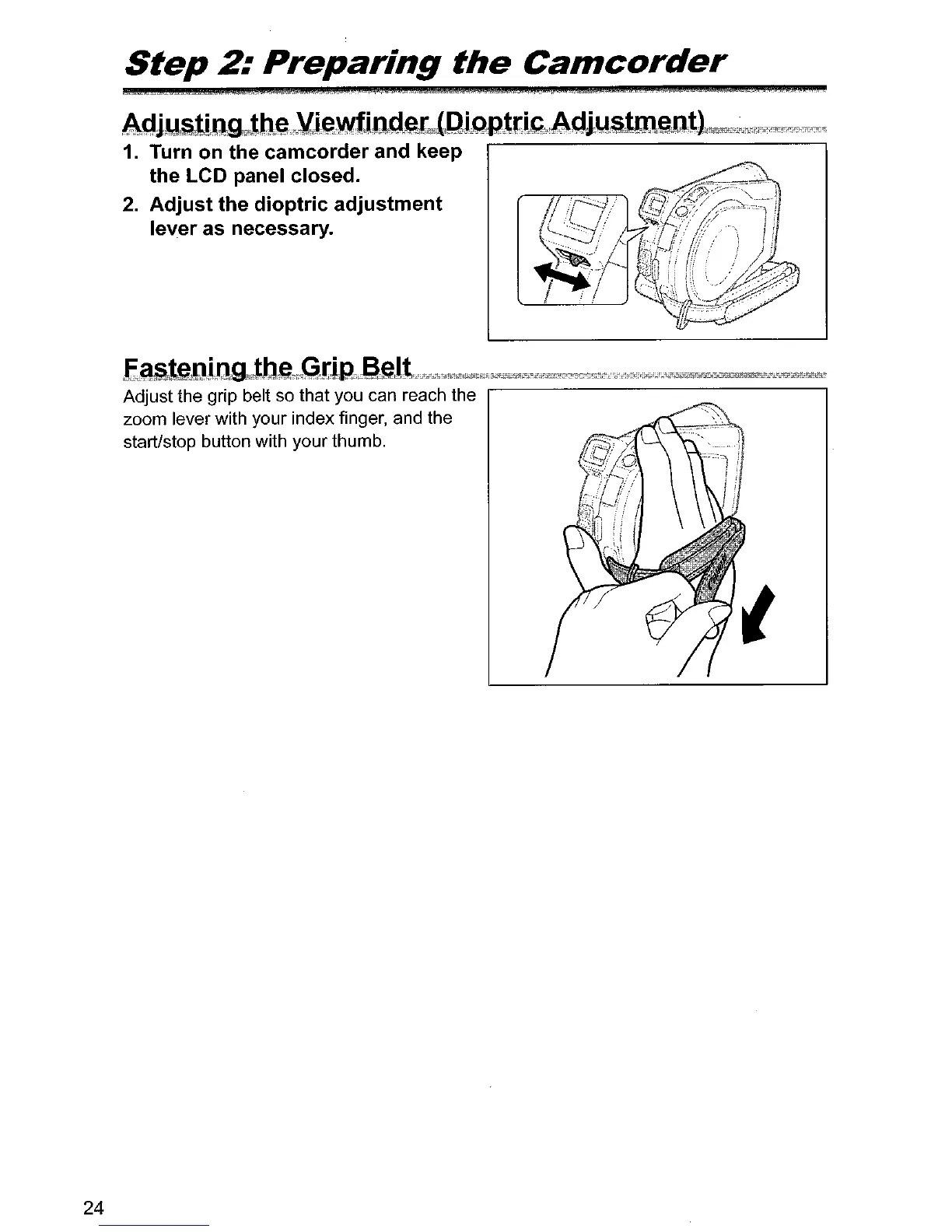
1. Turn on the camcorder and keep
the LCD panel closed.
2.
Adjust the dioptric adjustment
lever as necessary.
E~leJJlM,"itl:teMwGriRi~eJ1ii¥?iiiii~'ii1"""i1ii'N",'~i;J1'''i''ijf£:r::"E,,"i1orM:"'iii<t"i~i1iiiii"i:ii'i'14""';Y£Ois:F££"""'iiiii'i"!i2:"'1';':1':1':'
Adjust the grip belt so that you can reach the
zoom lever with your index finger, and the
start/stop button with your thumb.



 To Next Page