Displaying
Additional
Recording
Data
-The camcorder keeps a data code containing the recording date and time and other
~~s~::e~a~~:~c;:;nSgh~~~~
~~:~i:n(~~:~;rle)
~~s:~:~i:;~
~~i~
i:~e9c~
~~:L~~~~~
~e
~
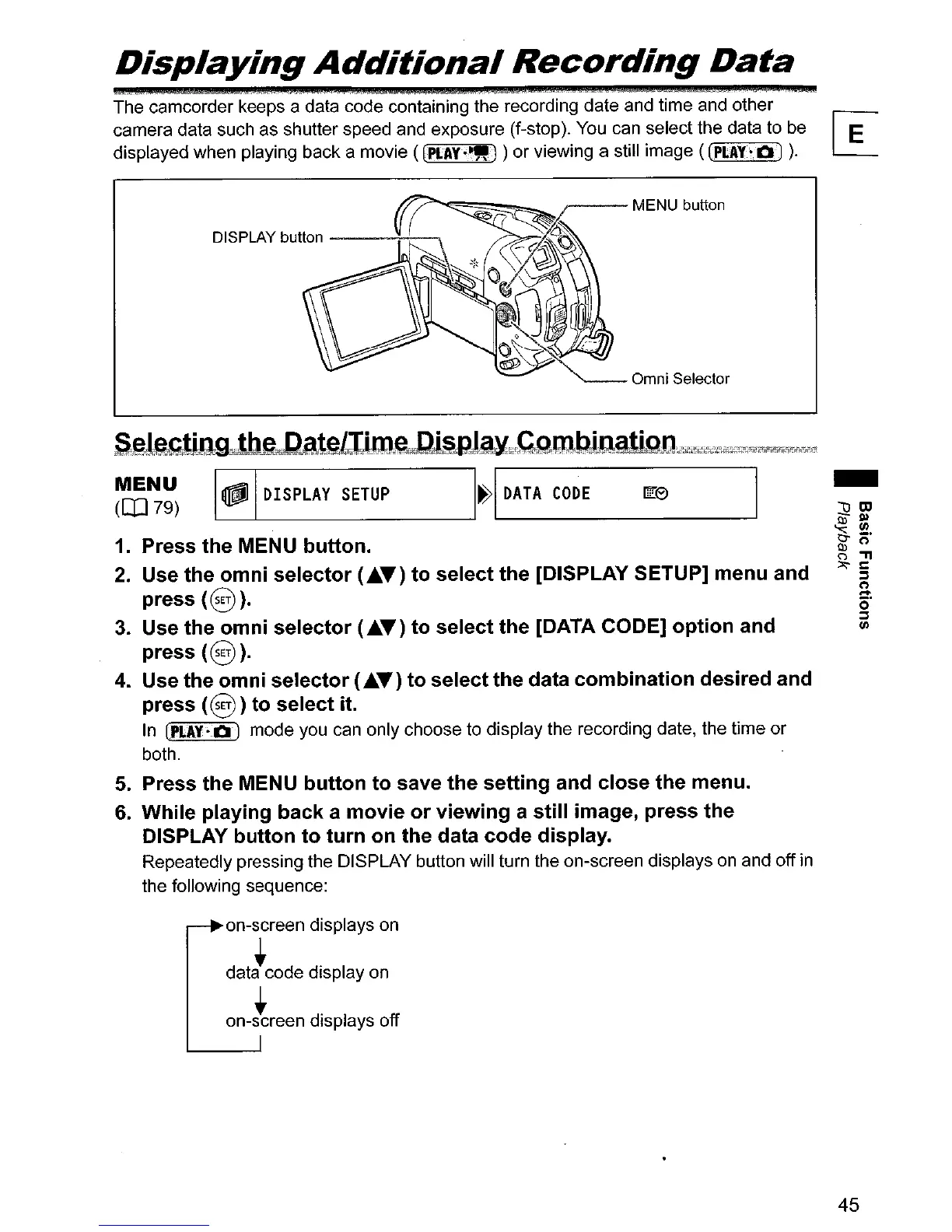
DISPLAY button
----++----.
SeJa,glQgJbg",cDs.teLlllJu\,"Dj§pJ~~,C,u:,nbJ;amiQn,'jf'F""i:Fjjffi~rx2~~~~~r?j~
~~~)
~I
DISPLAY
SETUP
1~1
DATA
CODE
rn:>
I
1.
Press the MENU button.
2.
Use the
omni
selector
(..~T)
to
select the [DISPLAY SETUP] menu and
press
(0).
3.
Use the
omni
selector
(..&.T)
to
select the [DATA CODE]
option
and
press
(0).
4.
Use the
omni
selector
(..&.T)
to select
the
data
combination
desired and
press
(0
)
to
select it.
In
[PLAY-OJ mode you can only choose to display the recording date,
the
time or
both.
5.
Press the MENU
button
to
save the setting and close the menu.
6.
While playing back a
movie
or
viewing
a
still
image, press the
DISPLAY
button
to
turn
on the data
code
display.
Repeatedly pressing the DISPLAY button will turn the on-screen displays
on
and off
in
the following sequence:
on-screen displays on
• •
data code display on
• •
on-screen displays off
-
45



 To Next Page