Manually
Adjusting
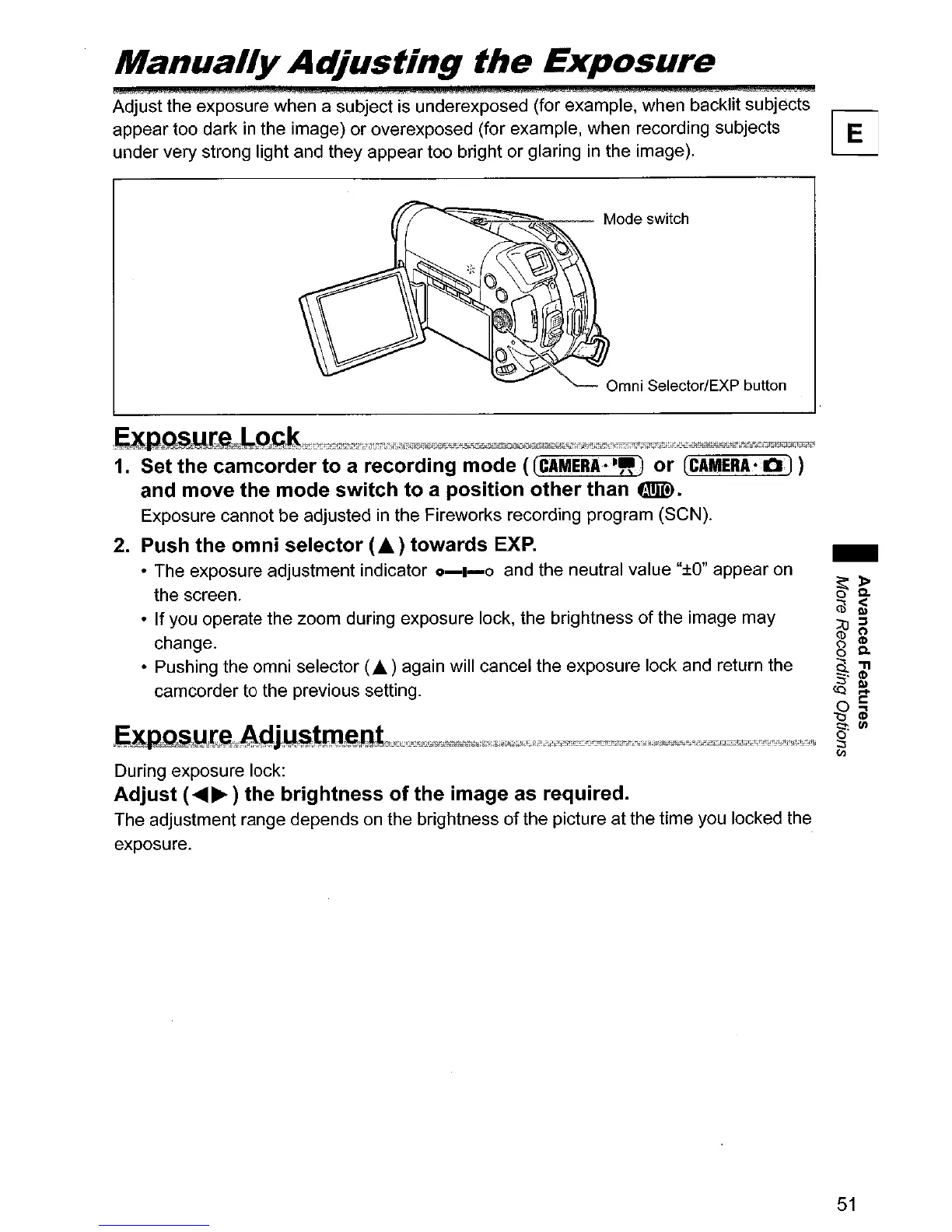
the
Exposure
Adjust the exposure when a subject is underexposed (for example, when backlit subjects
appear too dark
in
the image) or overexposed (for example, when recording subjects
under very strong light and they appear too bright or glaring in the image).
1.
Set the
camcorder
to a recording
mode
«(CAMERA
••
" 1
or
(CAMERA·Q)
and move the
mode
switch
to
a
position
other
than
fR.
Exposure cannot be adjusted
in
the Fireworks recording program (SeN).
2. Push the
omni
selector
(.6.) towards
EXP.
• The exposure adjustment indicator
0-1-0
and the neutral value
"±O"
appear on
the screen.
•
If
you operate the zoom during exposure lock, the brightness
of
the image may
change.
• Pushing the omni selector
(A.) again will cancel the exposure lock and return the
camcorder to the previous setting.
During exposure lock:
Adjust
(
........
) the brightness
of
the image as required.
The adjustment range depends
on
the brightness
of
the picture at the time you locked the
exposure.
51



 To Next Page