78
Capturing
a
Still/mage
while
Recording
Movies
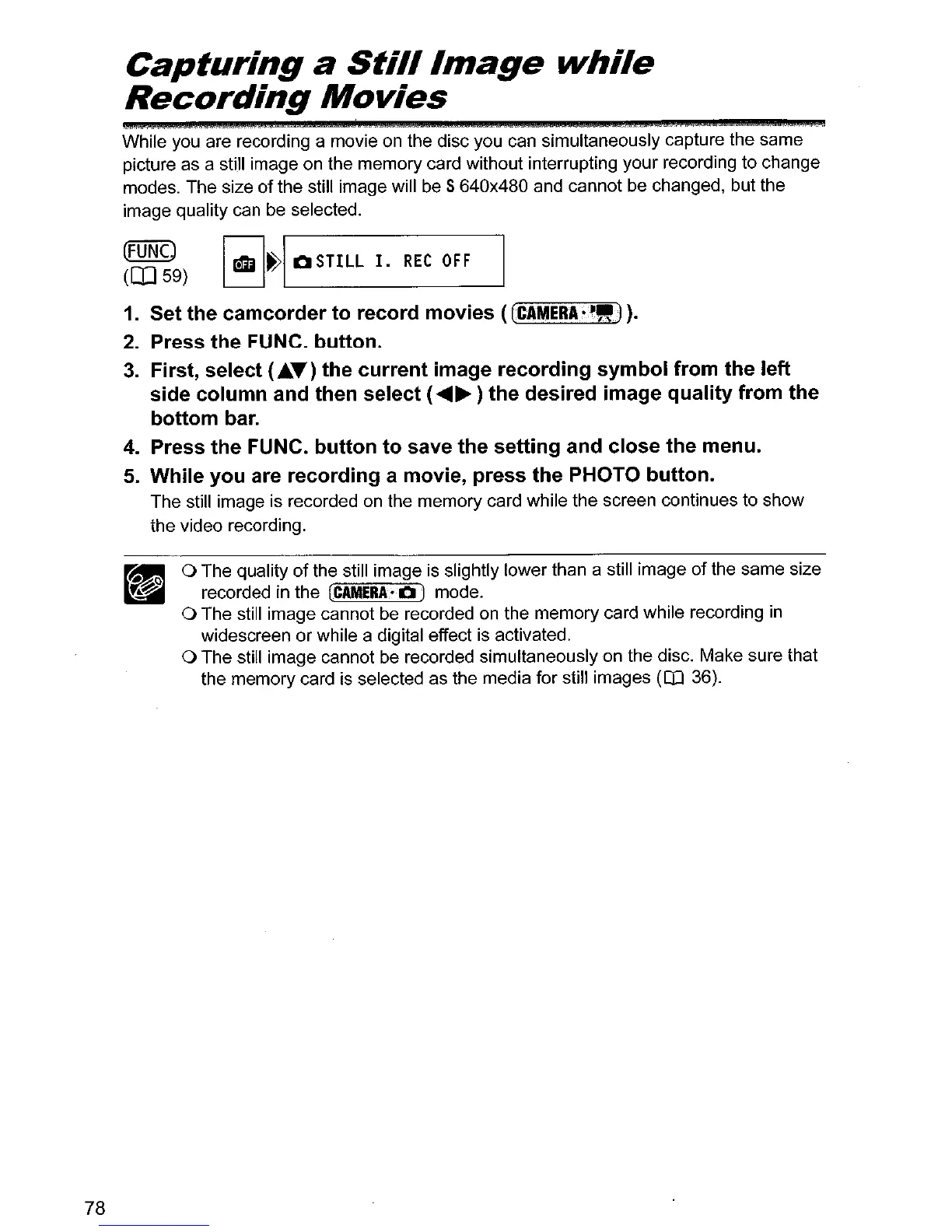
While you are recording a movie on the disc you can simultaneously capture the same
picture as a still image on the memory card without interrupting your recording to change
modes. The size
of
the still image will be 5 640x480 and cannot be changed, but the
image quality can be selected.
~~~9)
I
rill~1
QSTILL
I.
REt
OFF
1.
Set the camcorder
to
record movies (
[CAMERA.·-")
).
2.
Press the FUNC. button.
3.
First, select (.....) the current image recording symbol from the left
side column and then select (
....
~
) the desired image quality from the
bottom bar.
4. Press the FUNC. button to save the setting and close the menu.
5.
While you are recording a movie, press the PHOTO button.
The still image is recorded
on
the memory card while the screen continues to show
the video recording.
o The quality
of
the still image is slightly lower than a still image
of
the same size
recorded in the
(CAMERA-Q)
mode.
o The still image cannot be recorded on the memory card while recording
in
widescreen or while a digital effect is activated.
o The still image cannot be recorded simultaneously
on
the disc. Make sure that
the memory card is selected as the media for still images
(OJ
36).



 To Next Page