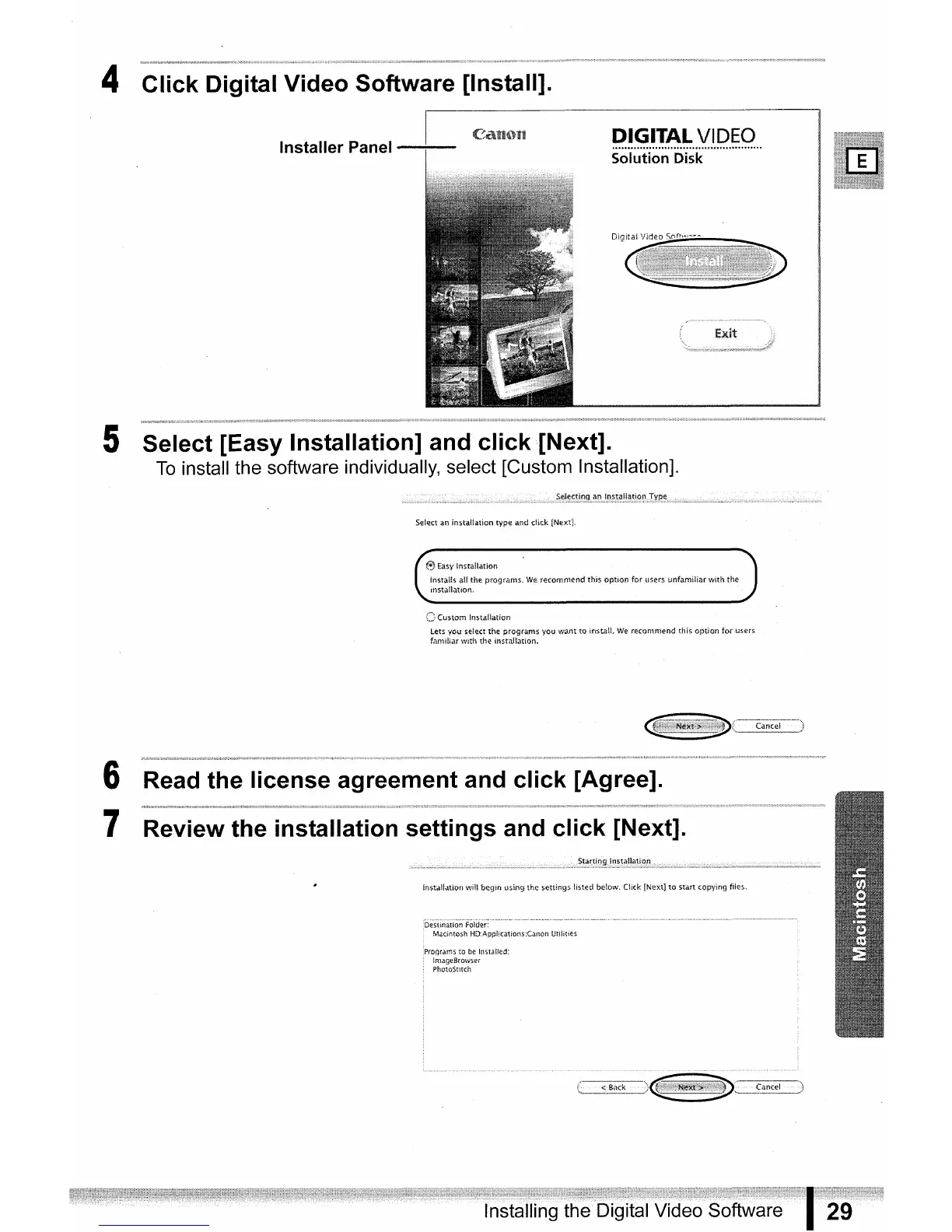
4 Click Digital Video Software [Install].
DIGITAL
VIDEO
...............................
""" .
Solution Disk
5 Select [Easy Installation] and
click
[Next].
To
install the software individually, select [Custom Installation].
Sele.ctan installation type and click !Next),
@jtasylnstallation
CCustominstallation
6 Read the license agreement and click [Agree].
7 Review the installation settings and click [Next].
instaHationwill begin using the settings listed be!ow.
Click
[Next
]tostartcopyingfiles,


 To Next Page
 Loading...









