34
a In
order
to
save
power
when
the
camcorder
is
powered
by
a battery pack,
the
camcorder
will
automatically
shut
off
if
left
without
any operations
for
5
minutes
(iII
84).
Approximately
30
seconds
before
the
camcorder
shuts
off, "
&AUTO
POWER OFF" appears in
the
center
of
the screen.
If
the
camcorder
shuts
off, move
the
power
switch
to
OFF and then
back
to
CAMERA
or
PLAY.
a
About
the
LCD and
viewfinder
screen: The
screens
are produced
using
extremely high-precision
manufacturing
techniques,
with
more
than
99.99%
of
the pixels operating
to
specification. Less than
0.01
%
of
the
pixels
may
occasionally
misfire
or
appear as
black
or
green dots. This has
no
effect
on the recorded image and does
not
constitute
a malfunction.
In
record pause mode:
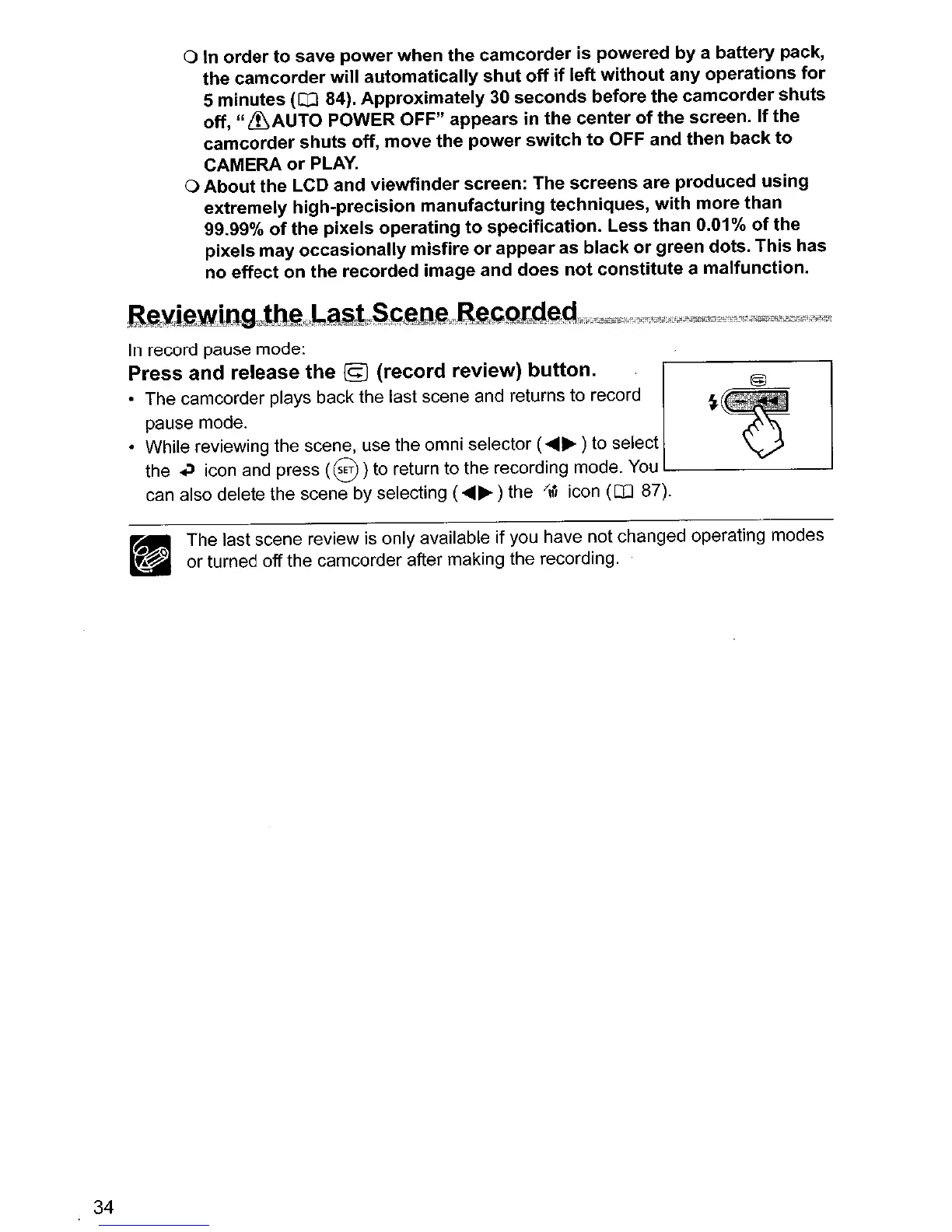
Press and release the © (record review) button. crJ
• The camcorder plays back the last scene and returns to record
~~'
.
~
pause mode.
• While reviewing the scene, use the omni selector (...... ) to select
the
~
icon and press
(8)
to return to the recording mode.
You
can also delete the scene by selecting (...... ) the
/,;,
icon
(OJ
87).
rail The last scene review is only available if you have not changed operating modes
d or turned off the camcorder after making the recording.



 To Next Page