FUNC.
4.
Press
the
FUNC.
button
to
save
the
settings
and
FUNC.
close
the
menu.
• The symbol
of
the selected option will
be
displayed.
• Refer to the following pages for further details
on
setting the
[SET] option for the white balance function
(CD
63), the
[CUSTOM] option for the image effect function
(CD
65), or the [MULTI-S] option for
the digital effect function
(CD
73).
In
the recording modes ((CAMERA'-") or.
(CAMERA'Q<)
):
2.
Use the
omni
selector
(£T)
to
select
the
function
you
want
to
change.
3.
Use the
omni
selector
(~~
)
to
move
through
the
available
options
at
the
bottom
bar.
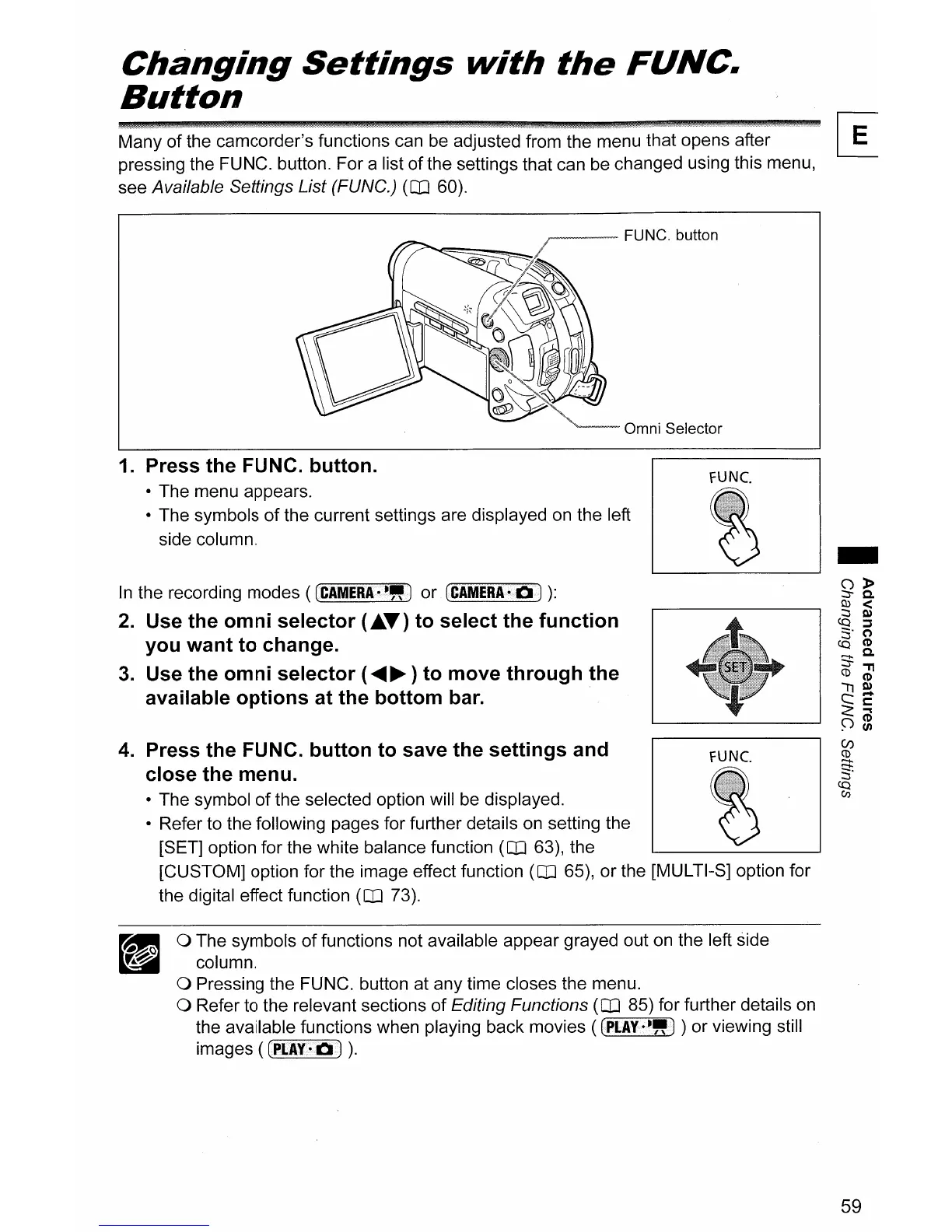
1. Press
the
FUNC.
button.
• The menu appears.
• The symbols
of
the current settings are displayed
on
the left
side column.
a The symbols
of
functions not available appear grayed out
on
the left side
column.
a Pressing the FUNC. button at any time closes the menu.
a Refer to the relevant sections
of
Editing Functions
(CD
85) for further details
on
the available functions when playing back movies ( (PLAY·-") ) or viewing still
images
((PI.AY-rJ)
).
59



 To Next Page