POWER SAVE:
In
order to save power when the camcorder is powered by a battery
pack, it will automatically shut off if left without any operation for five minutes.
Approximately 30 seconds before the camcorder shuts off,
"&AUTO
POWER OFF"
appears
in
the center
of
the screen.
FILE NOS.: Select the image numbering method to be used
on
a new memory card or
disc.
Images are automatically assigned consecutive image numbers from
0101
to 9900, and
stored
in
folders containing
up
to 100 images. Folders are numbered from
101
to 998.
[RESET]: Image numbering will start anew from 101-0101 every time you insert a new
memory card or disc. If it already contains image files, a new image will be given the
number following that
of
the last image on the card or disc.
[CONTINUOUS]: Image numbering will start from the number following that
of
the last
image recorded with the camcorder. If the memory card or disc already contains
an
image
with a larger image number, a new image will be given the number following that
of
the
last image
on
the recording media.
o The [CONTINUOUS] image numbering method
is
useful for organizing images on a
computer as it minimizes the chance of two images being assigned the same image
number. We recommend using this setting.
o The [FILE NOS.] setting
is
common to the memory
card
and the disc.
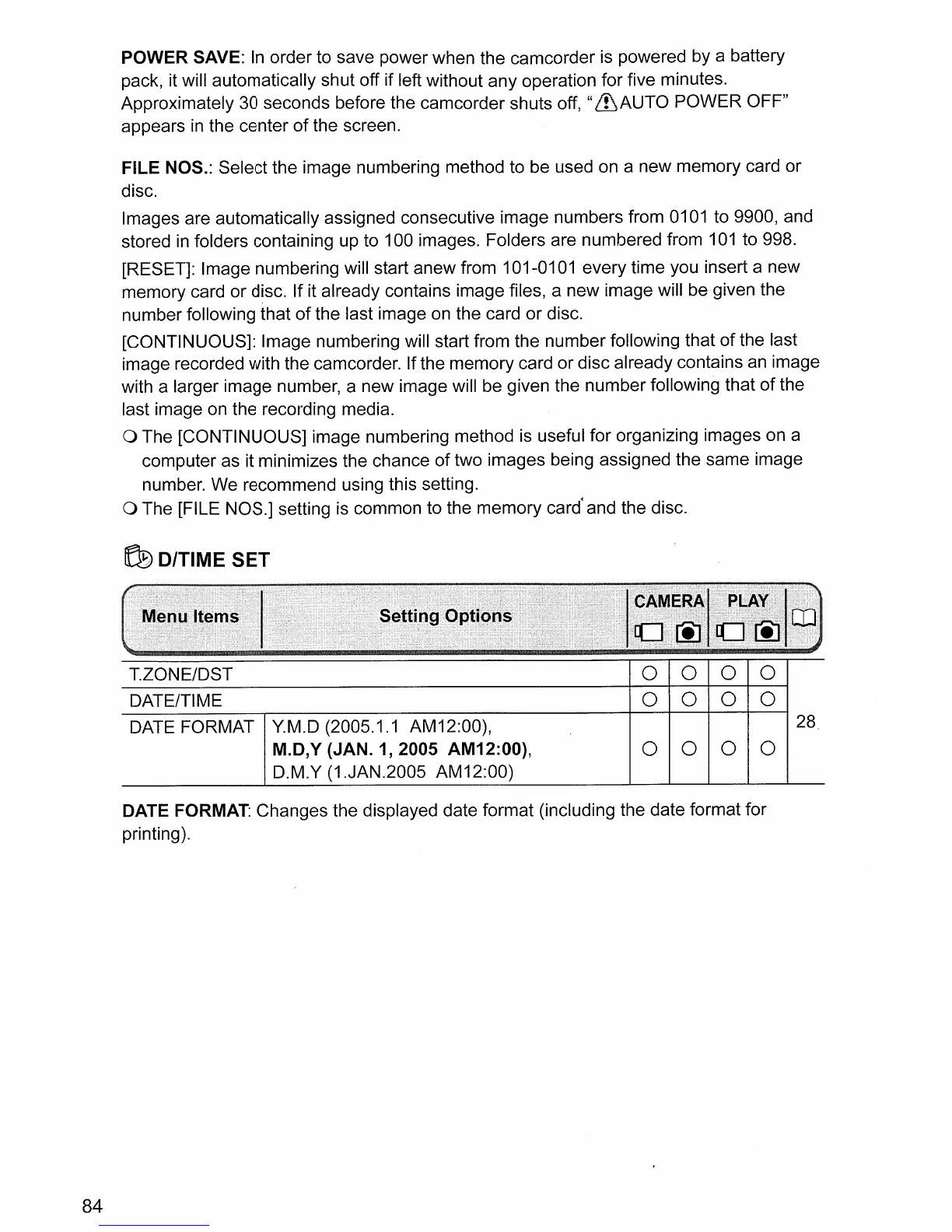
~D/TIME
SET
84
T.ZONE/DST
0
0 0
0
DATE/TIME
0
0
0 0
DATE FORMAT
Y.M.D (2005.1.1 AM12:00),
28
M.D,Y (JAN.
1,2005
AM12:00),
0
0
0 0
D.M.Y (1.JAN.2005 AM12:00)
DATE FORMAT: Changes the displayed date format (including the date format for
printing).



 To Next Page