88
Dielg:tiJlgAll:ac:;,~~if;i:l'22:W:w;';"~S0~i~"t<ri~~ii;il~v,;i;~m;J;"iJi;,ir~iJ'iS_miii?f$Fd31i~;iiiiriirJi£Jiii4J!i'Q1;~i;eA,QJ;;iiiii;JJ0JJ2'T,
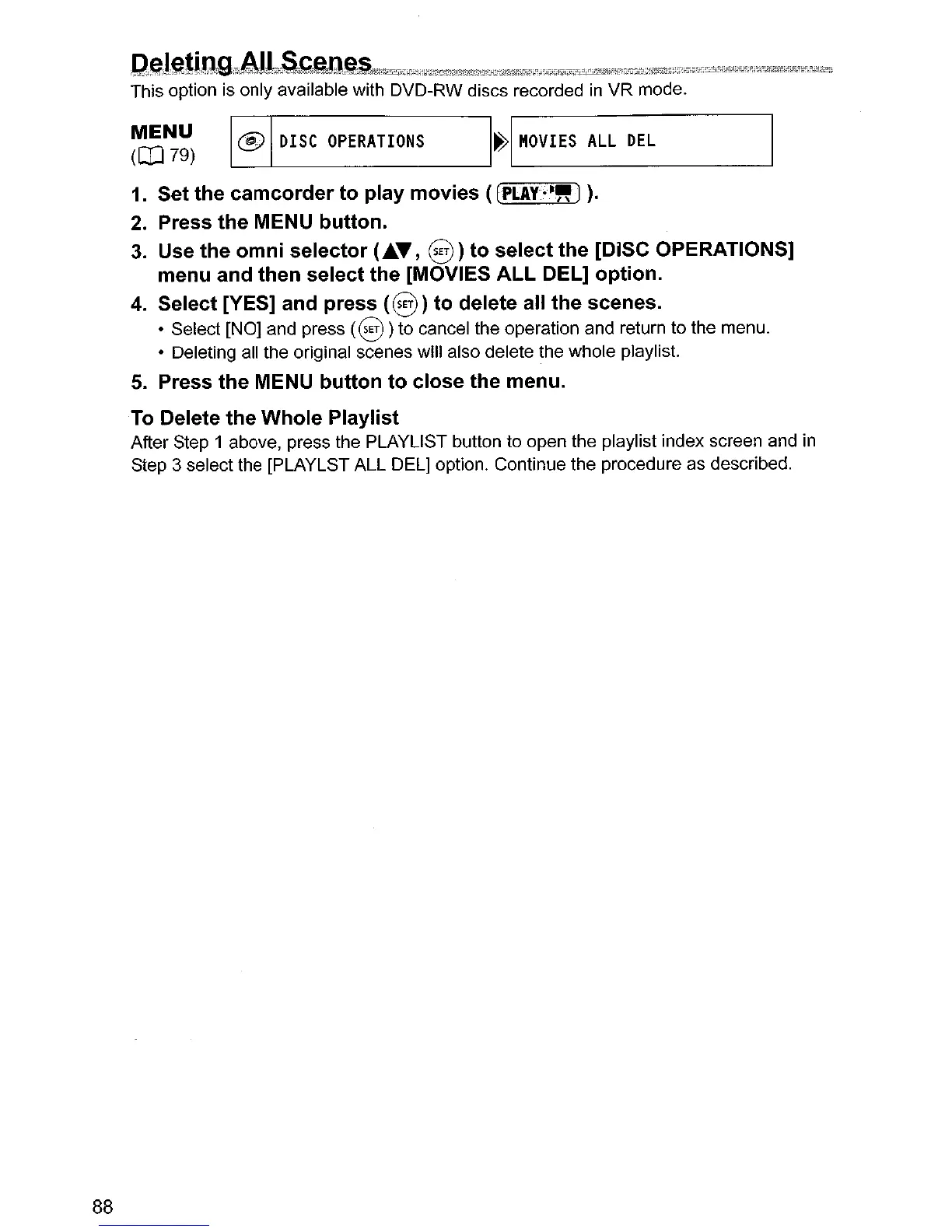
This option is only available with DVD-RW discs recorded
in
VR
mode.
~~~)
~
DISC
OPERATIONS
I~I
"OVIES
ALL
DEL
1.
Set the
camcorder
to
play
movies
(
(PLAY·
t,.
J
).
2.
Press
the
MENU button.
3.
Use
the
omni
selector
(
.......
,
e)
to
select
the [DiSC OPERATIONS]
menu and
then
select the [MOVIES
ALL
DEL]
option.
4.
Select [YES] and press
(e)
to
delete all
the
scenes.
• Select [NO} and press
(8)
to cancel the operation and return to the menu.
• Deleting all the original scenes will also delete the whole playlist.
5.
Press
the
MENU
button
to
close
the menu.
To Delete
the
Whole
Playlist
After Step 1 above, press the PLAYlIST button to open the playlist index screen and in
Step 3 select the [PLAYLST ALL DEL} option. Continue the procedure as described.



 To Next Page