Viewing Images on a TV Set
248
5
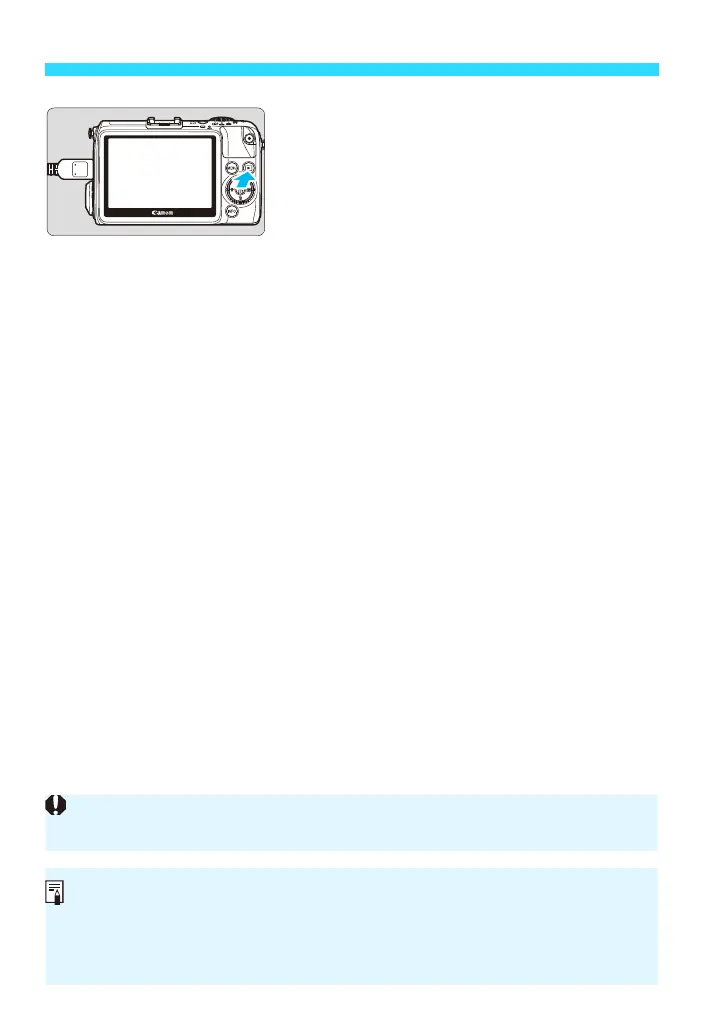
Press the <x> button.
The image will appear on the TV screen.
(Nothing will be displayed on the
camera’s LCD monitor.)
The images will automatically be
displayed at the TV set’s optimum
resolution.
By pressing the <B> button, you can
change the display format.
To play back movies, see page 239.
When the camera is connected to a TV set, the following operations
cannot be performed:
During shooting:
• Moving the AF point
• Magnifying/reducing the image
• Switching Movie Servo AF ON/OFF during movie shooting
• Zooming with movie digital zoom
• Switching the frame’s vertical/horizontal orientation or moving the frame
when the Creative filter “Miniature effect” is set
During movie playback:
• Quick Control
The images cannot be output at the same time from both the <D> and
<q> terminals.
Do not connect any other device’s output to the camera’s <D>
terminal. Doing so may cause a malfunction.
Certain TV sets may not be able to play back the captured images. In such a
case, use the AV cable AVC-DC400ST (sold separately) to connect to the TV
set.















 To Next Page