d Using the Touch Screen
60
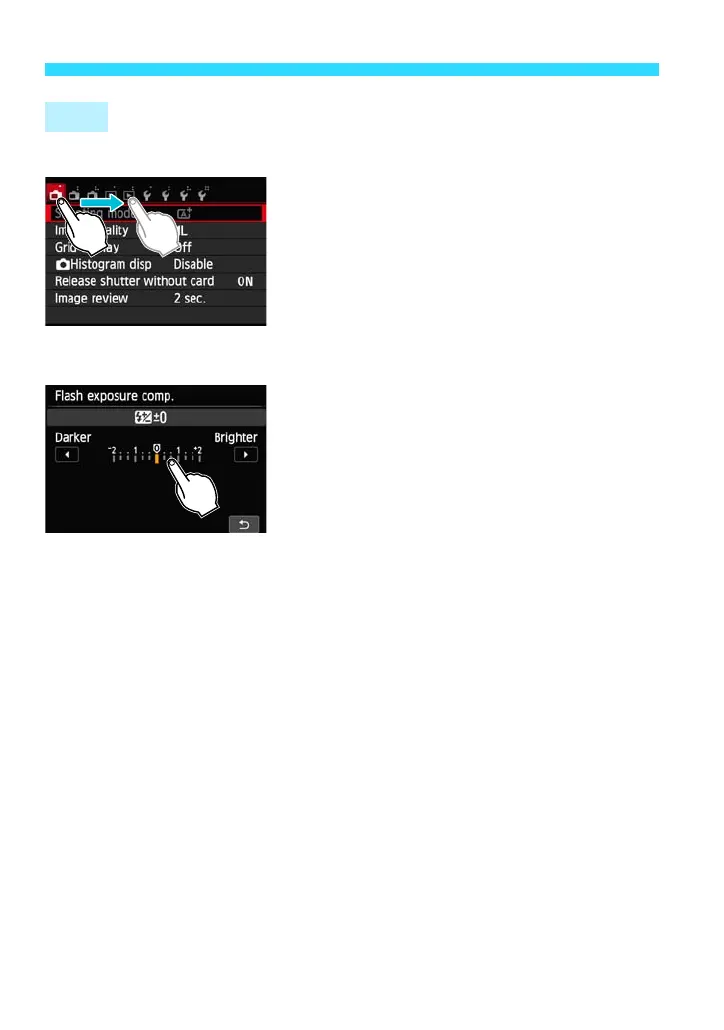
Menu screen (Sample display)
Slide your finger while touching the LCD
monitor.
Scale display (Sample display)
Operations possible by dragging your finger on the screen
Selecting a menu tab or item after pressing the <M> button
Setting a scale control
Quick Control
Playback operations
Drag















 To Next Page