3-CONTROLSANDINSTRUMENTS
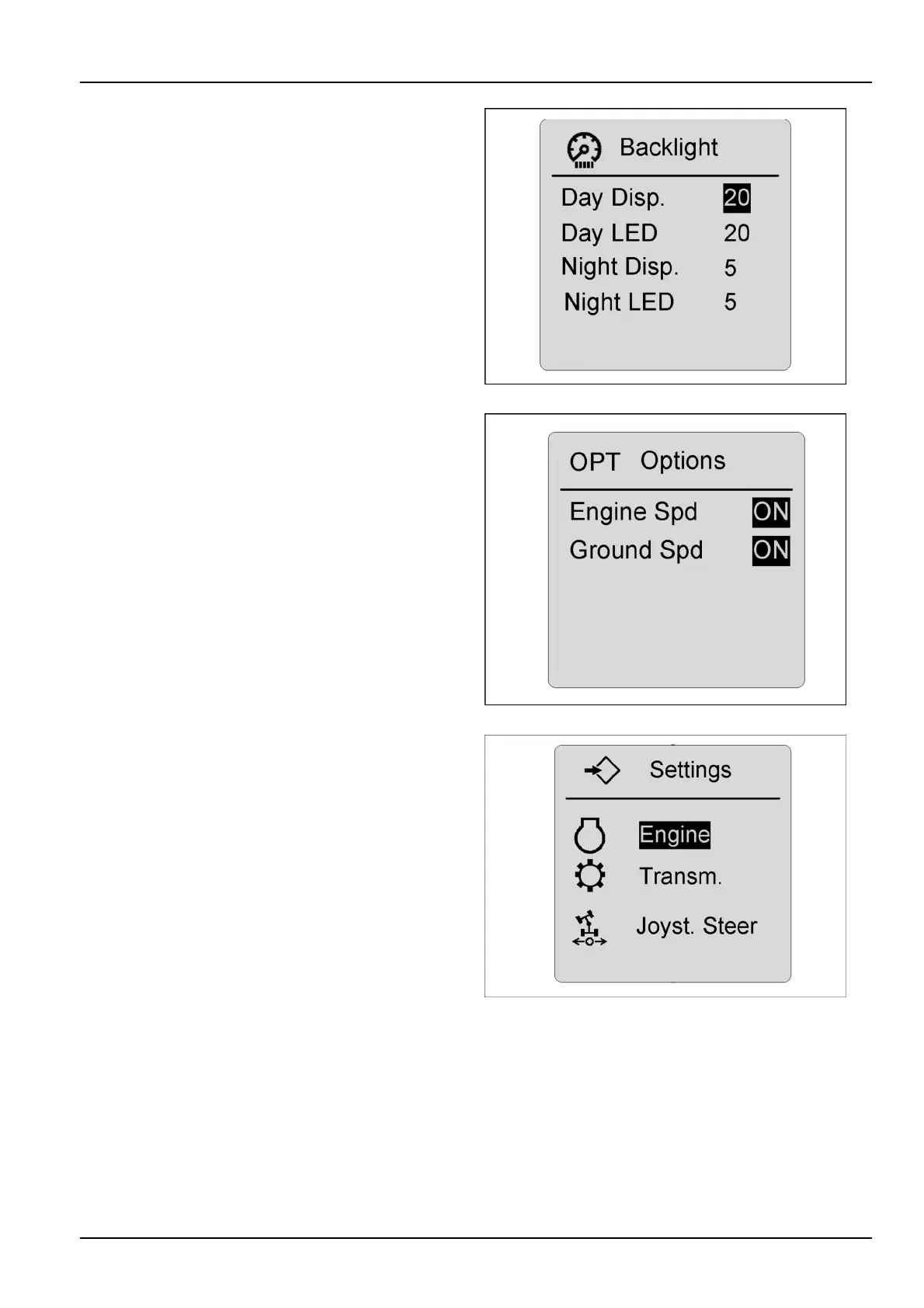
Displaybacklightmenu
Thedisplaymenucanbeusedtochangethebackground
andbrightnessofthescreen.Usethearrowkeystomake
yourselectionfromthedisplaymenuandpressthecon-
rmkeyuntilthescreenrevertstothemaindrivingscreen
tolocktheselectionintomemory.Thescreendisplaycan
bechangedtosuitworkingconditions.Thescreenwill
changetonightfunctionilluminationwhentheheadlamps
areturnedON.
RCPH10WHL364BAH5
RPM/speedometer
Thesesettingsallowtheoperatortoshoweitherspeedor
RPM’sonthemainmenuwhenoperatingthemachine.
Iftravelspeedisthedesiredsetting,theoperatorcan
choosebetweenMPHorkm/hforthedisplay.Highlight
thedesiredchoice,presstheconrmkey,thenescape
backtothemainscreentolocktheselectionsintomem-
ory.IfenginespeedorRPM'ssettingsarenotselected,
thescreenwilldisplaythehourmeter.
RCPH10WHL359BAH6
Enginesettingsmenu
Usethearrowkeystochoosethesettingsmenu.Press
theenterkey,andthesettingssub-menuwillappear.The
optionsmenuwillallowtheoperatortochooseoptionsfor
thefan,idle,powermode,etc.
RCPH10WHL803BAH7
3-55



 To Next Page