M-Series Operator’s Manual 4/9/2015 10-29
Rectangular or Circular Frame Milling (F7 in the Canned Cycle Menu)
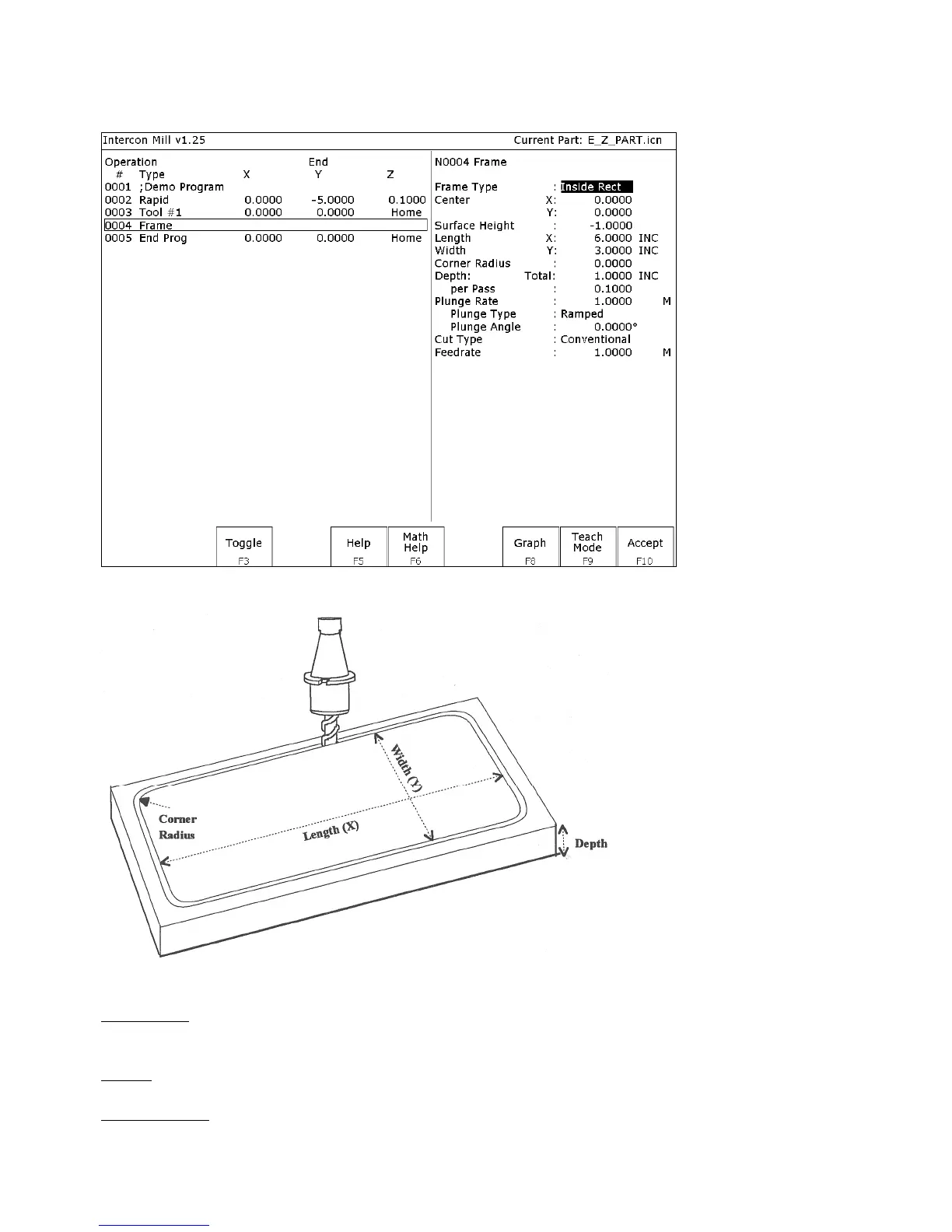
When you press F7 - Frame from the Canned Cycle Selection Menu, the following screen is displayed:
The parameters on the screen correspond to the following dimensions (rectangular frame):
Where:
Frame Type: Selects Inside Rectangle, Outside Rectangle, Inside Circle, and Outside Circle. Press F3 - Toggle or
SPACE to toggle between them.
Center: X and Y coordinates of the center of the frame mill.
Surface Height: Z-axis position from where each incremental depth is measured.



 To Next Page