M-Series Operator’s Manual 4/9/15
10-57
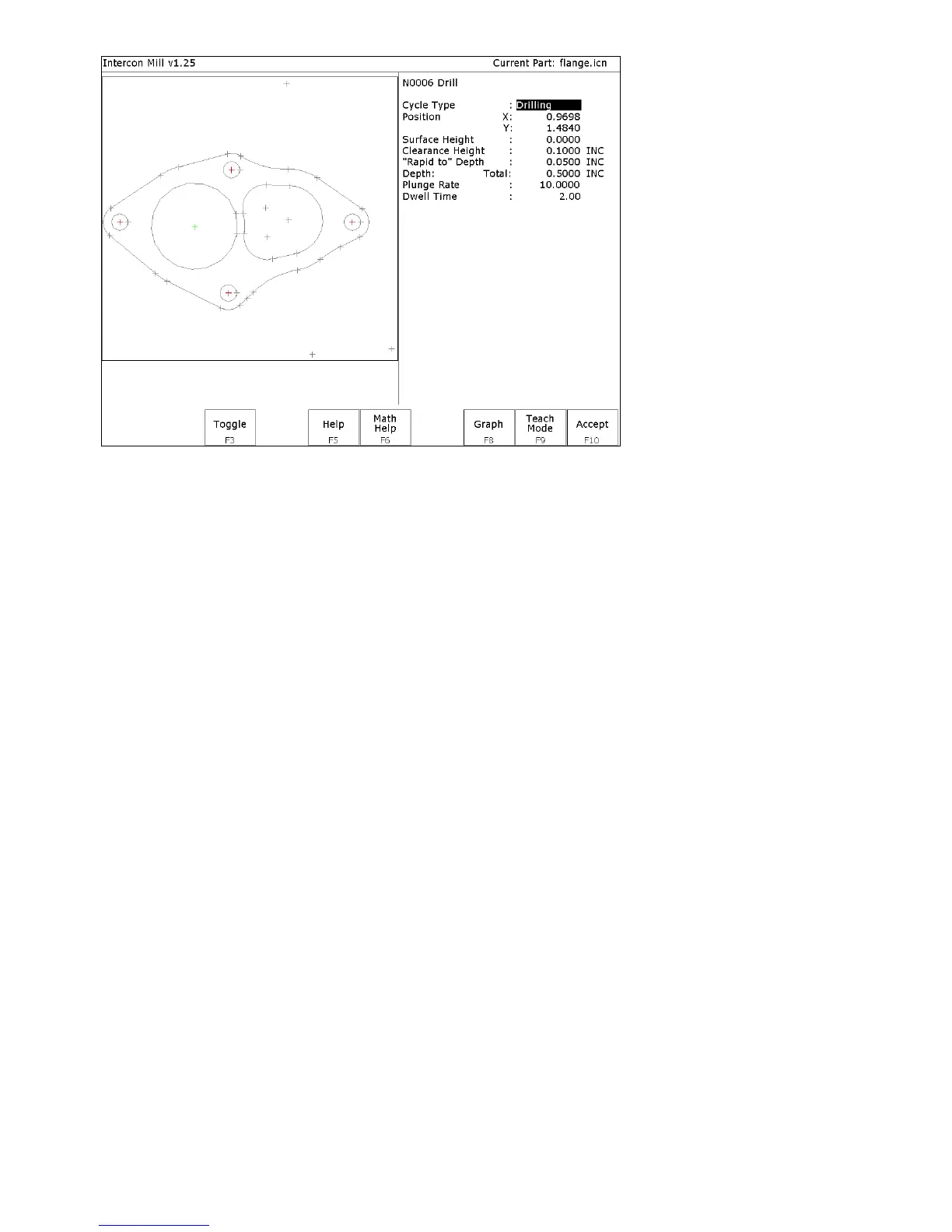
The key F2 - Single only appears when a point is highlighted. The keys F5 - Undo and F10 - Done only appear when
one or more points have been selected with F1 - Window or F2 - Single.
Using a mouse
In addition to the arrow keys, a mouse may be used to position the crosshairs in the DXF selection menus. Simply
move the mouse pointer to the desired crosshair location and click the left mouse button. This action will move the
crosshairs to the location of the mouse click and highlight the closest object.



 To Next Page