M-Series Operator’s Manual 4/9/15
10-56
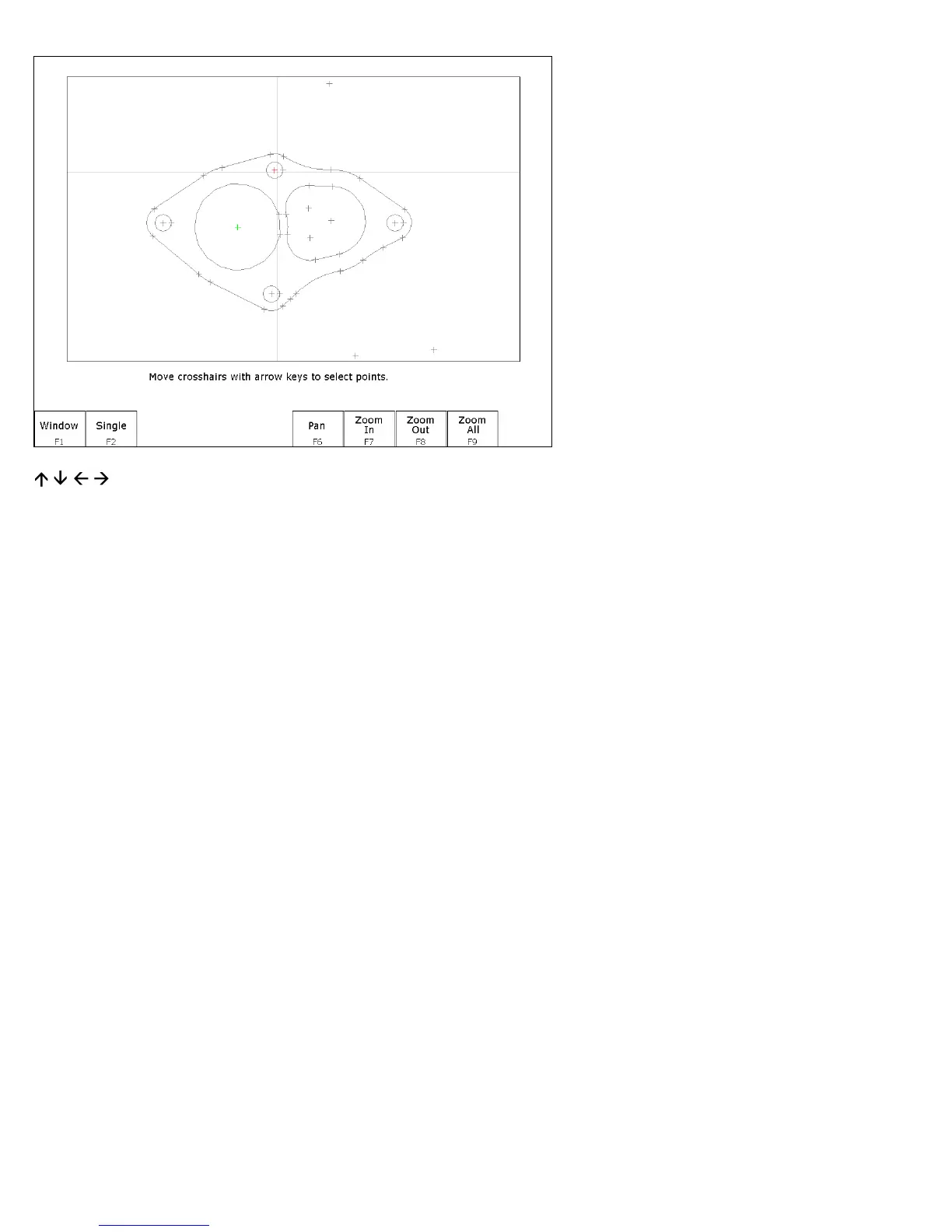
(Arrow Keys) – Move crosshairs Press the arrow keys to move the crosshairs.
F1 – Window This key allows you to select all points within a specified box. Press F1 - Window once to set the first
corner of the box. Move the crosshairs to the desired location for the opposite corner of the box and press
F1 - Window. All points within the box are selected.
F2 – Single Accept the currently highlighted point.
F5 – Undo Unselect the last selected point.
F6, F7, F8 & F9 – Pan, Zoom In, Zoom Out & Zoom All These keys perform the same operations they do in the
Select Chain menu.
F10 – Done Accepts the selected points and proceeds to the Intercon operation edit menu. The operation edit menu
allows you to enter values for fields such as plunge rate and depth. These values are copied to the rest of
the selected operations where applicable.



 To Next Page