M-Series Operator’s Manual 4/9/15
10-64
ESC/CANCEL Creation of the part is complete. Intercon programs automatically
turn the spindle and coolant off at the end.
F1 - File Press F3 - Save to save the part under its current name. Press F4
- Save As to save it under a new name.
F10 - Post The CNC file needed to run this part on your mill will be
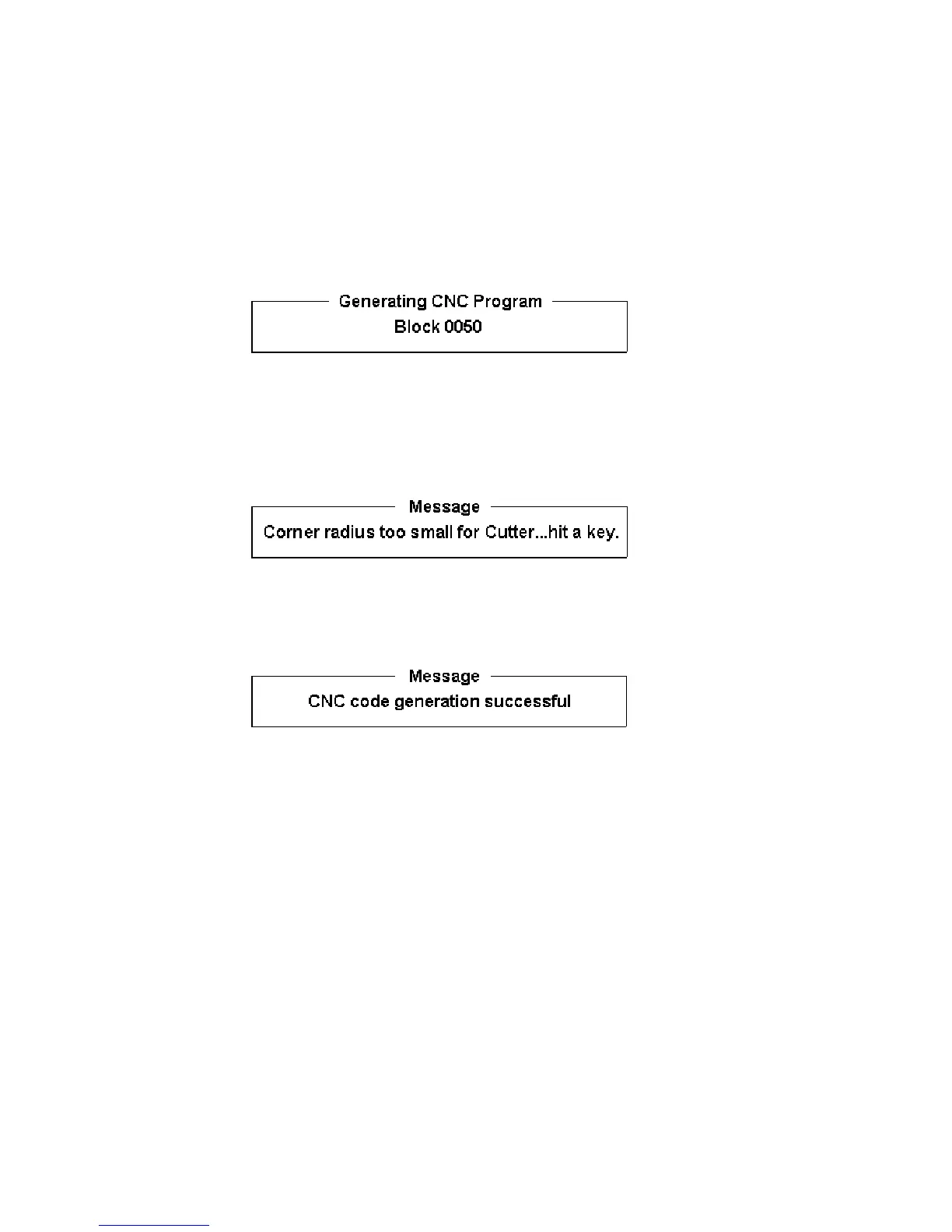
generated at this time. The Intercon program displays the
operation number of the part it is processing as it works through
each operation in memory:
As it processes each operation, it checks for values that, if used,
will cause incorrect code to be produced. If such a value is
found, a message will appear on the screen alerting you of the
problem. For example, a problem with a Frame Mill may
produce this message:
Changes to the part would then be required to allow proper code
generation to proceed. If no problems are encountered during
code generation, the following message appears:
You are now finished designing your part. In order to run
your part, you now need to return to the CNC software.
Program Finished!



 To Next Page