M-Series Operator’s Manual 4/9/15
10-77
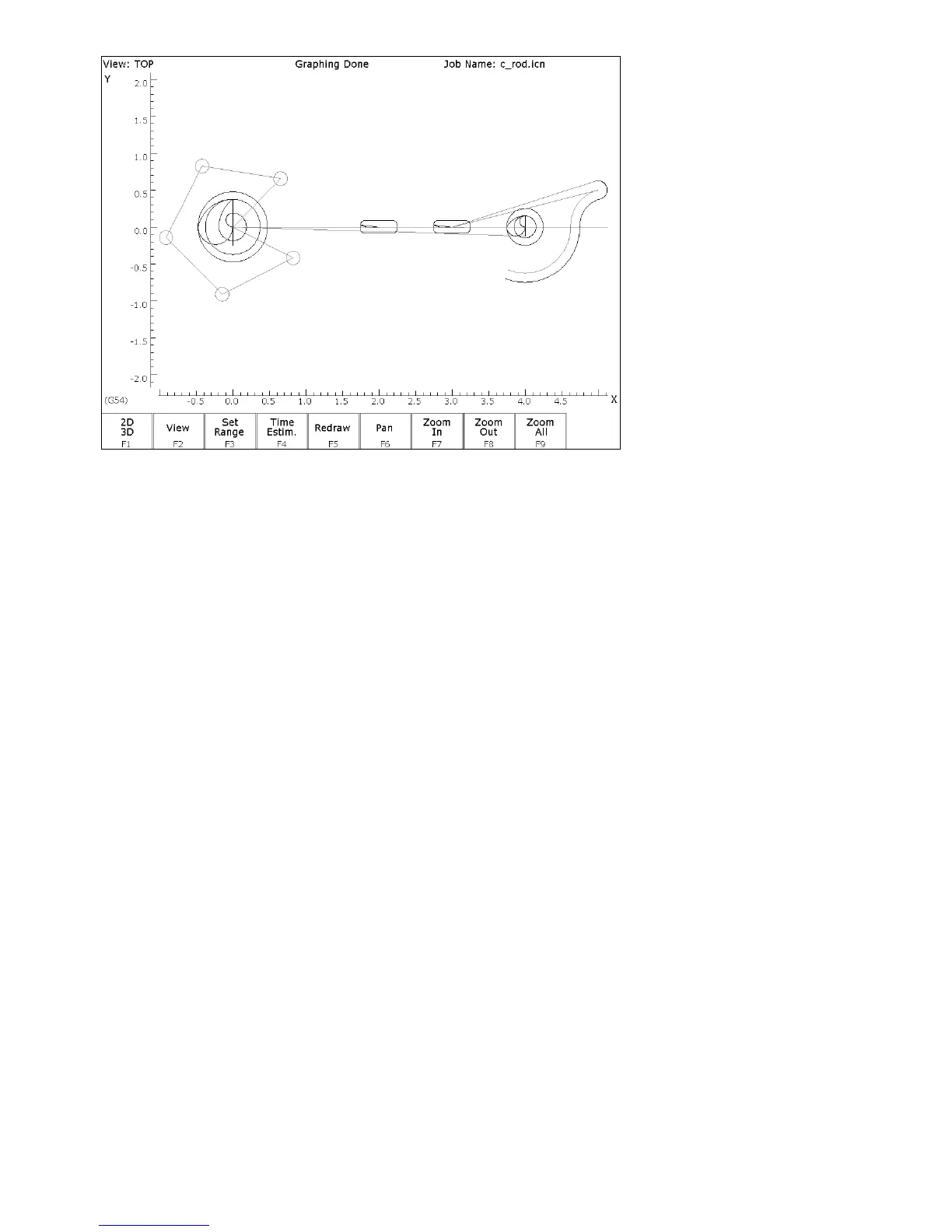
FIG. 5 - Draw screen showing Bolt Holes, Pockets and first arc of part
ESC/CANCEL Return to the editing screen.
F10 - Accept Keep selected values. The other arc values were calculated for
you.
F3 - Arc The next arc to be cut is labeled as ARC 2 in Figure 3. The start
point is labeled P2, the end point of the last arc.
N0014 Arc
↑
↑↑
↑↓
↓↓
↓(UP/DOWN) Move down to the End X field. This selects End X as the
destination of the Math Help solution.
F6 - Math Help Redisplay the Math Help values calculated for the last arc. The
screen will look like figure 6, below.



 To Next Page