M-Series Operator’s Manual
4/9/15
3-8
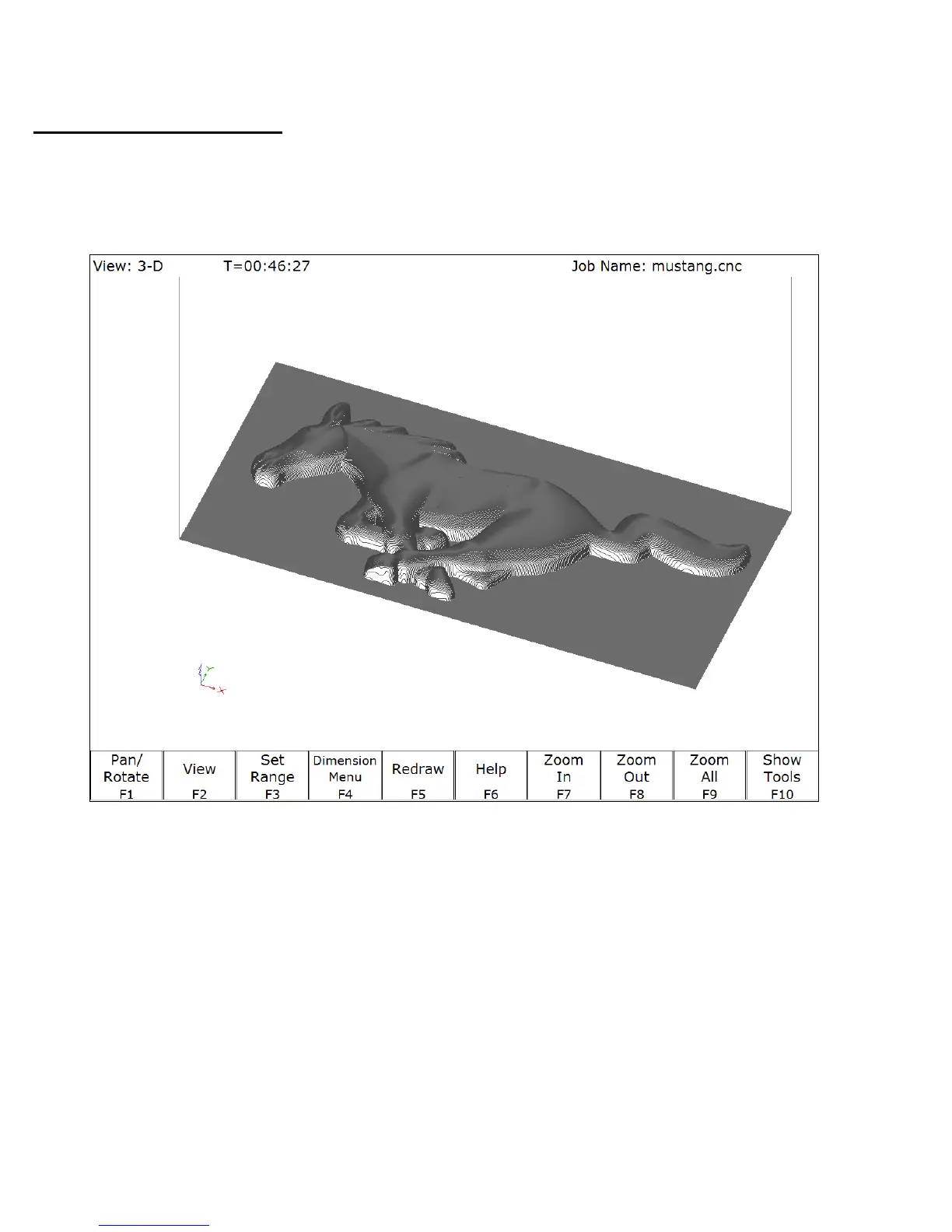
Accelerated Graphics Backplot
Accelerated Graphics Backplot is a new tool path graphics display that takes advantage of the latest
video graphics technology. This option is enabled by setting Parameter 260 to 1 (See Chapter 14). Under
Accelerated Graphics Backplot, the operation of the user interface is slightly different from the regular
Graphing described above.
.
F1 - Pan/Rotate Press this key to change the behavior of the keyboard arrow keys. Normally, they will
pan (scroll) around the drawing, but after pressing this key the arrow keys will control
rotation instead. When in rotation mode, an axis indicator is drawn to mark the center
of rotation.
F2 - View Press this key to change the planar view of your part. The view is indicated by TOP,
RIGHT, or FRONT shown at the top of the screen.
F3 - Set Range Press this key to select which lines of G-code to display. Only lines that fall within
the range you specify will be drawn.



 To Next Page