M-Series Operator’s Manual 4/9/15
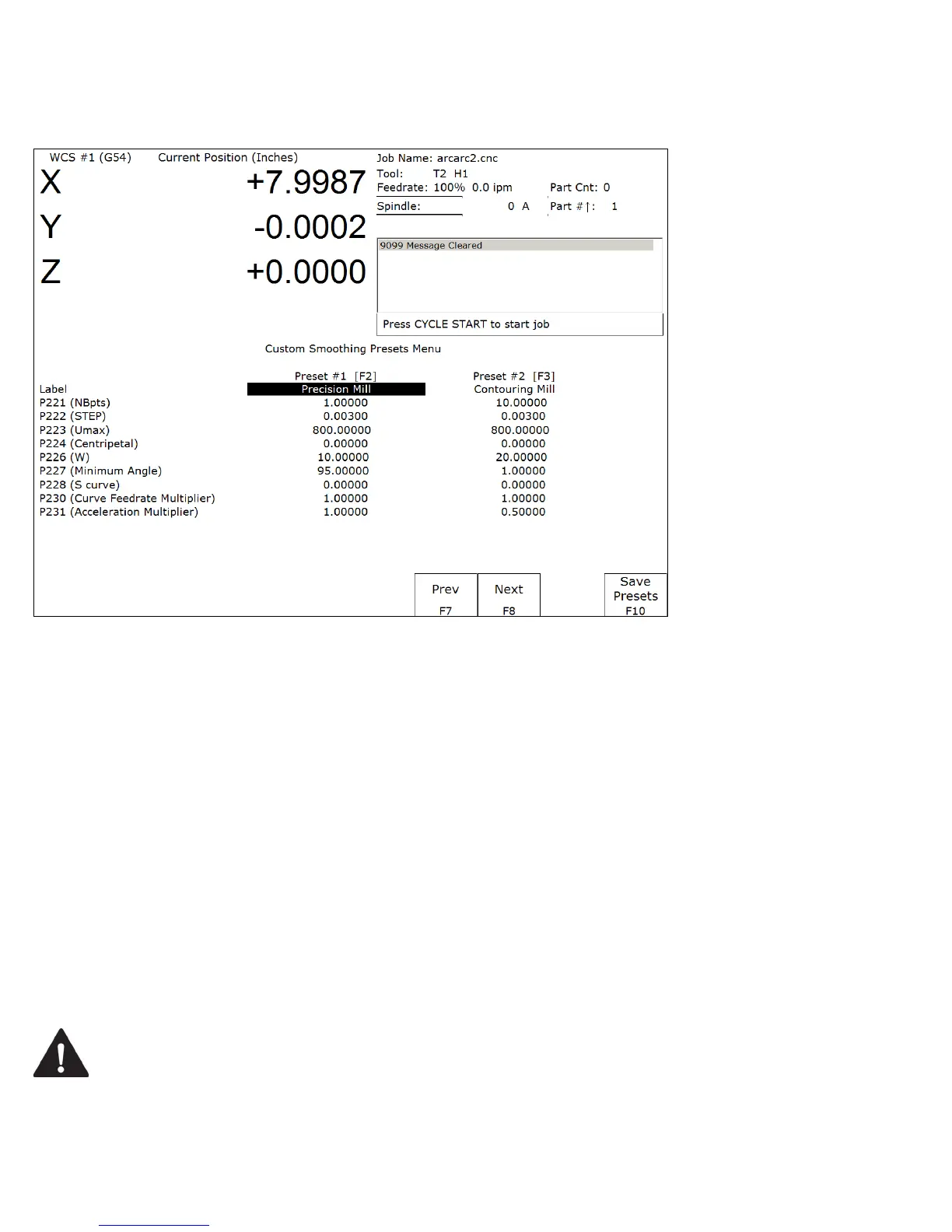
Custom Smoothing Presets Menu
Pressing F9 – Customize Presets from the Smoothing Setup menu will bring up the screen that allows you to
customize the Quick Setups keys that appear in the Smoothing Setup menu.
There are a total of 99 Smoothing presets. Each Smoothing preset consists of a customizable label and a customizable
set of parameter values that will be copied to the actual parameters P221 through P231 (excluding P229) when such a
preset is selected in the Smoothing Setup Menu or when activated by the “G64 ON” command.
Smoothing presets #1 through #7 are the only presets that can appear in the Smoothing Setup menu and corresponds to
F2 through F8 in that menu. For these presets (#1 through #7), only those that have a non-blank F-key Label will be
appear and be available in the Smoothing Setup Menu. To remove a particular preset from the Smoothing Setup Menu
(presets #1 through #7) , simply delete its Label and leave it blank.
All Smoothing presets can be activated by “G64 ON” in a CNC program or by MDI. Presets activated this way will
still be in effect even after the CNC program is finished. Here are some G64 examples:
G64 ON P1 ;Activate Preset #1 by number
G64 ON "precision mill" ;Activate Preset #1 by label
G64 ON P2 ;Activate Preset #2 by number
G64 ON "contouring mill" ;Activate Preset #2 by label
The “G64 ON” command with a “P” number can be used to activate those presets that do not have a Label.
For more details on G64 see Chapter 12.
WARNING
The Smoothing Presets should not be changed without consulting your dealer.
Corrupt or incorrect values could cause damage to the machine, personal injury,
or both.



 To Next Page