M-Series Operator’s Manual 4/9/15
9-4
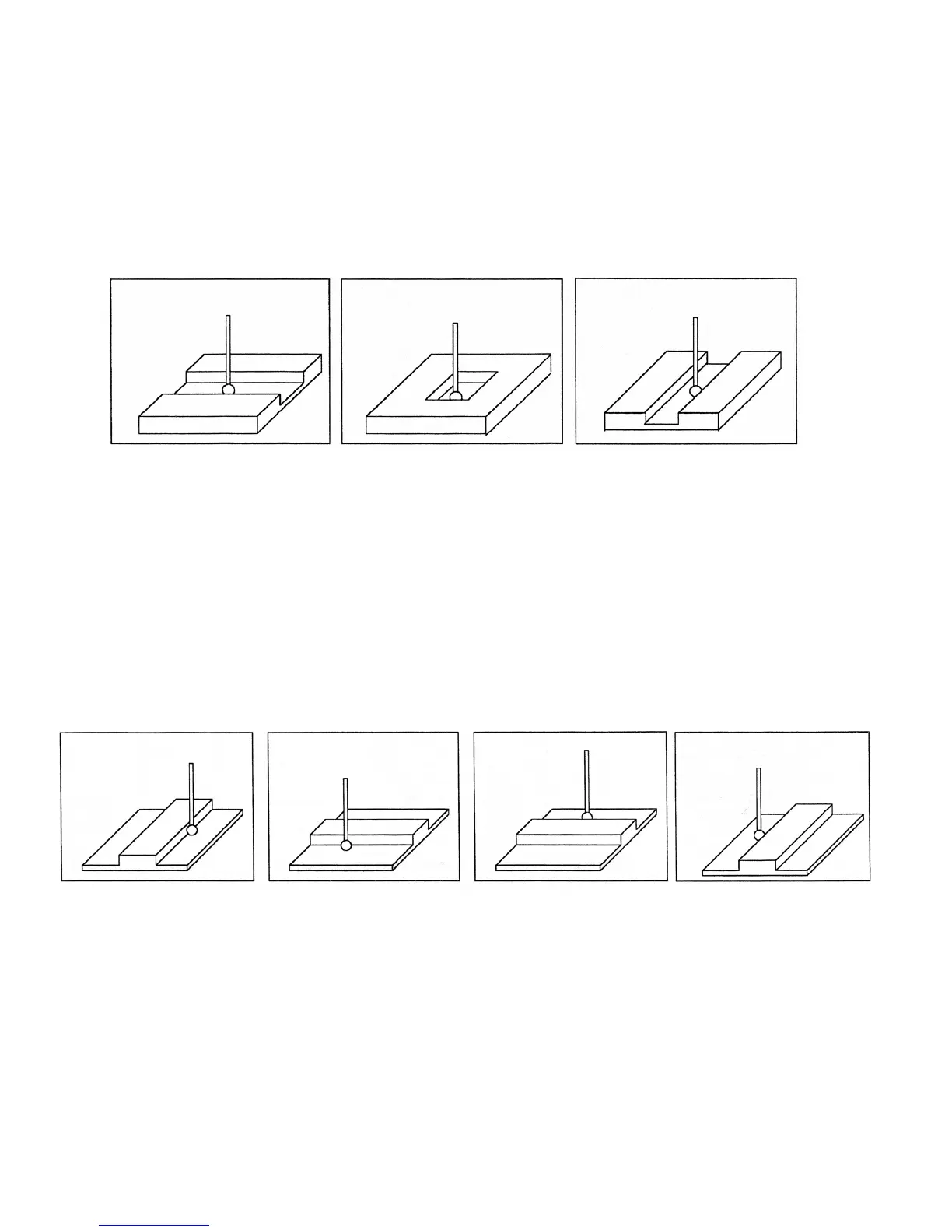
F3 – Slot Press F3 - Slot to enter the Slot screen. A picture similar to the ones shown will appear along with
instructions:
1 - Press F1 - Orient to select the orientation of the probe with respect to the slot.
2 - Slowly jog the probe to the approximate position shown in the picture. During this jog, make sure you have
enough space between the probe and the part.
3 - Press CYCLE START to begin probing.
Once the cycle is finished, the probe will be located at the center of the slot. Press ESC to return to the Set Part 0 –
Position Screen or digitize screen.
F4 – Web Press F4 - Web to enter the Web screen. A picture similar to the following will appear,
with instructions and two input fields. Follow these steps:
1 - Press F1 - Orient to select the orientation of the probe. You will see one of the screens shown below.
2 - Slowly jog the probe to the approximate position shown in the picture.
During this jog, be sure to give enough space between the probe and the part.
3 - Enter the approximate Web width.
4 - Highlight the Z clearance value using the up or down arrow key. Enter
approximate distance the probe has to travel in order to lift up over the Web.
5 - Press CYCLE START to start the probing cycle. Once the probe has completed
its search, it will automatically position to the centerline of the web.
If the Z clearance you entered is too small, the probe will stop and show an error message. Correct the problem by
repeating the previous steps. If the approximate width you entered is too small, the probe will bounce by 10
percent of its width across the top surface until it either finds the correct edge, the additional distance searched is
equal to Parameter 16, or a travel limit is reached.
Once the probing cycle is complete, the probe will be positioned at the center of the web, at the Z clearance level
entered. Press ESC to return to the Set Part 0/ Position screen or digitize screen.



 To Next Page