M-Series Operator’s Manual 4/9/2015 10-6
Insert Operation (Intercon Main Screen ► F3 – Insert)
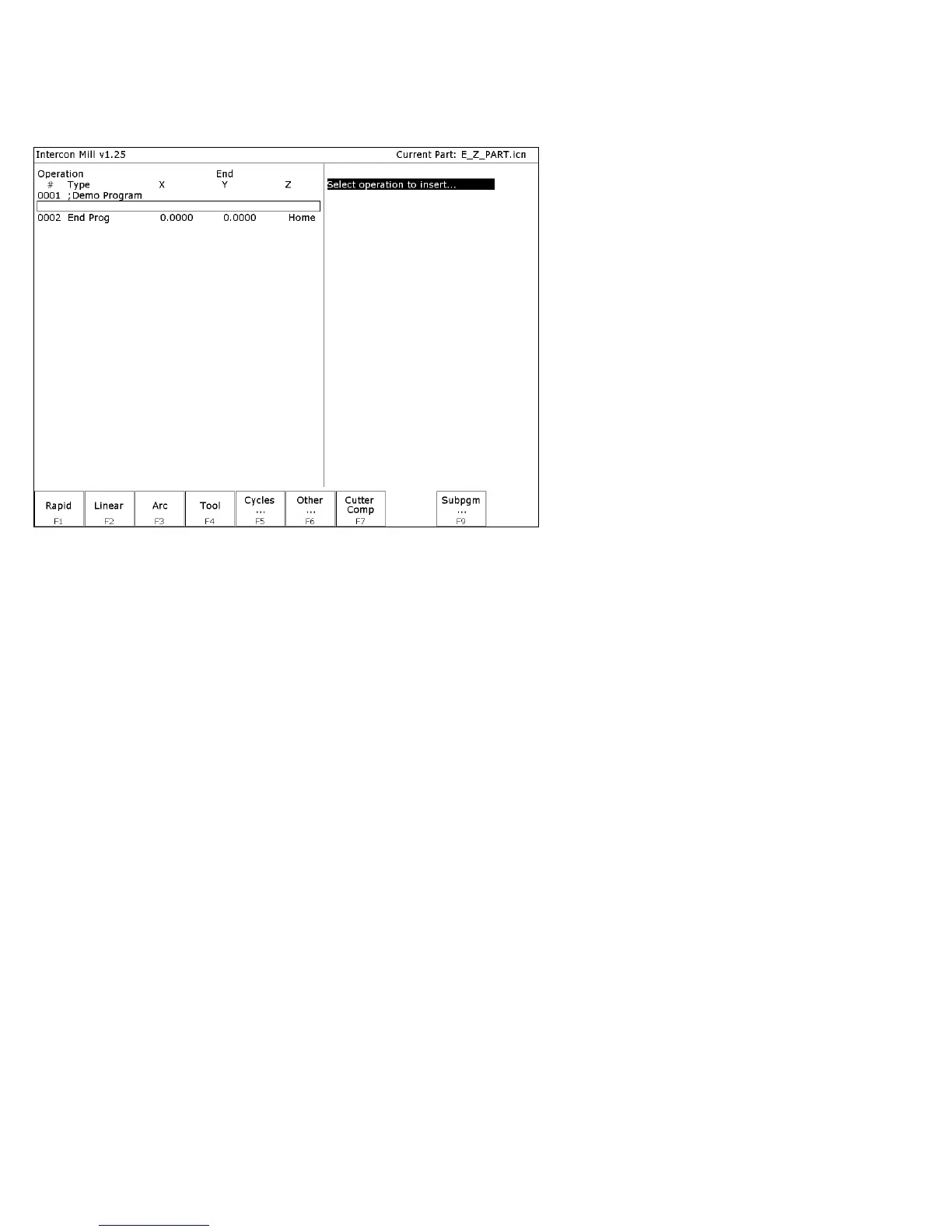
When you press F3 - Insert, or when you choose New Part from the Main Screen, you will see the Insert screen:
The new operation will be inserted right before the currently highlighted one. The operation types that you can insert
are listed across the bottom of the screen.



 To Next Page