Control Station Duetto Program interface
2.0/0518 107
Several incoming calls
If during an ongoing conversation (A) a call comes in (B), a notification appears on the screen. Tap on
the notification message to open the conversation overview (
see page 110), where you can answer the
incoming call (B). If you answer the incoming call (B), the ongoing conversation (A) will be put on hold.
An active SIP call is paused while the incoming call is answered (independent of whether the incoming
call is an Intercom or SIP call). After finishing your second call (B), you must manually answer the SIP
call (A) that was put on hold. An active Intercom call has to be cancelled to answer the incoming call.
Call transfer
Both incoming and ongoing calls can be transferred to other stations.
It is possible to transfer incoming and ongoing calls
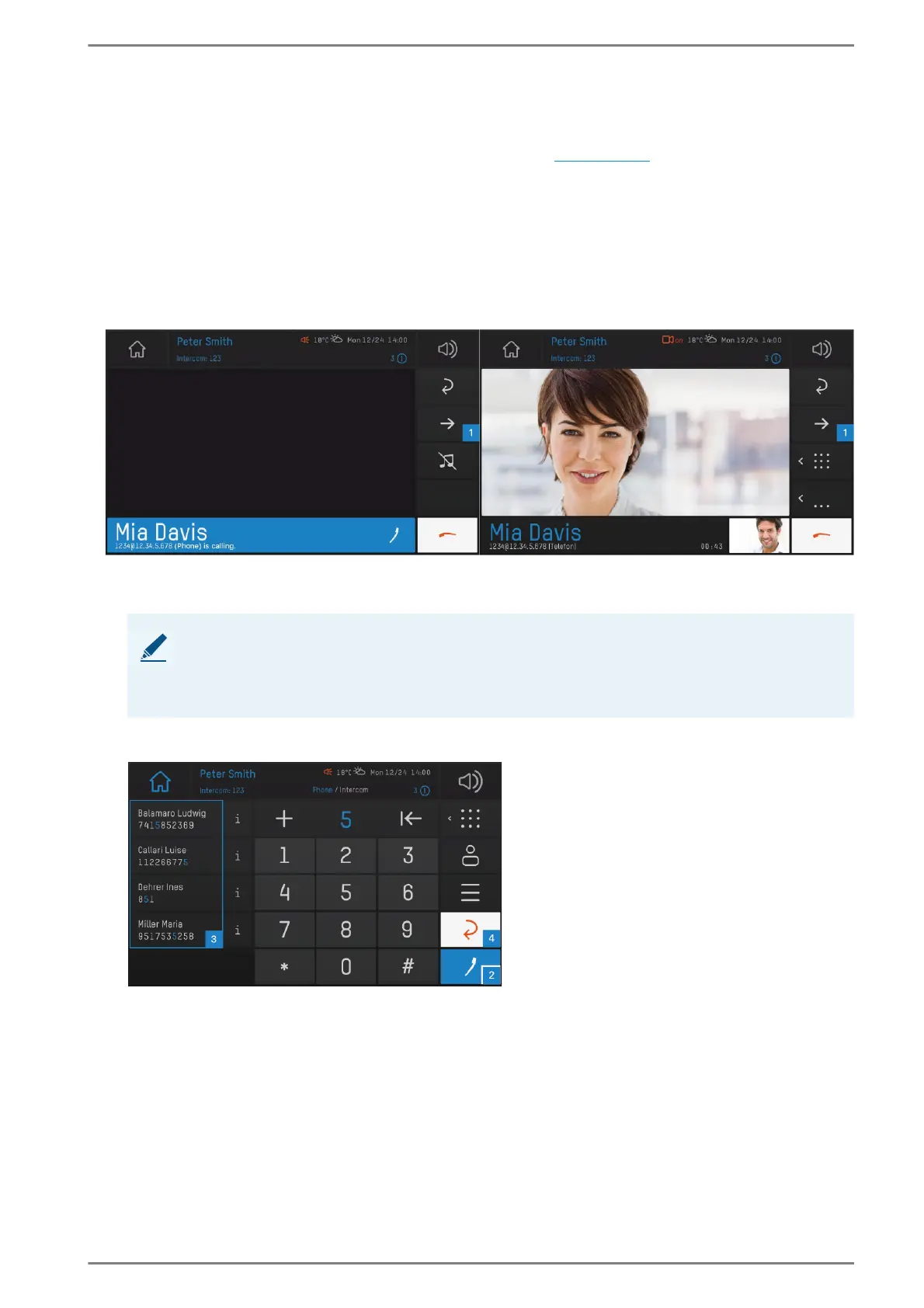
Tap the arrow button 1 to bring up the call transfer dialogue.
The following screen appears:
User interface “call transfer”
NOTE: Call behaviour in call app
With an already accepted call, this call will be interrupted until the incoming call is trans-
ferred or the view is switched back from the call app to the preview view without transfer-
ring the call.



 To Next Page