Control Station Duetto Web interface – Device
2.0/0518 41
Audio settings
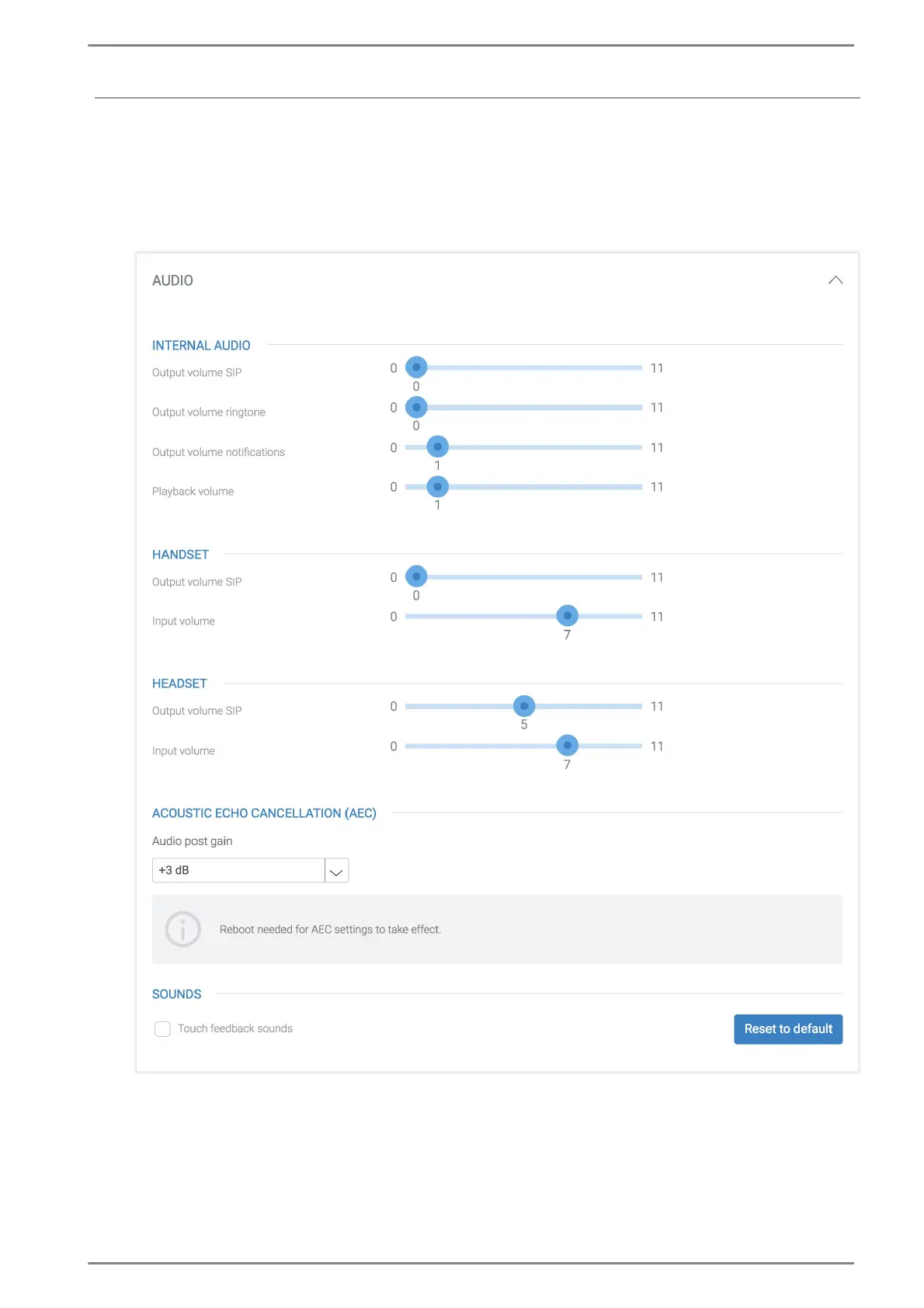
In this section, the audio settings of the DUETTO device can be configured (internal audio, handset,
headset, and sounds).
DUETTO > DEVICE > AUDIO
Audio
Internal Audio
Output volume SIP: In this drop-down list, the output volume of SIP calls can be selected.
Output volume ringtone: In this drop-down list, the ringtone volume of incoming SIP calls
can be selected.
Output volume notifications: In this drop-down list, the notification volume of SIP calls can
be selected (e.g. for incoming notifications during a call).



 To Next Page