Web interface – Customization Control Station Duetto
50 2.0/0518
Web interface – Customization
Screen customization
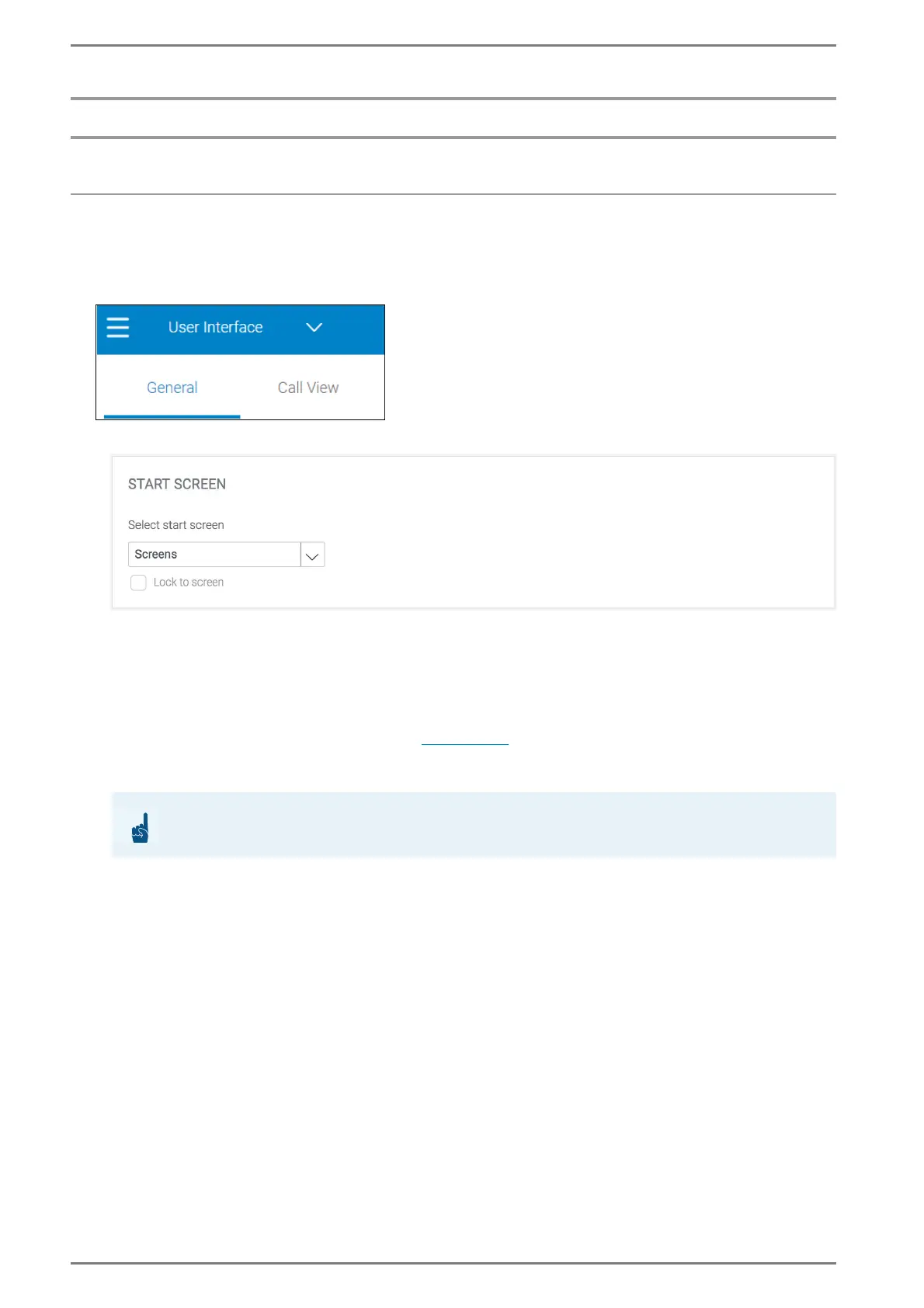
DUETTO > CUSTOMIZATION > USER INTERFACE
a General
General > Start Screen
Select start screen: Select the screen in the drop-down list to be shown after DUETTO is booted.
The following start screens are available:
Home: “Home” screen with slideshow, background and main menu bar.
Phone: Keypad and the direct dialling button screen.
Intercom Classic: Classic mode screen for Intercom interaction.
Call Interface: Call overview screen with all registered call numbers.
Screens: Customised screen menu (see page 57).
Lock to screen: Activate this checkbox to lock the selected screen in the drop-down list as the
new home screen of DUETTO (not available for Main Menu).
ATTENTION: Change of screen not possible
Changing to other screens is not possible with a fixed screen!



 To Next Page