Control Station Duetto Web interface – Device
2.0/0518 39
Web interface – Device
Device identification
In this section, the identification settings of the DUETTO device can be configured.
DUETTO > DEVICE > IDENTIFICATION
Device Identification
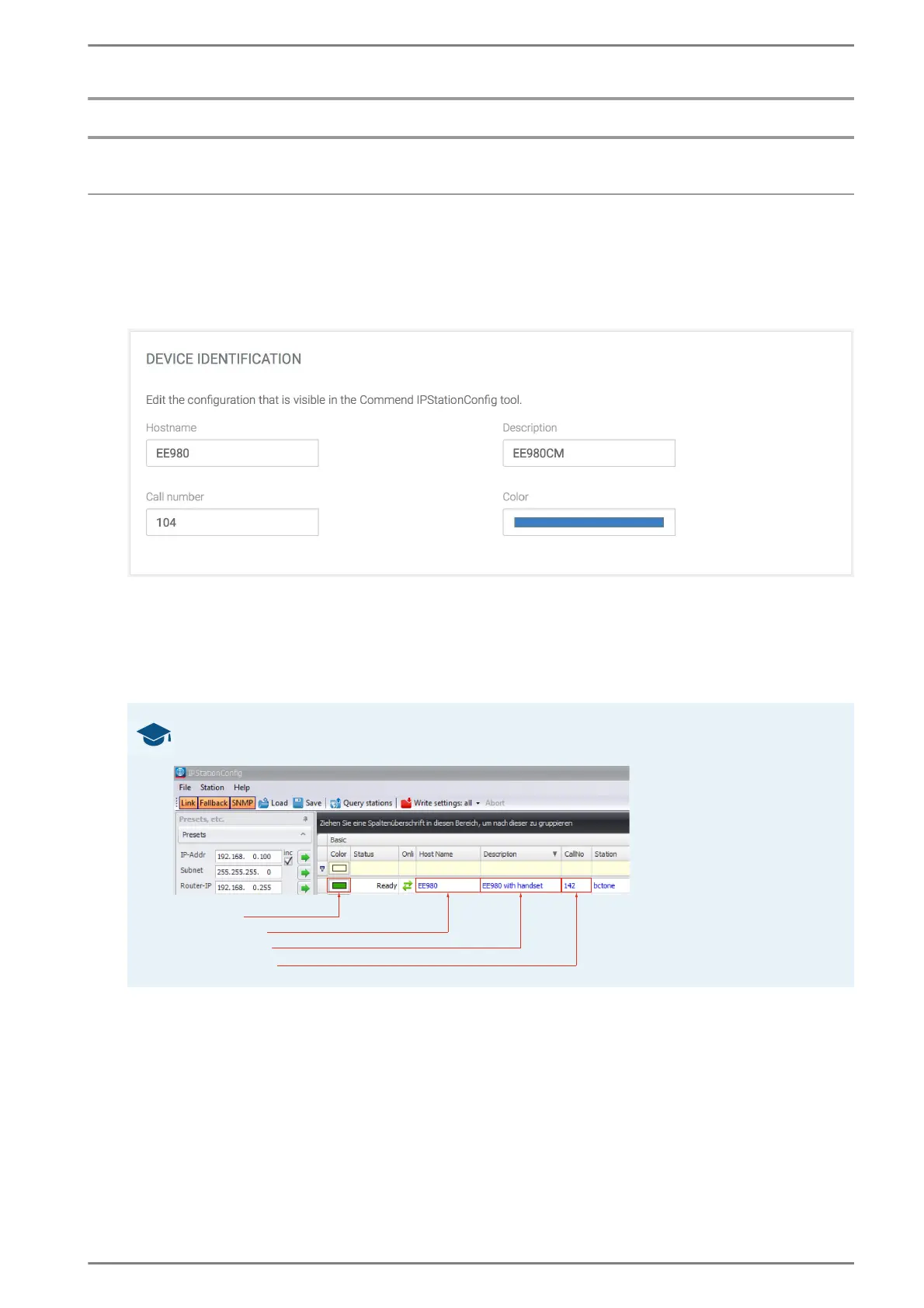
Hostname: In this drop-down list, the host name of DUETTO can be entered.
→ By default: EE 980
Description: In this drop-down list, a short description of DUETTO can be entered.
→ By default: EE 980
Call number: In this drop-down list, the call number of DUETTO can be entered.
Color: Click on this button to select a colour as identifier (e.g. to group DUETTO types).
➥ Click on the button Save to save the settings.
GOOD TO KNOW: Device information is shown in IP Station Config
The device information mentioned above will be shown in the program IP Station Config:



 To Next Page