Control Station Duetto Web interface – System
2.0/0518 85
IP network overview
DUETTO > SYSTEM > MAINTENANCE
Scan for Devices
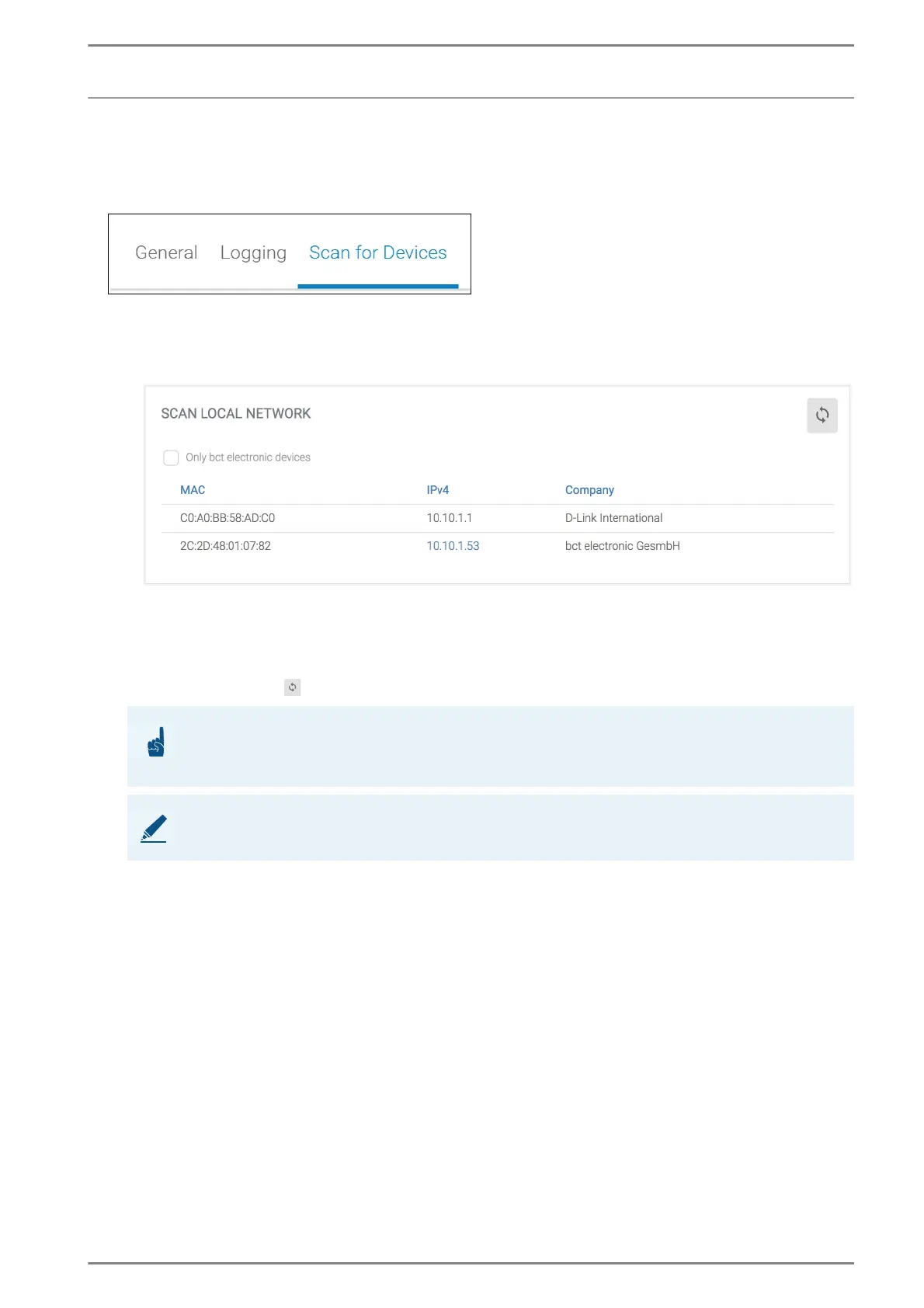
In this section, the local IP network can be searched for IP-based devices (e.g. other DUETTO devices).
This section is mainly used for support purposes.
Scan local network
Click on the button Start to scan the local IP network for IP-based devices and to show the result in
the web interface with all important information (MAC address, IP address and device description).
Nur Geräte von bct: Aktivieren Sie diese Checkbox, um das lokale IP-Netzwerk nur nach anderen
DUETTO Geräten zu durchsuchen.
Click on the button to refresh the message indication..
ATTENTION: Web interface not available during network scan
The network scan starts automatically with a click on the button Start! The web interface is not avail-
able as long as the network scan is carried out!
NOTE: Duration of network scan depends on subnet
The bigger the configured subnet (for possible hosts), the longer it may take to display the results.



 To Next Page