Control Station Duetto Program interface
2.0/0518 129
Control desk functions
The following control desk functions are available for the DUETTO device:
General
If the DUETTO device is configured as a control desk, the station can carry out the following control
desk functions in addition to the standard Intercom functions:
Call requests: With pressing a call button on a station, a call can be requested from the DUETTO
control desk. Active call requests are stored at the DUETTO control desk and have to be acknowl
-
edged manually in order to initiate a call to the respective station. It is not possible to cancel active
call requests and therefore to decline a not accepted call. Not acknowledged call requests are indi
-
cated on the display of the DUETTO device and an acoustic signal (“buzzer”) sounds.
Input messages: Activated inputs (e.g. Gx-8E8A, Gx-16E, station inputs) are stored at the DUETTO
control desk and have to be acknowledged manually. Not acknowledged call requests are indicated
on the display of the DUETTO device and an acoustic signal (“buzzer”) sounds. Depending on the
configuration and cabling of the inputs, 5 different switch steps can be indicated:
Idle mode
Active 1 (equivalent to a “normal call”)
Active 2 (equivalent to an “emergency call”)
Short circuit
Line fault
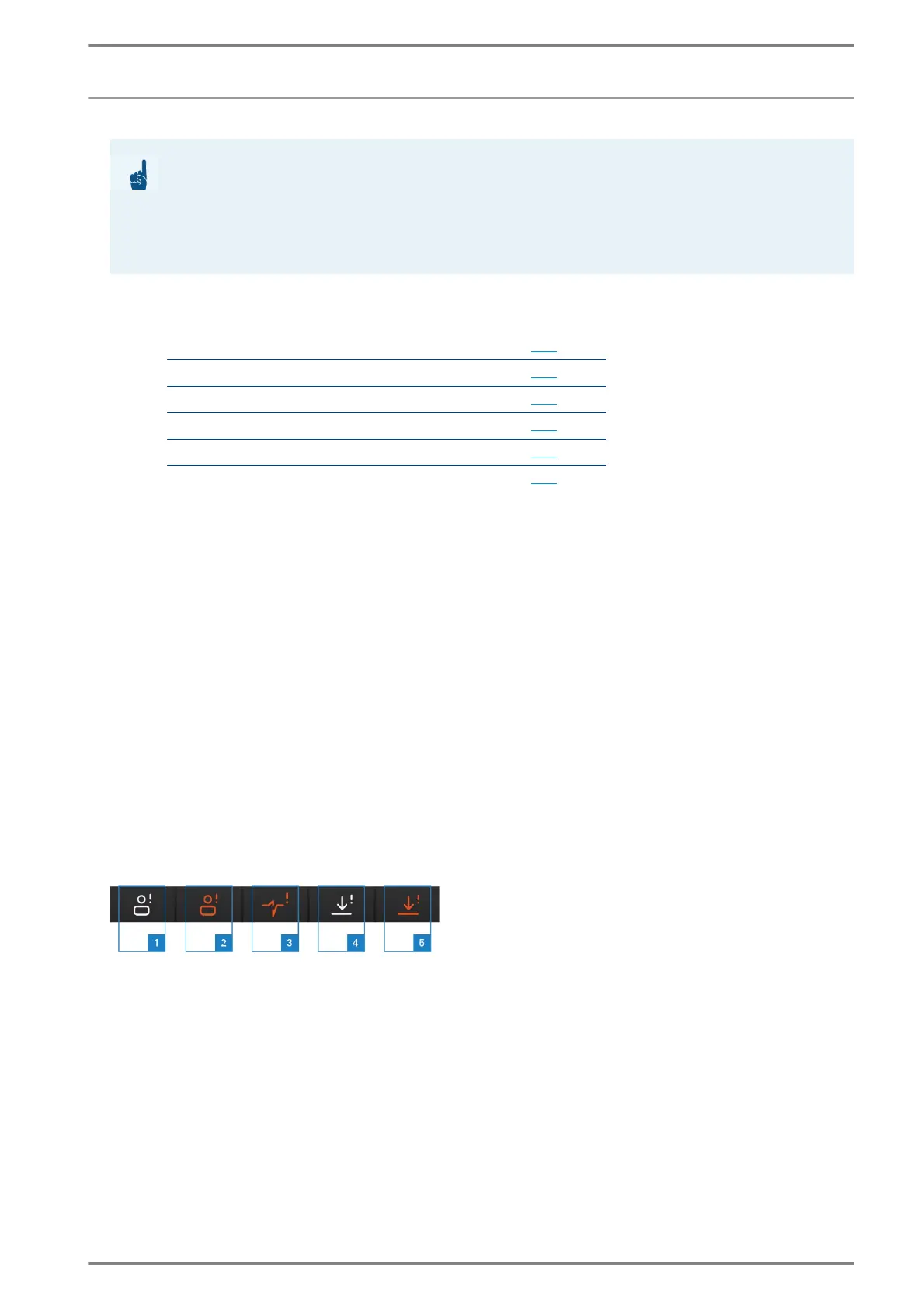
For incoming call requests and input messages, the following call types are available:
Control desk “call types“
1 Normal call: Call request with standard priority.
2 Emergency call: Call request with high priority.
3 Line fault
4 Active 1 (equivalent to a “normal call”): Input message with standard priority (e.g. door surveil-
lance system).
5 Active 2 (equivalent to an “emergency call”): Input message with high priority (e.g. alarm system
or fire detector).
ATTENTION: Restrictions
The following functions and settings are only available for the versions EE 980 and EE 980CM of the
DUETTO series in Intercom mode!
Configured control desks, call requests and input messages require memory in the main memory of
the Intercom Server. A list of the memory capacities can be found in the manual “Intercom Server
Configuration“!
Function Page
General
129
Define a control desk
130
Call request to a control desk station
130
Indication of input messages
131
Line fault monitoring for an Intercom station
131
Filtering calls
132



 To Next Page