Program interface Control Station Duetto
100 2.0/0518
EB1A connection status
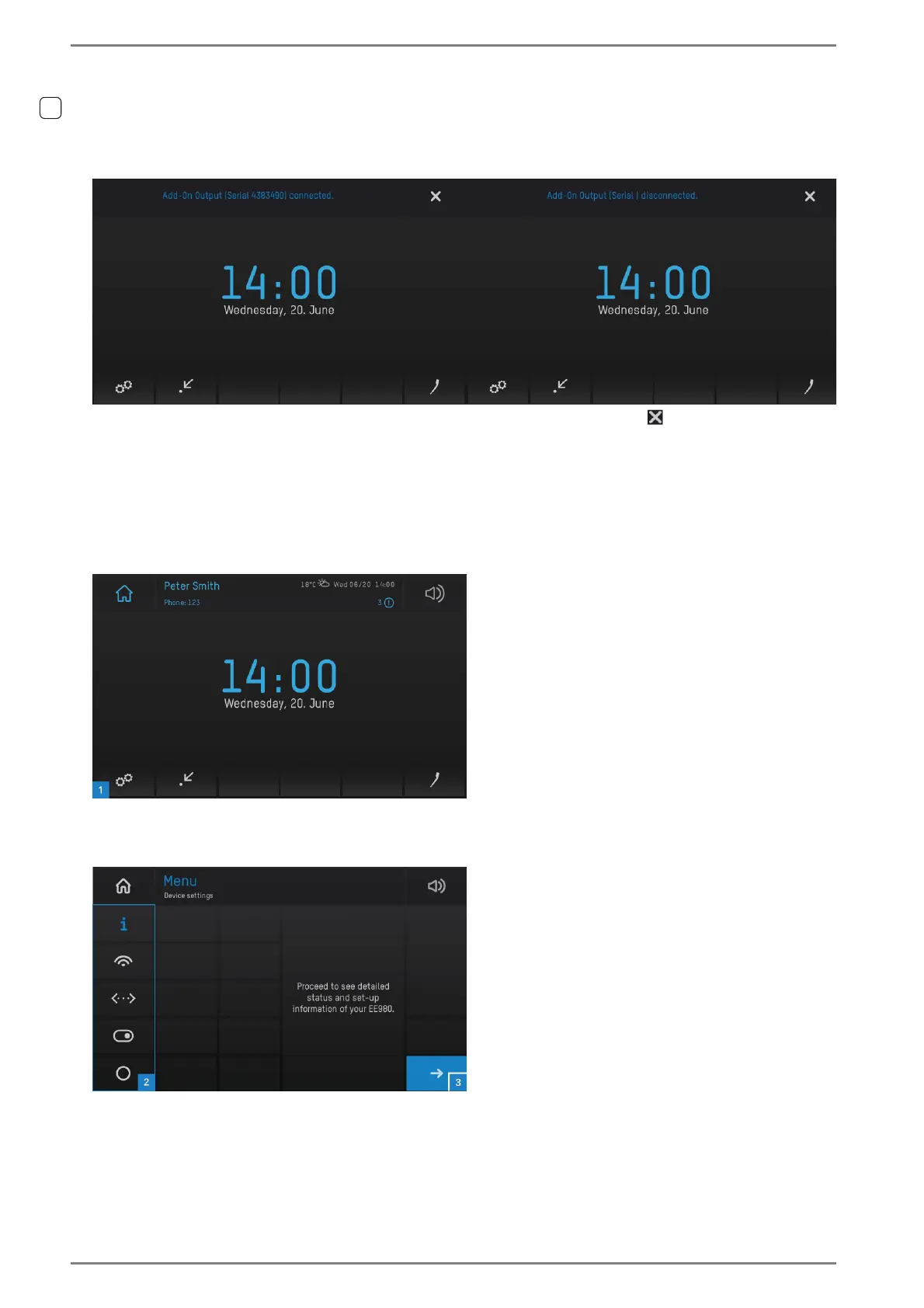
The following notifications are shown on the DUETTO display when the add-on output “EB1A” is con-
nected or disconnected to/from the USB port:
Add-on output connectedAdd-on output disconnected
These notifications will be shown for approx. 5 seconds. Click on the button to fade out the notifica-
tion prematurely.
Device settings
In the function menu, several submenus are available in which device and status information are
indicated or various functions can be carried out (e.g. connect with a Wi-Fi network or switch services
on/off).
User interface “home screen”
Tap on the button 1 on the menu bar to open the function menu. The following screen appears:
User interface “function menu”



 To Next Page