Control Station Duetto Program interface
2.0/0518 99
Notifications
On the DUETTO device, several notifications can be shown for certain events (e.g. handset plugged-in
or add-on output “EB1A” disconnected).
Pending calls
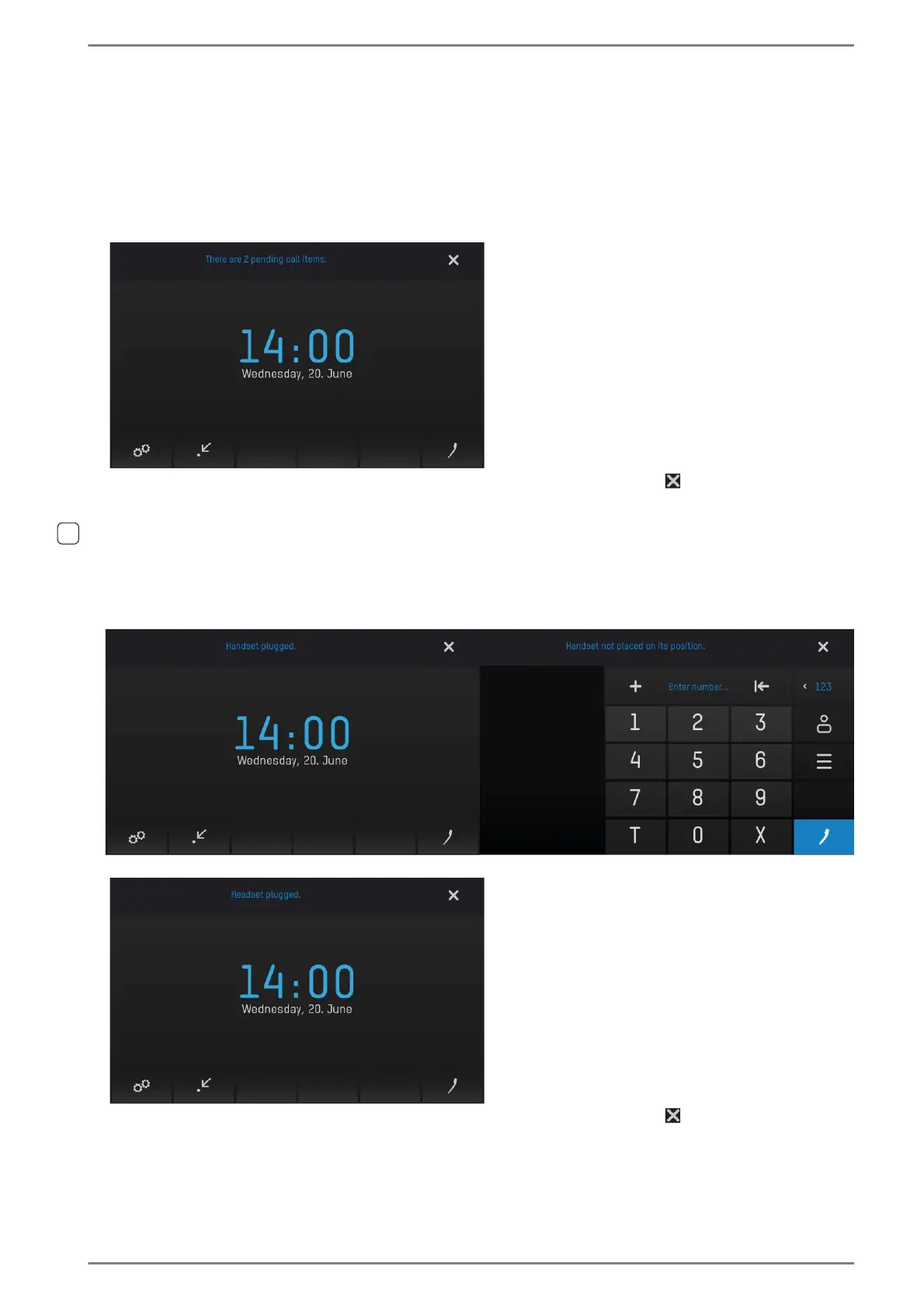
The following notification is shown on the DUETTO display when one or more pending calls or re-call
requests are active:
These notifications will be shown for approx. 5 seconds. Click on the button to fade out the notifica-
tion. As long as at least one pending call is active, this notification will be shown in periodical intervals.
Headset/handset connection status
The following notifications are shown on the DUETTO display when the handset/headset will be con-
nected or the handset is off the hook while no conversation is active:
Handset connected
Handset off the hook while no
conversation active
Headset connected
These notifications will be shown for approx. 5 seconds. Click on the button to fade out the notifica-
tion.



 To Next Page