Program interface Control Station Duetto
114 2.0/0518
Address book
With the address book, all saved contacts in the DUETTO device can be managed and it is possible to
initiate calls to these contacts.
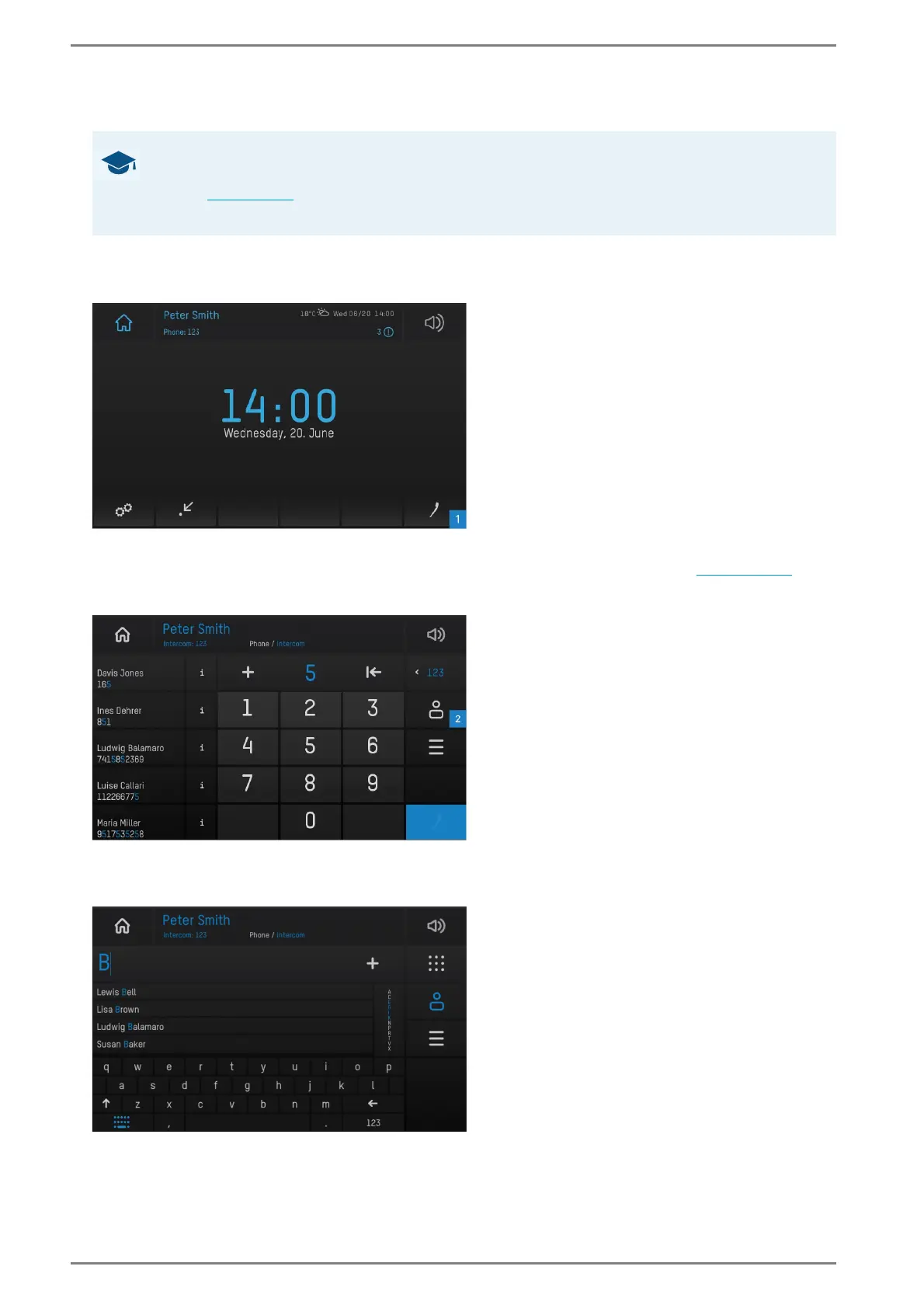
User interface “home screen”
Tap on the handset button 1 in the main menu bar in order to open the call app (see page 104). The
following screen appears:
User interface “alphanumerical keyboard”
Tap on the contact button 2 to open the address book. The following screen appears:
User interface “address book”
GOOD TO KNOW: Restrictions in the classic Intercom user interface
The following function is only available for keyboards and numerical/alphanumerical key-
pads (see page 104)! A detailed operating instruction of the address book in the classic Inter-
com user interface can be found in the operating instruction “Series WS 810”!



 To Next Page