Web interface – Customization Control Station Duetto
56 2.0/0518
Screen background customization
In this section, slide shows and background images with individual images can be created.
DUETTO > CUSTOMIZATION > SLIDESHOW
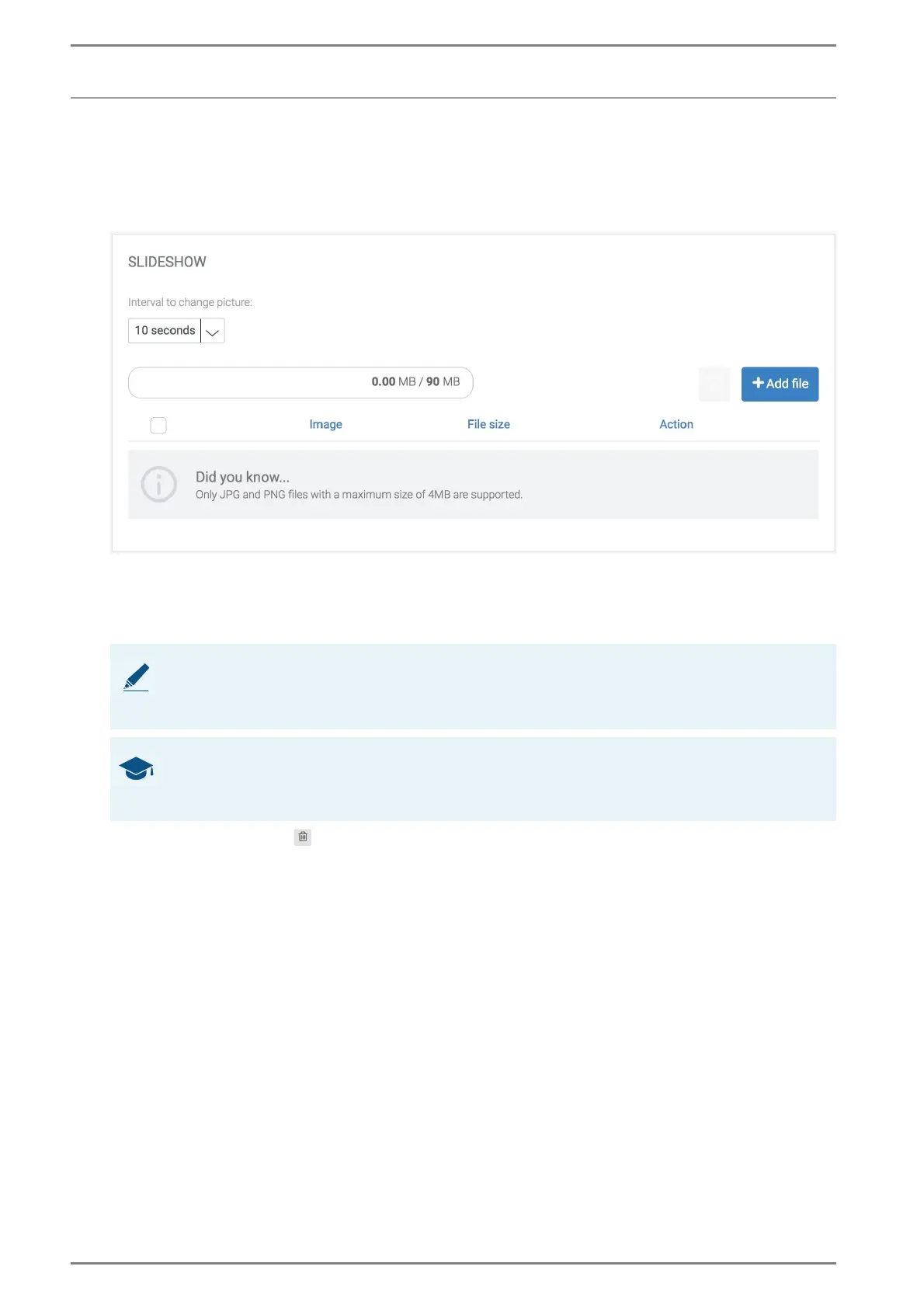
Slideshow
Slideshow Settings
Interval to change picture: In this drop-down list, the display duration of single images can
be selected.
Click on the button Add file and select the desired image(s):.
Click on the button to delete the respective image. To delete an image, activate respective
checkbox on the left.
➥ Click on the button Save to save the settings.
NOTES: Requirements
Max. file size: 4 MB
Supported file formats: JPEG, JPG and PNG
GOOD TO KNOW: Image upload
Upload one image to use it as background image.
If two or more images are uploaded, a slideshow will be started automatically.



 To Next Page