Web interface – System Control Station Duetto
84 2.0/0518
Status report
DUETTO > SYSTEM > MAINTENANCE
Logging
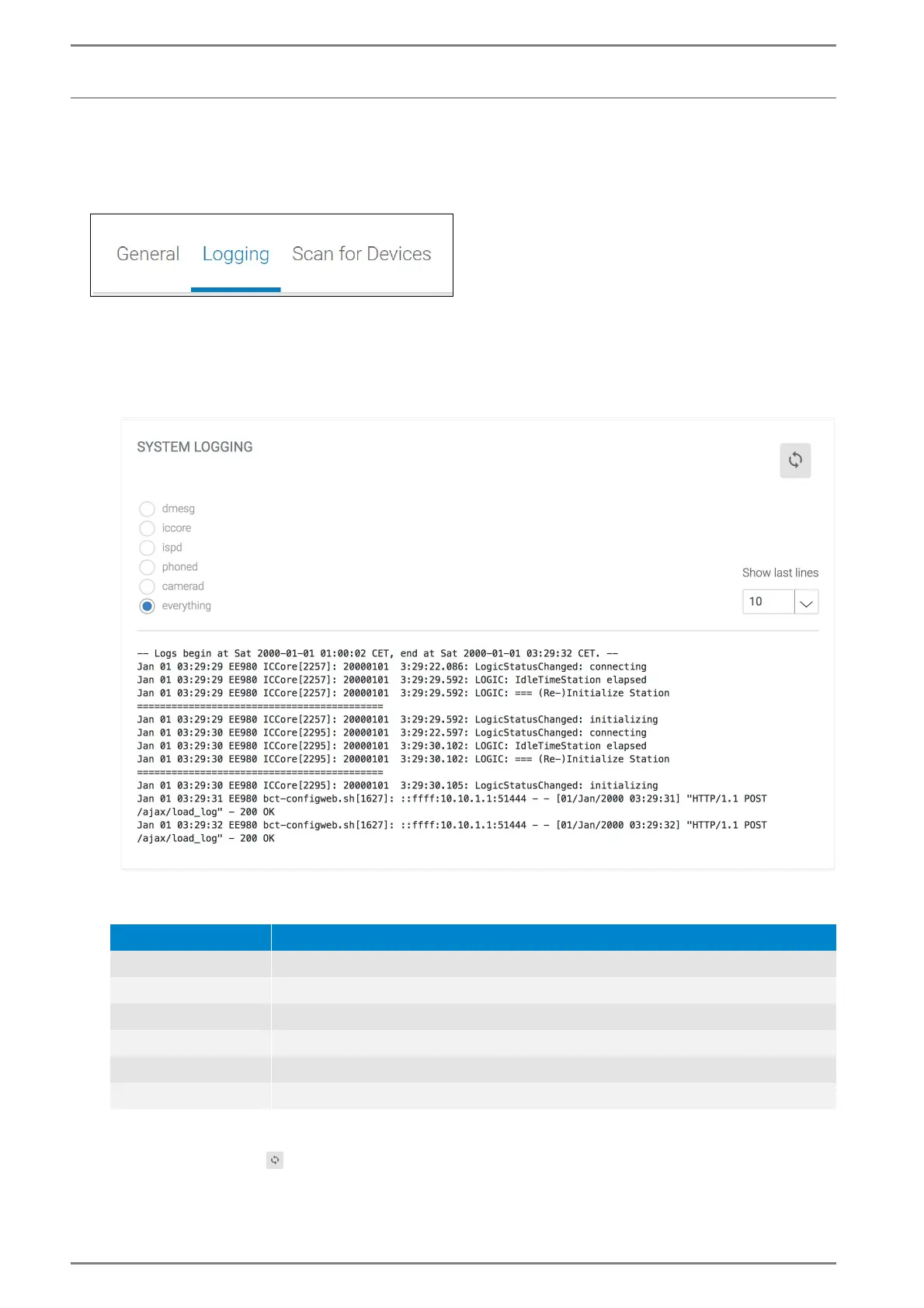
In this section, a detailed report of status messages of DUETTO within the system can be created. If
there is a problem with the DUETTO device and a remote connection is possible, then this report can
be used by the technical support to solve the problem. This section is mainly used for support purpos
-
es.
System Logging
Select the desired radio button to display the corresponding system log. The following message
types are available:
last lines: In this drop-down list, the maximum number of displayed lines in the protocol can be
selected.
Click on the button to refresh the message indication.
Protocol Description
dmesg System messages of DUETTO (e.g. plugged USB device, removed SD card).
iccore Intercom service messages.
ispd Display service messages during conversations.
phoned SIP service messages.
camerad Camera service messages.
alles All messages.



 To Next Page