Control Station Duetto Web interface – System
2.0/0518 83
Remote Connection
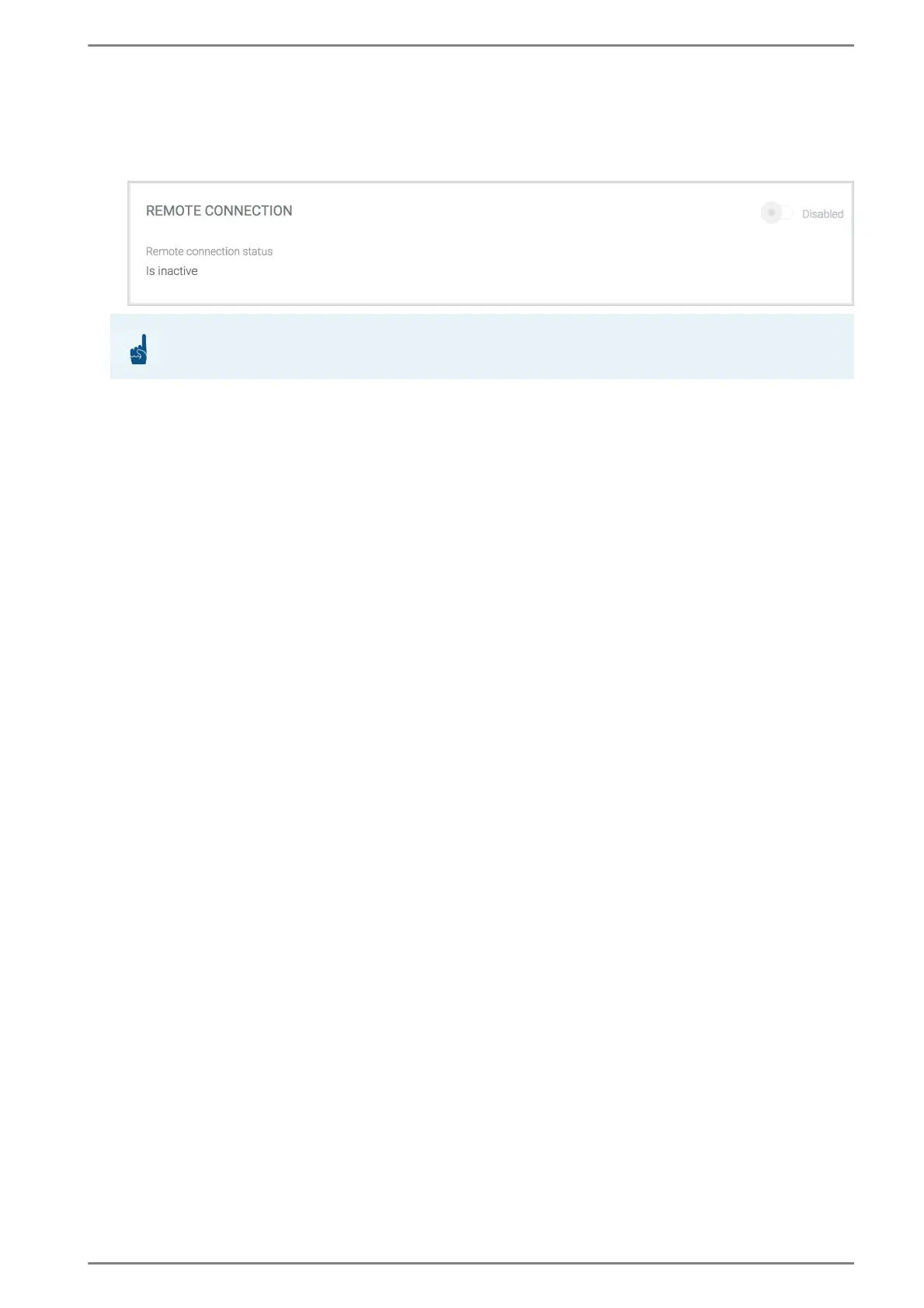
In this section, a remote connection can be enabled for the technical support. Activate this function
only if the technical support asks for it. This section is mainly used for support purposes.
Click on the toggle button to enable the remote connection of DUETTO.
→ By default: deactivated
When DUETTO is connected to the Internet, the port number of the device is shown.
Tell the port number to the technical support so they can establish a connection to your DUETTO.
If a firewall is present, it might be necessary to open the ports “TCP 443” for outgoing connections.
When the remote support has been finished, click on the button DEACTIVATE to disable the remote
connection.
ATTENTION: Internet connection required
For the following function, an active Internet connection is required!



 To Next Page