Web interface – System Control Station Duetto
82 2.0/0518
Restore backup
Click on the button Restore Backup, select the desired backup file (BBF file) and click on the but-
ton Restore to restore the settings of the device with the uploaded backup file.
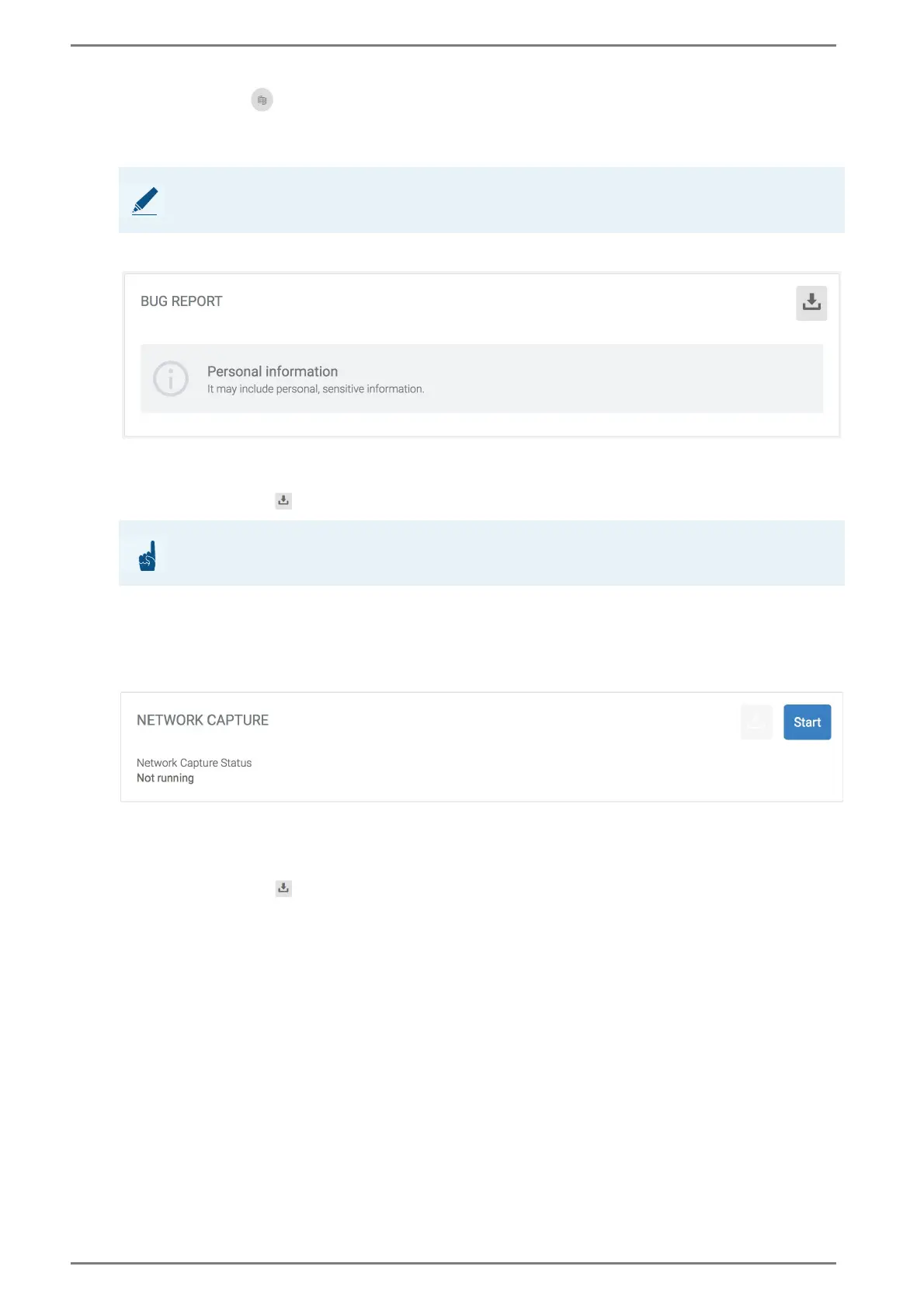
Bug report
In this section, a detailed bug report can be created for the technical support. This section is mainly
used for support purposes.
Click on the button to save the bug report on the connected computer.
Contact your local support or the technical support.
Network Capture
In this section, a report of the incoming and outgoing network data traffic of the DUETTO device can
be created. This section is mainly used for support purposes.
Click on the button START to start the scan of the incoming and outgoing data traffic via the
network interface of DUETTO.
Click on the button STOP to stop the network scan.
Click on the button to save the report on the connected computer.
NOTE: Consider firmware version
Backup files are not supported on devices that are running an older firmware version.
ATTENTION: May contain personal data
The bug report may include personal sensitive information!



 To Next Page