Control Station Duetto Web interface – Network
2.0/0518 25
Web interface – Network
Ethernet configuration
In this section, the Ethernet network settings of the DUETTO device can be configured (protocol type,
network, and VLAN)
DUETTO > NETWORK > ETHERNET
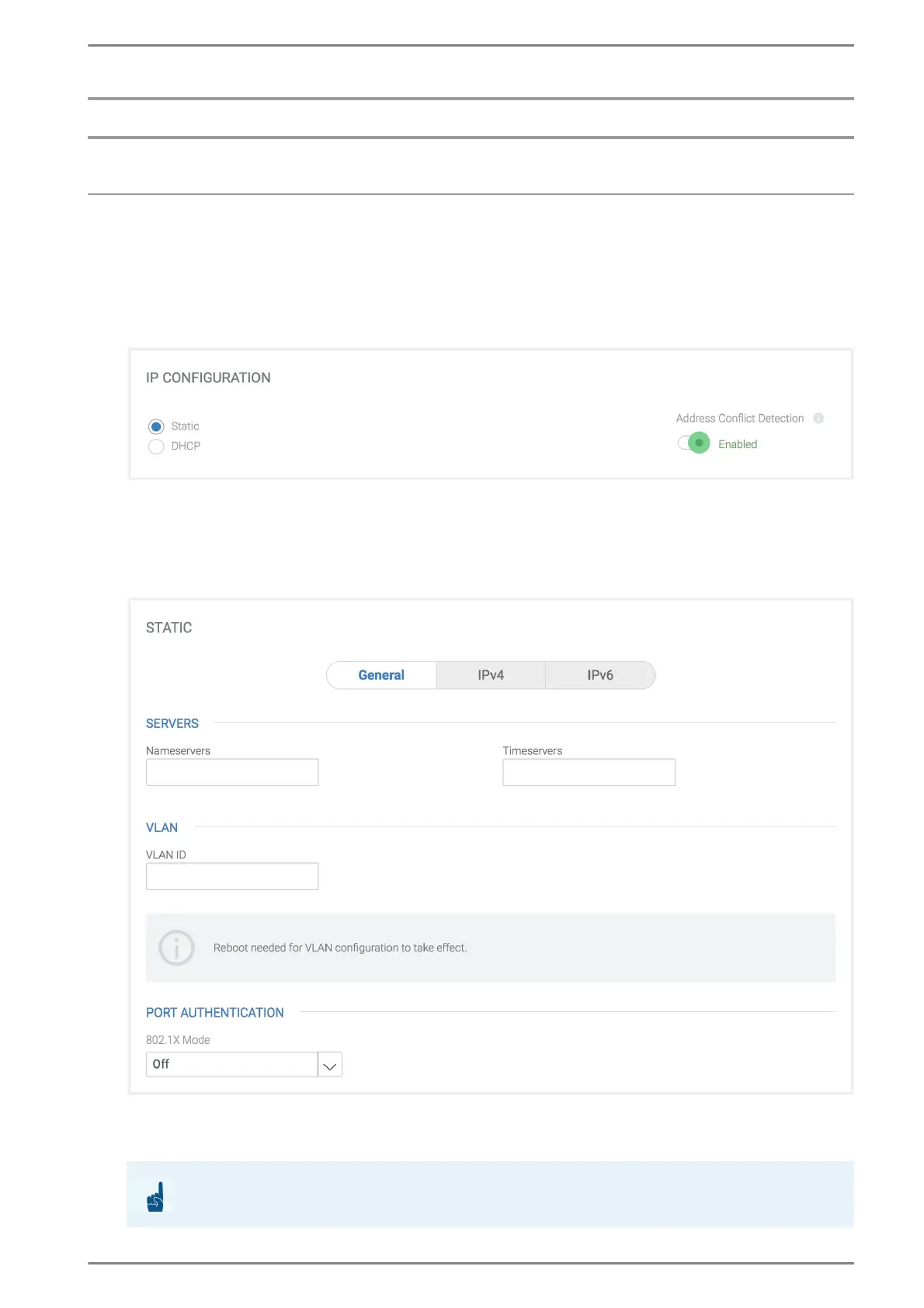
IP Configuration
Static: The IP addresses have to be configured manually.
DHCP: The IP addresses (IPv4 and IPv6) are configured by a DHCP server.
Address Conflict Detection: Enable toggle switch to check for address conflict according to
RFC 5227.
STATIC > GENERAL
Servers
Nameservers: In this field, enter the IP address of the DNS server (separate several DNS serv-
ers via a space).
ATTENTION: Configuration of domains
In order to use domains for (parts of) the configuration, a valid entry is required!



 To Next Page