Control Station Duetto Web interface – System
2.0/0518 79
Web interface – System
System maintenance
DUETTO > SYSTEM > GENERAL
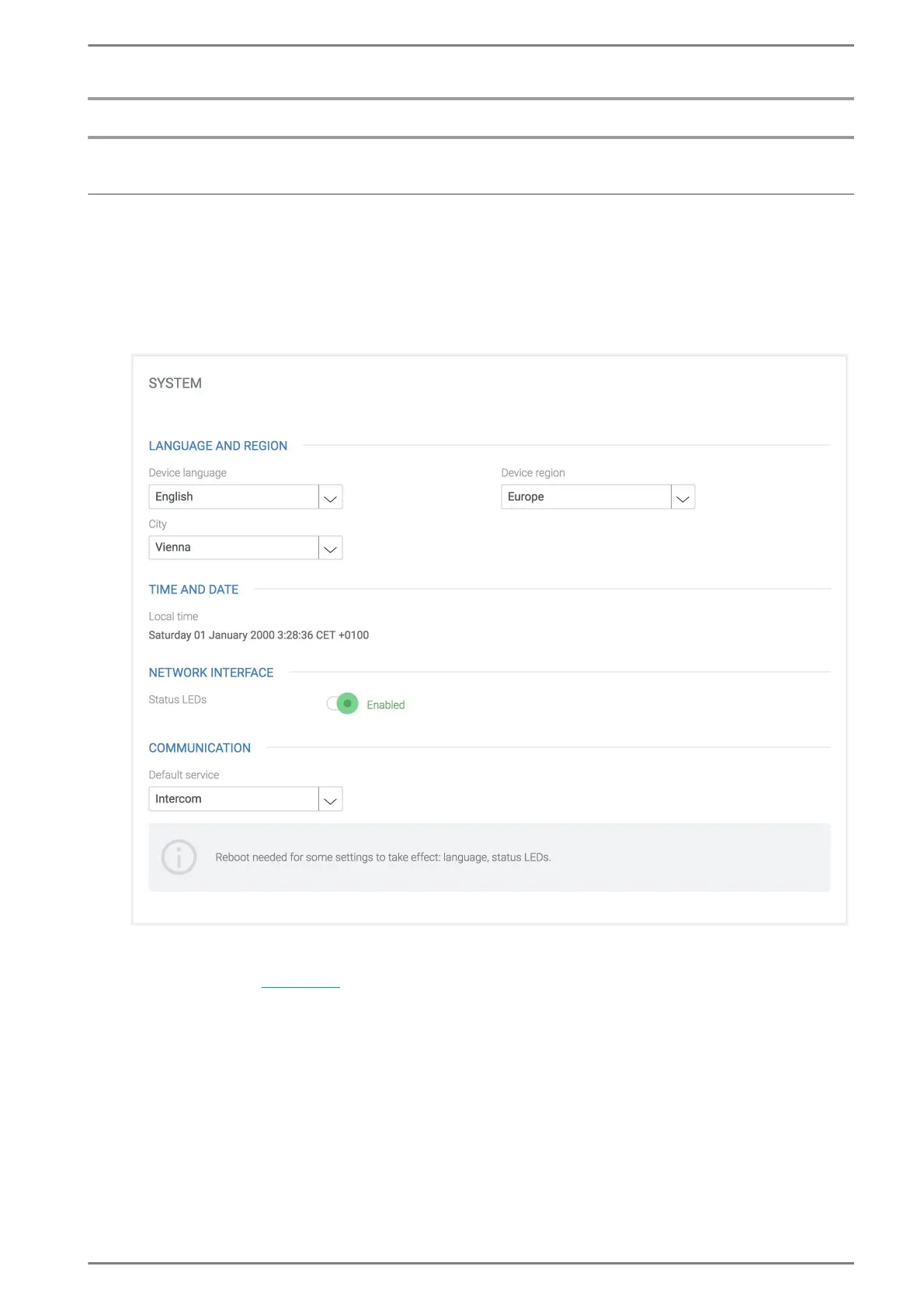
In this section, the standard system settings and the call behaviour of the DUETTO device can be con-
figured (language, location, date and time, status LED and default communication service).
System
Language and Region
Device Language: In this drop-down list, the language of the user interface of DUETTO can
be selected (
see page 8).
Device Region: In this drop-down list, the continent where DUETTO is located can be select-
ed.
City: In this drop-down list, the city closest to where DUETTO is located can be selected.
Time and Date
Local time: Shows the local time of the selected time zone. The date and time will be config-
ured automatically when DUETTO is connects to the Internet.
Network Interface
Status LEDs: In this drop-down list, the mode of the status LEDs can be selected. The follow-
ing modes are available:
On: The status LEDs on the network connectors are activated.



 To Next Page