Web interface – Device Control Station Duetto
46 2.0/0518
USB ports
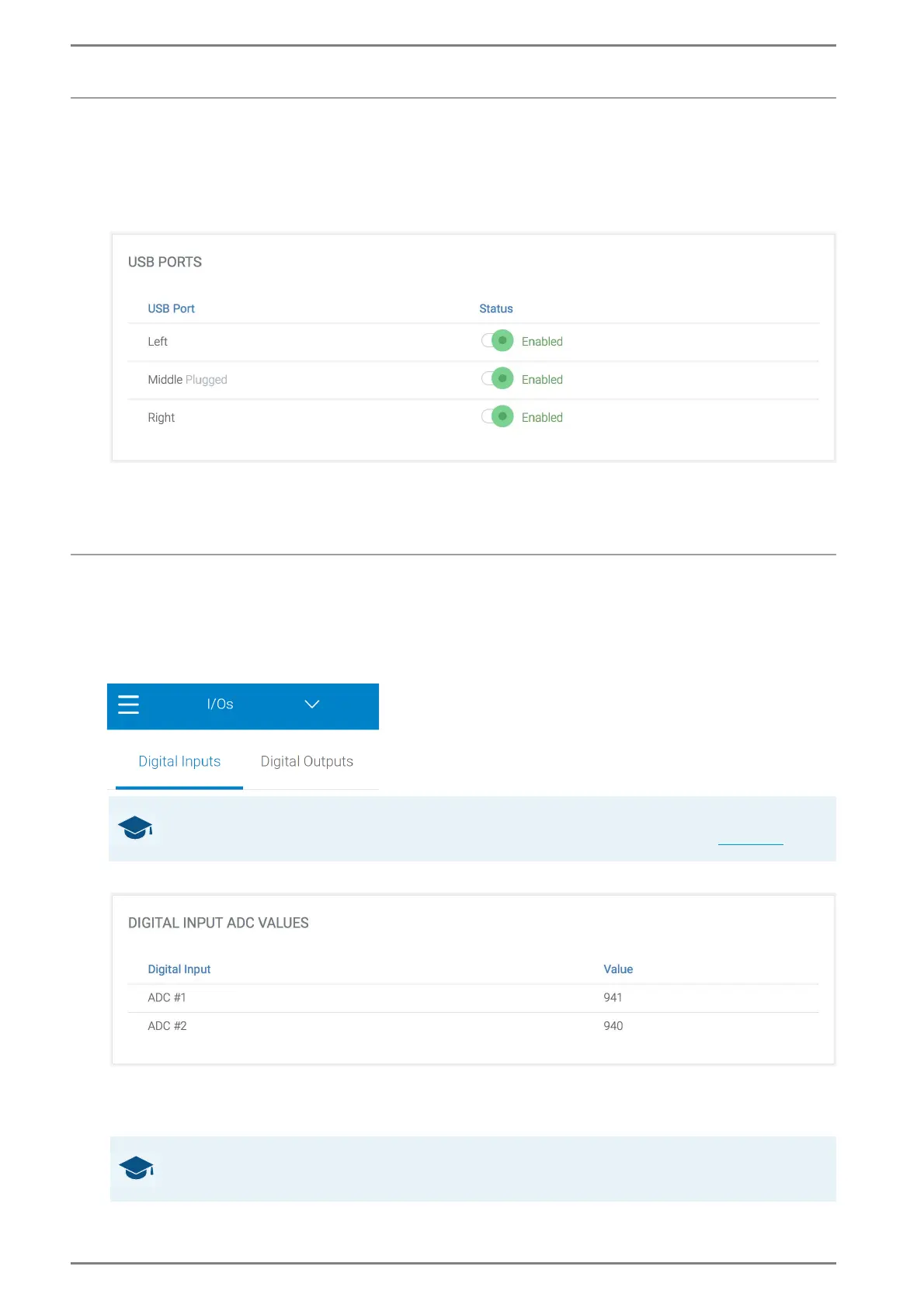
In this section, the 3 USB ports of DUETTO can be managed.
DUETTO > DEVICE > USB
USB Ports
USB Port: Shows if a USB device is plugged in.
Status: Enable or disable the USB port.
Digital inputs configuration
In this section, the settings of the digital inputs of the DUETTO device can be configured
DUETTO > DEVICE > I/OS
Digital Inputs.
Digital Inputs > Digital input ADC values
Digital Input
ADC #1: Shows the state of the analogue-digital converter (ADC) of the digital input 1.
ADC #2: Shows the state of the analogue-digital converter (ADC) of the digital input 2.
GOOD TO KNOW: Connector pin assignment and connection options
A description of the connector pin assignment and connection options can be found on page 9.
GOOD TO KNOW: State of the digital input
The digital input is opened at a very high value and short-circuited at a value close to zero.



 To Next Page