Control Station Duetto Program interface
2.0/0518 95
Switch Intercom/SIP mode
The DUETTO device has an Intercom and a SIP mode. In the respective mode, technology-specific
features are available on the DUETTO device beside general functions (e.g. door opener in Intercom
mode or HTTP requests in SIP mode). It is not possible to use both modes simultaneously.
Open the call app
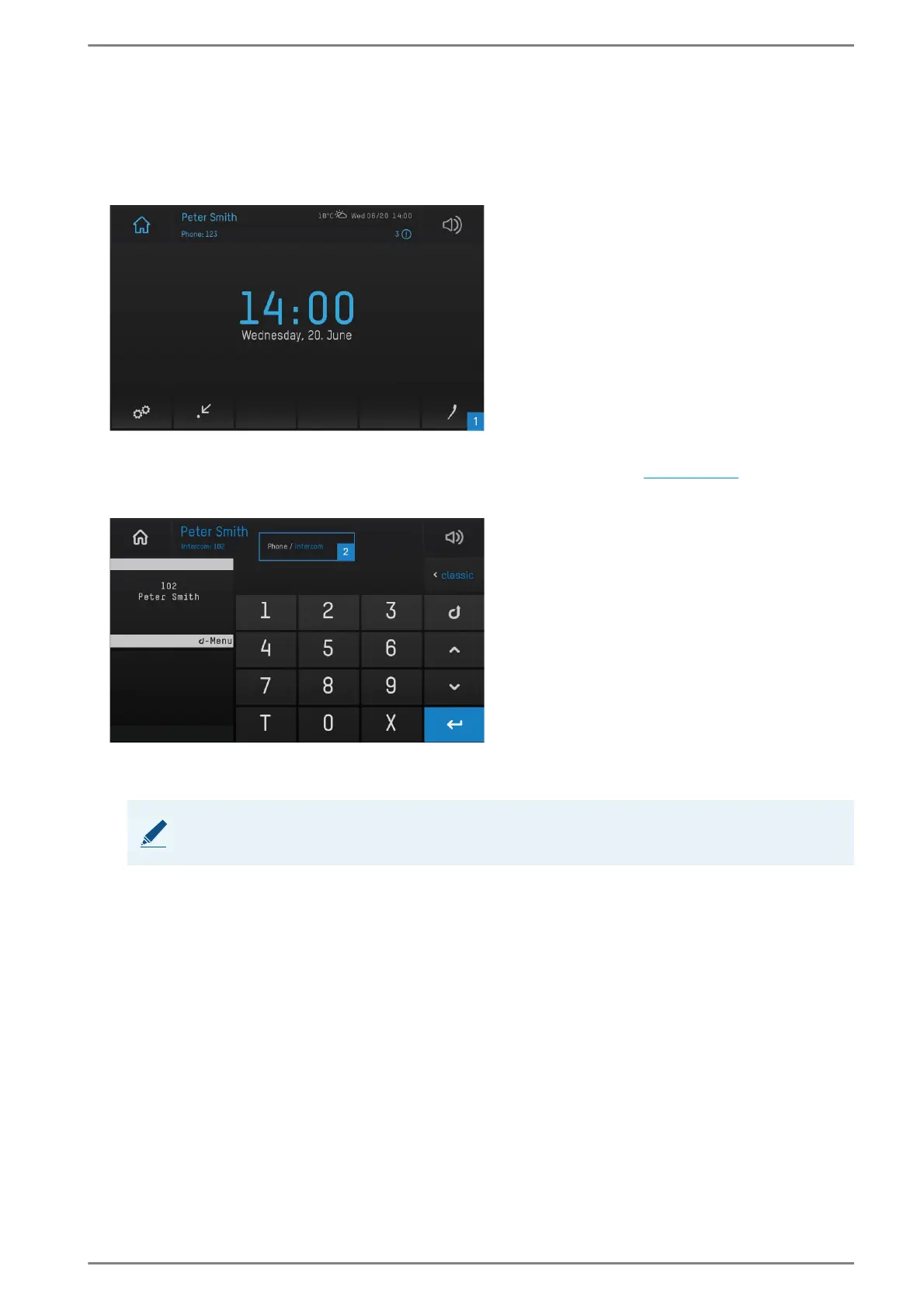
Tap on the handset button 1 in the main menu bar to open the call app (see page 104). The following
screen appears:
Switch between the Intercom and SIP mode
Tap on the button of the desired mode 2 to activate it at the DUETTO device.
NOTE: Selected button is highlighted in blue
The button of the selected mode is highlighted in blue.



 To Next Page