Control Station Duetto Appendix – Examples
2.0/0518 135
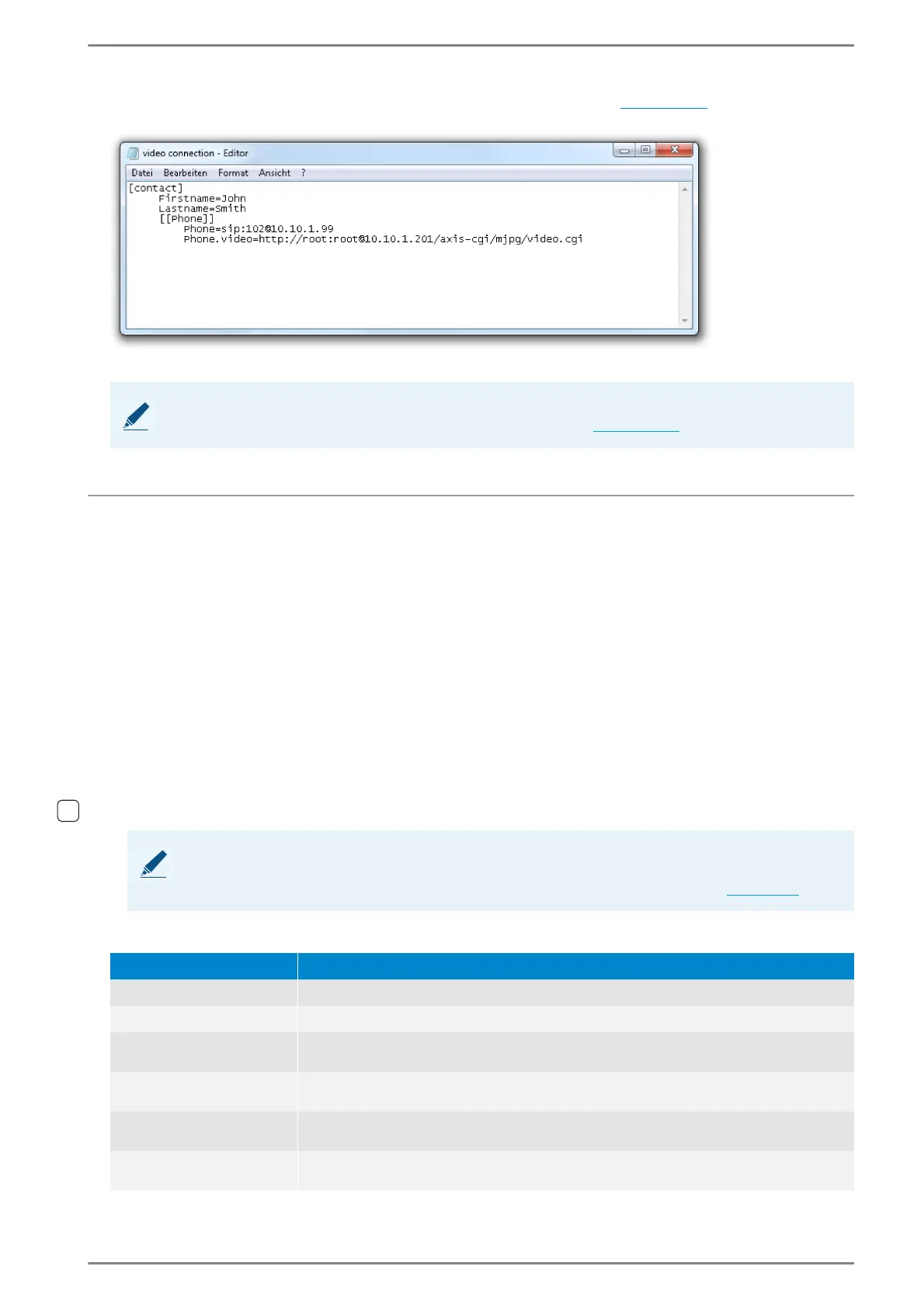
Save this file in RC data format and import it via the web interface (see page 77).
Example: SIP contact with video connection
SIP contact with video connection
Example: Door opener function
In the address book of the DUETTO device, an Intercom or SIP subscriber can be imported as contact
(RC file) via the web interface, for which up to two door opener can be configured.
Create a TXT file on the connected computer and copy the following syntax in this file (Unicode char-
acter encoding “UTF-8” required):
[contact]
Firstname=<First name>
Lastname=<Last name>
[[Phone]]
Phone=ioip:<call number > (only for Intercom contacts)
Phone=sip:<User ID >@<IP address> (only for SIP contacts)
Phone.type=door
Phone.opendoor=<DTMF tone/button or HTTP request> (door opener 1)
Phone.opendoor2=<DTMF tone/button or HTTP request> (door opener 2)
The following parameters have to be entered for Intercom or SIP contacts:
NOTE: Door opener
Up to two door opener can be configured for a single SIP contact (see page 135).
NOTE: Trigger door opener 2
Controlling the door opener 2 is only possible with screens, keypad sidebars and logic rules. For further
information about door opener configuration see the drop-down list Call handling on page 54.
Parameter Description
<First name> -
<Last name> -
<Call number>
(only Intercom)
Call number of the Intercom subscriber.
<User ID>
(only SIP)
User ID of the SIP subscriber.
<IP address>
IP address of the SIP subscriber in serverless operation or IP address of the respec-
tive SIP server in server operation (only for SIP contacts)
<DTMF tone>
(only SIP)
Button (1 – 9) to open the door at an incoming door call. You can also use wild-
cards.



 To Next Page