Appendix – Examples Control Station Duetto
134 2.0/0518
Example: Intercom contact with video connection
Intercom contact with video connection
Add video connection for SIP contacts
In the address book of the DUETTO device, a SIP subscriber can be imported as contact (RC file) via the
web interface, for which a video connection of an external IP camera can be configured.
Create a TXT file on the connected computer and copy the following syntax in this file (Unicode char-
acter encoding “UTF-8” required):
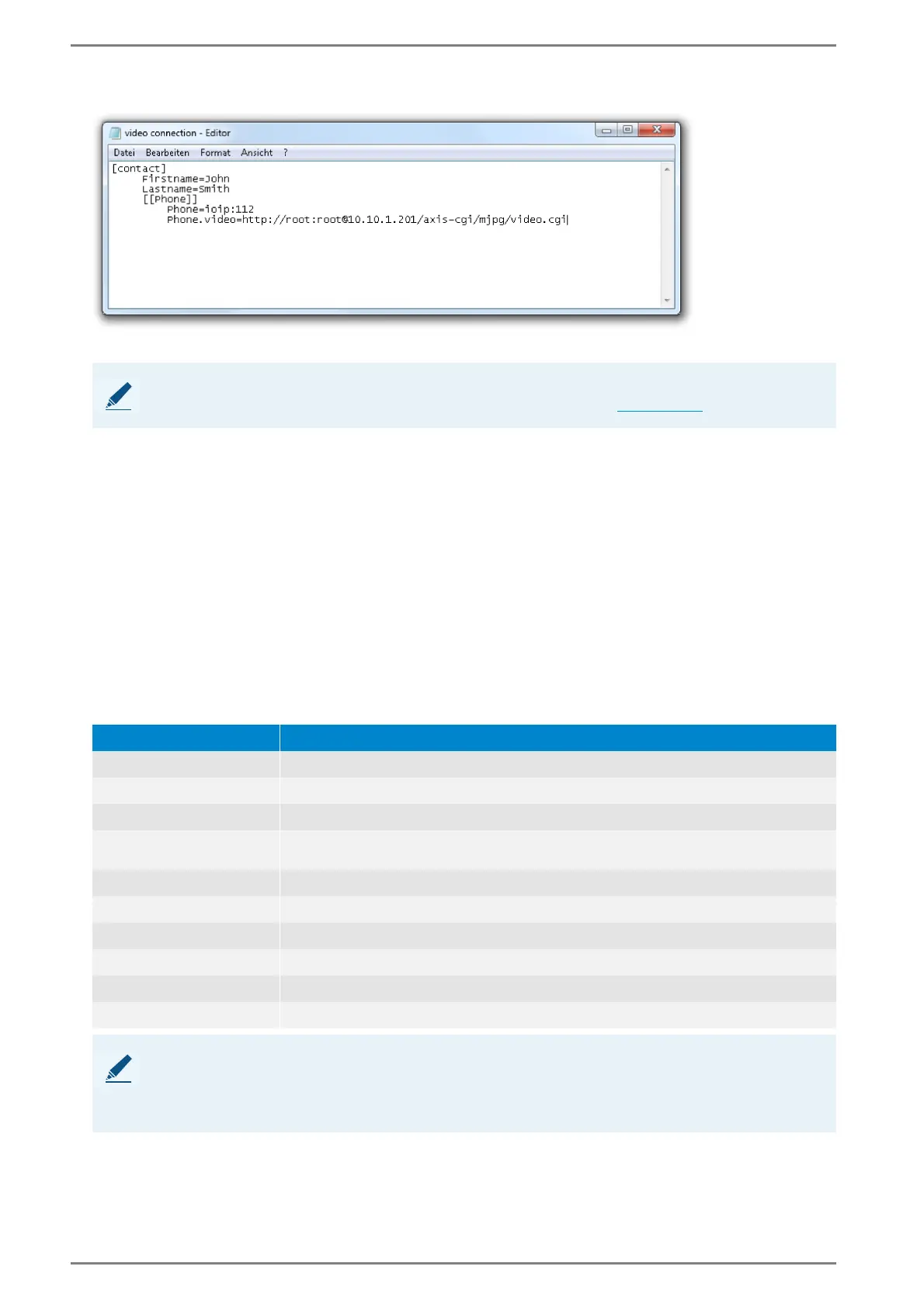
[contact]
Firstname=<First name>
Lastname=<Last name>
[[Phone]]
Phone=sip:<User ID >@<IP address SIP>
Phone.video=<Protocol>://<User name>:<Password>@<IP address>:<Port>/<Video stream URL>
The following parameters have to be entered for SIP contacts:
NOTE: Door opener
Up to two door opener can be configured for a single Intercom contact (see page 135).
Parameter Description
<First name> -
<Last name> -
<User ID> User ID of the SIP subscriber.
<IP address>
IP address of the SIP subscriber in serverless operation or IP address of the respec-
tive SIP server in server operation.
<Protocol> Video transmission protocol (“http” or “rtsp”).
<User name> User name for authentication of the external IP camera (if required).
<Password> Password for authentication of the external IP camera (if required).
<IP address> IP address of the external IP camera.
<Port> Port of the destination IP address (if required).
<Video stream URL> URL via which the video stream of the external camera can be retrieved.
NOTE: Video stream of external IP camera has higher priority
If the video stream of an external IP camera is added to a SIP contact via the parameter “
Phone.video”, the
transmitted video stream of the built-in of the SIP device (if available) will automatically be faded out at the
DUETTO device during a call and the video stream of the external IP camera will be shown instead.



 To Next Page