Control Station Duetto Web interface – System
2.0/0518 81
Maintain the system
DUETTO > SYSTEM > MAINTENANCE
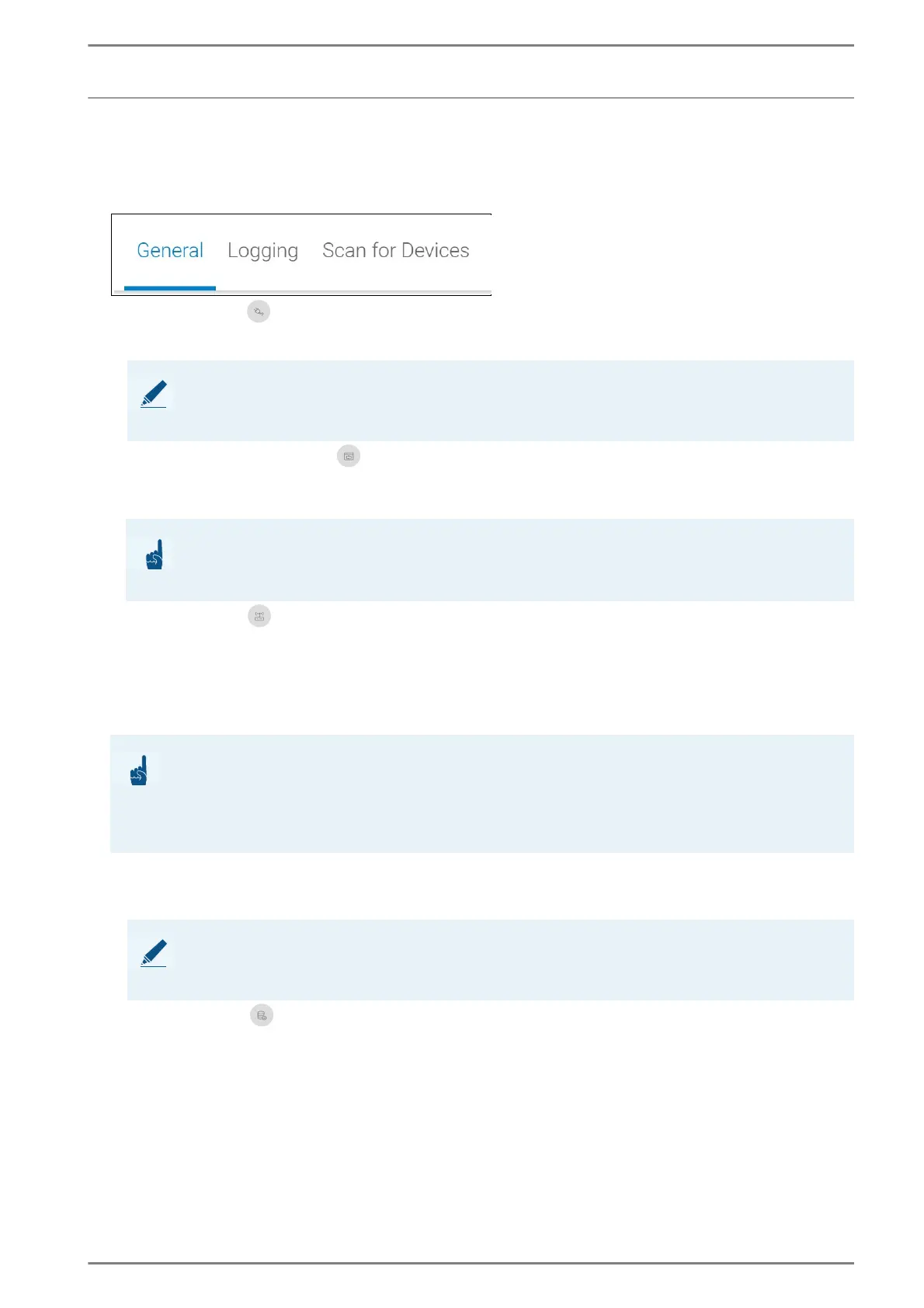
General
Reboot device
Click on the button Reboot device and confirm the appearing note to reboot DUETTO.
Restore factory settings
Click on the button Restore factory settings and confirm the appearing note to restore the default
settings.
Update device
Click on the button Update device to open the update dialogue.
Current firmware version: Shows the currently installed firmware version of DUETTO. Click
on the firmware version to get forwarded to the release notes of the used firmware version.
Clear Settings: Activate this checkbox to reset the device configuration after the update. This
function does not effect any personal data (pictures, ringtones, address book entries).
Click on the button Add file, select the desired firmware file (BIF file), and click on the button
Upgrade. The firmware will be uploaded automatically. Confirm the appearing alert in order to
continue with the installation of the firmware update.
Create backup
Click on the button Create Backup to create a backup of the settings and all personal content (pic-
tures, ringtones, address book entries) of the DUETTO device on the connected computer.
NOTE: Web interface is not available
The web interface is not available as long as DUETTO is restarting. Afterwards, a repeated login is
required.
ATTENTION: Reset to default settings
The entire personal content (pictures, ringtones, address book entries) stored on the device will be
deleted irreversibly! Also, the IP address of the device might be changed!
ATTENTION: Restrictions
When performing a firmware downgrade from firmware version 1.2 or higher to firmware version 1.1
or lower, the checkbox Clear settings has to be activated before the firmware file is selected!
When performing a firmware update from firmware version 1.1 or lower to a firmware version 1.2 or
higher, all stored rules will automatically be deleted!
NOTE: Update can take up to five minutes
The installation of the device firmware can take up to five minutes. Do not refresh the website or cancel
the update process. The update progress will be shown in web interface.



 To Next Page