Web interface – SIP Control Station Duetto
32 2.0/0518
Web interface – SIP
SIP configuration
In this section, the SIP service settings of the DUETTO device can be configured.
DUETTO > SIP
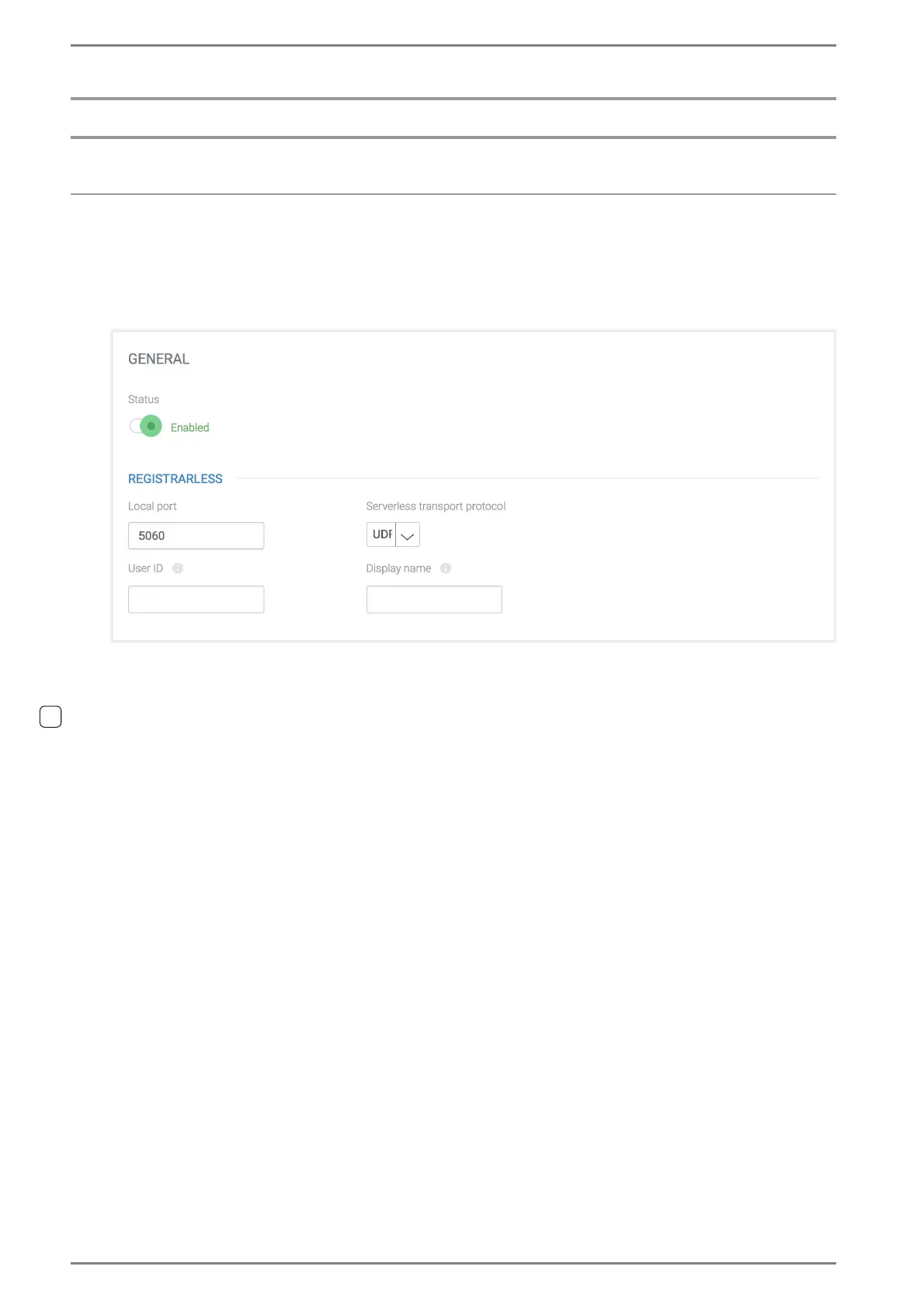
GENERAL
Status: Enable SIP service.
Registrarless
Local port: Change the port on which the SIP User Agent listens. → by default: 5060
Serverless transport protocol: Select UDP or TCP for serverless SIP operation.
User ID: Enter the SIP user ID (typically the phone number). The SIP user ID may also include
a domain if required. (e.g. “
123“ or “123@example.com“).
Display name: Enter the name shown on the display of the connected device during calls. By
default, the host name will be displayed.



 To Next Page