Web interface – System Control Station Duetto
86 2.0/0518
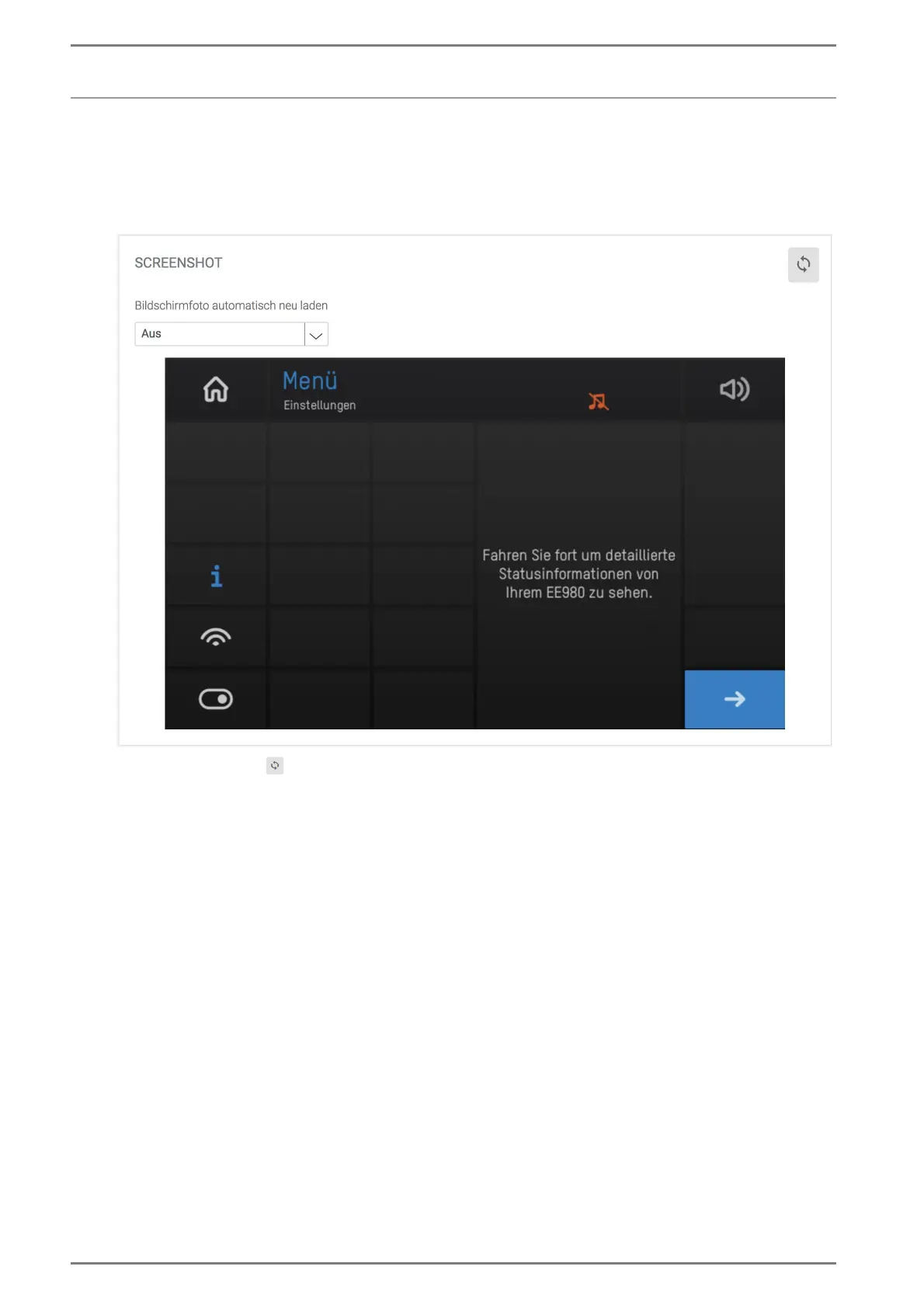
Display screenshot
In this section, the current display of the DUETTO device will be displayed.
DUETTO > SYSTEM > SCREENSHOT
Screenshot
Click on the button to refresh the currently displayed screen.
Automatically reload screenshot: In this drop-down list, the automatic refresh interval of the
screenshot option can be selected (Off = automatic reload is deactivated).
→ By default: Off
Save the screenshot
Right-click on the screenshot and select “save image as” to save the screenshot on the connected
computer.



 To Next Page