Control Station Duetto Web interface – Device
2.0/0518 47
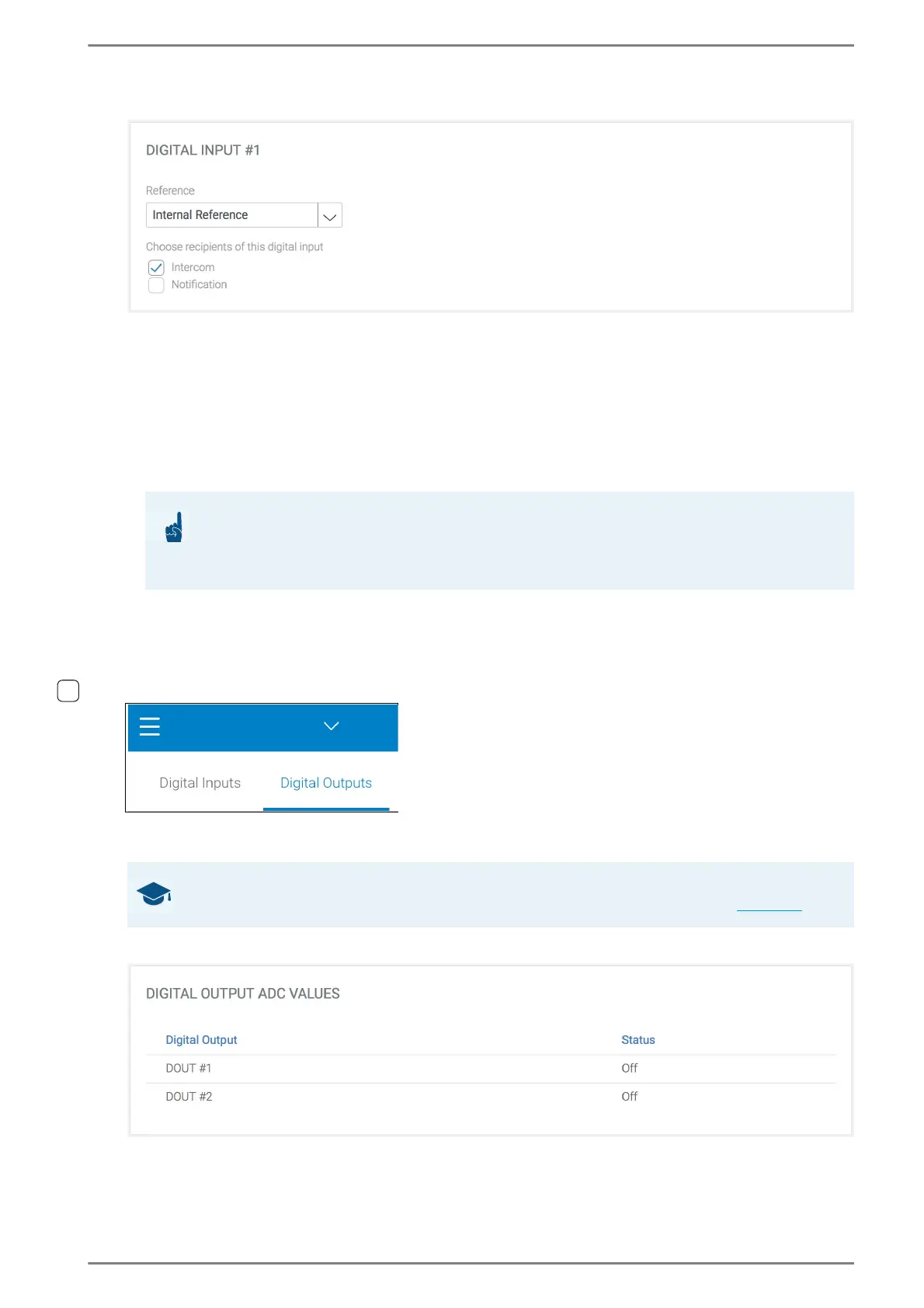
Digital Inputs > Digital input #
Reference
- Off: The digital input is off.
- Internal Reference: The digital input is supplied by DUETTO itself and the digital input can be
used as floating contact (e.g. relay contacts, push buttons, switches).
- External Reference: The digital input is supplied by an external power supply (0 to 24 VDC). In
the drop-down list Reference Voltage (DC), select the desired reference voltage.
Choose recipients of this digital input: Activate this checkbox to select a recipient of the
digital input. The following recipients are available:
- Intercom: The status of the digital input is forwarded to the Intercom Server.
- Notification: Whenever the input state of the digital input changes, a notification appears
on the display and the status LED flashes white.
➥ Click on the button Save to save the settings.
Digital Outputs
In this section, the settings of the digital outputs of the DUETTO device and the optional relay out-
put can be configured.
Digital Outputs > Digital Output ADC values
DOUT #1: Shows the status of digital output 1.
DOUT #2: Shows the status of digital output 2.
ATTENTION: Inputs have to be activated in CCT 800
The respective input of DUETTO has to be activated in CCT 800 (Subscriber > Station Properties
> EE 980/bctone > tab Inputs)! Further information about input configuration in CCT 800 can be
found in the manual “Intercom Server Configuration”!
GOOD TO KNOW: Connector pin assignment and connection options
A description of the connector pin assignment and connection options can be found on page 9.



 To Next Page