Web interface – Device Control Station Duetto
48 2.0/0518
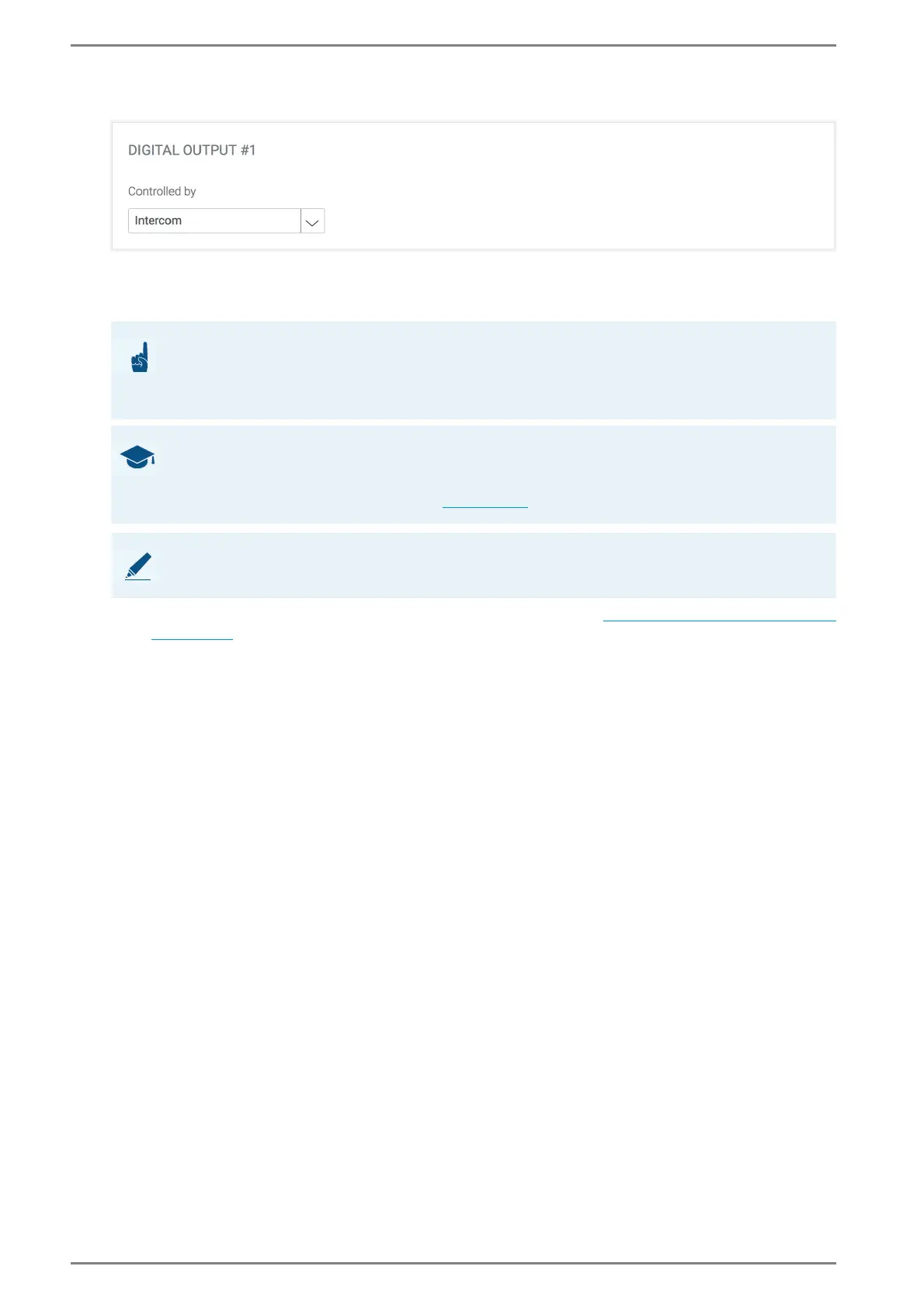
Digital Outputs > Digital Output #
Controlled by: In this drop-down list, the mode to control the digital outputs of DUETTO can be
selected. The following modes are available:
Intercom: The digital output is controlled with ICX commands.
Logic Rules: The digital output is controlled with logic rules (see “Logic rules configuration”
on page 68)
ATTENTION: Outputs have to be activated in CCT 800
The respective output of the DUETTO device has to be activated in CCT 800 at Subscriber > Station
Properties > EE 980/bctone > tab Outputs! Further information about output configuration in CCT
800 can be found in the manual “Intercom Server Configuration”!
GOOD TO KNOW: Control digital outputs in the classic Intercom mode
Required Intercom Server firmware version: PRO 800 6.0 or higher
Required CCT 800 version: CCT 800 6.0 or higher. The digital outputs can only be controlled in the
classic Intercom user mode on the device (see page 126
).
NOTE: Further information
For further information about the configuration of ICX commands, see manual “ICX Protocol”.



 To Next Page